
How-to guide
Write Knowledge that Mello answers well
Write policies so Mello finds the right passage, answers with the right figure, cites it and knows when to bring in HR.
For HR administrators and Knowledge verifiers
Have your agent do thisPaste the prompt into Claude Code, Cursor or another agent. It follows this guide over MCP and asks before it changes anything others will see.Show the promptHide the prompt
Help me with "Write Knowledge that Mello answers well" in my Shuffl workspace.

1. Read the guide: https://shuffl.ai/docs/markdown/write-knowledge
2. Add Shuffl's MCP server: https://shuffl.ai/api/mcp
   Claude Code: claude mcp add --transport http shuffl https://shuffl.ai/api/mcp
   When the browser opens, choose my workspace and allow the access the guide needs.
3. Work through the steps in order: Start with the questions people ask; Test it the way employees ask. Do what you can over MCP and tell me which steps only I can do in the browser or in Slack.

Show me what you will change and who it affects, and wait for my yes before publishing, inviting or sending anything.
On this page
App links open your signed-in workspace. Check the selected workspace before making changes.
Start with the questions people ask
- Write down the ten questions people ask HR most, in their words, such as “how many days off do I get?”.
- For most teams that covers paid time off, sick leave, holidays, parental leave, expenses, remote work and benefits.
- Open Knowledge. While common policies are missing, the library says You’re missing and lists them, each with Use template or Upload yours.
- It checks titles only, so name each source after its topic, like Paid time off.
- Publish each one to Everyone in this workspace unless only some people should read it. Mello never answers employees from a source only HR admins can read.
- Once people are asking, Knowledge → Insights counts Missing guidance, answers where Mello found nothing to cite. Requests → Insights shows which HR request categories need an article.
Mello answers policy questions only from Knowledge you published, and cites the source. Start with the questions HR hears most.
One topic per source, with headings
For each question, Mello searches your published sources with a few keywords, at most three times, and reads the passages it finds. A passage is a few paragraphs, up to about 1,600 characters. Mello can open the passages either side to read the exceptions.
Every passage is stored with the source title, the nearest heading above it and the effective date, so it still makes sense out of context.
So keep one topic per source: Paid time off, Sick leave and Expenses as three sources, not one Benefits and leave page. Each then has its own audience and dates.
Use headings people would look for, such as How to request time off and Who approves it. In the editor, the Heading button starts a line with ##. Keep a source under 30,000 characters.
Imported files are split into one draft per section. A PDF splits by its bookmarks, or its largest heading size.
A Word file splits by its Heading 1, 2 and 3 styles, so use those rather than bold text. Short sections join a neighbour, and each counts as a document, so drop cover pages and contents lists.
Write the answer, with numbers and dates
Mello answers from what a passage says and nothing more. It doesn’t add an approval step, notice period or contact the source doesn’t state, and never makes up a figure.
Put the answer first, as a number with its unit: 25 days of paid time off a year, or your manager approves anything over £250. Say who it applies to and from when.
Write the steps in order: where to ask, how far ahead and who approves. Put any link or email address people need in the text; Mello copies it exactly and never invents an HR contact.
Use the words employees use, such as vacation alongside paid time off. Mello searches with the words of the question.
Keep one version of each rule. When two sources disagree, Mello points out the conflict instead of choosing. Withdraw the old source when you publish its replacement.
Templates and Write with Mello mark every fact your company must supply as a [bracketed placeholder]. Mello writes a placeholder instead of guessing a number.
Leave out names and details of anyone’s case. Everyone in a source’s audience can read all of it.
Variants by country, team or role
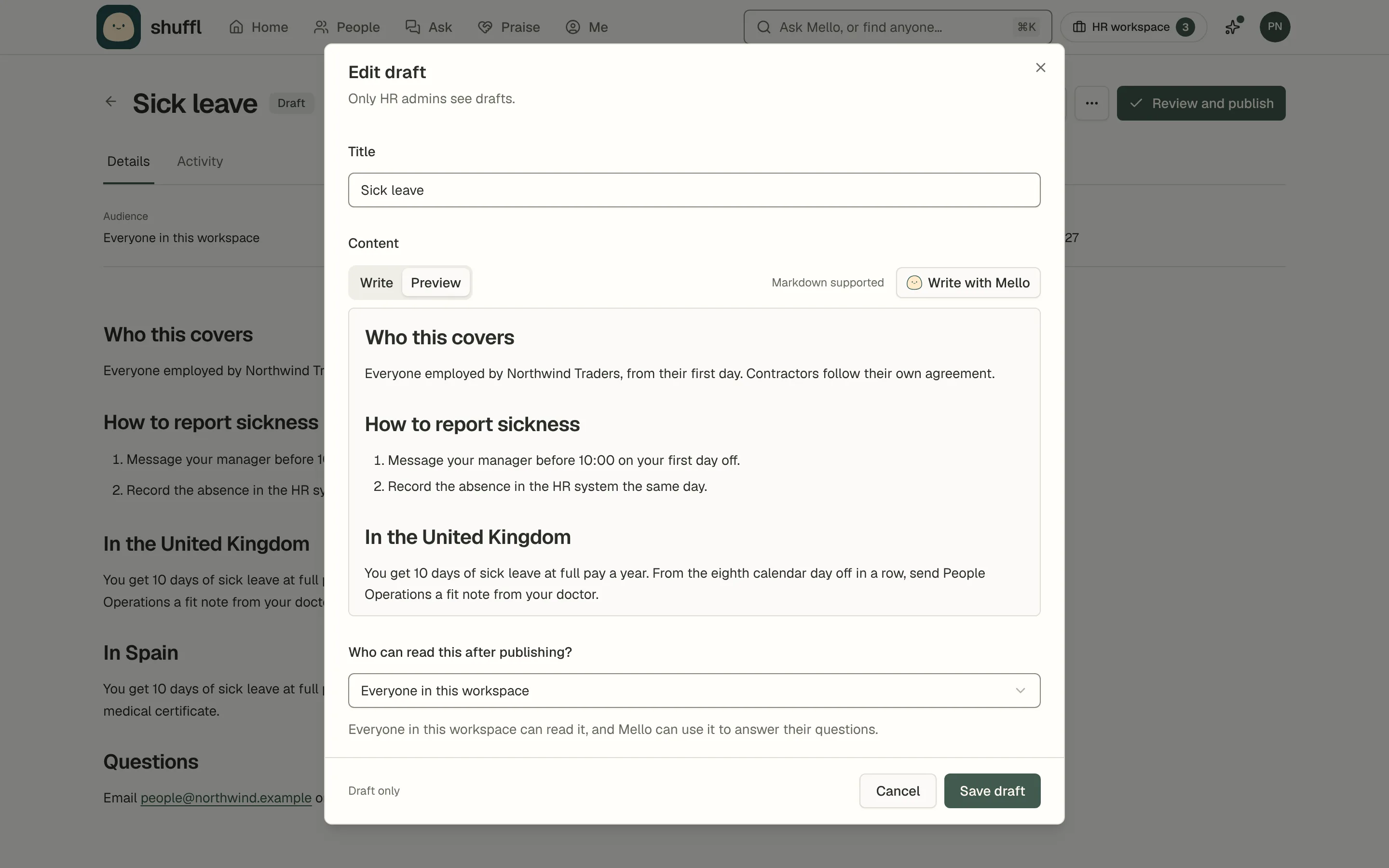
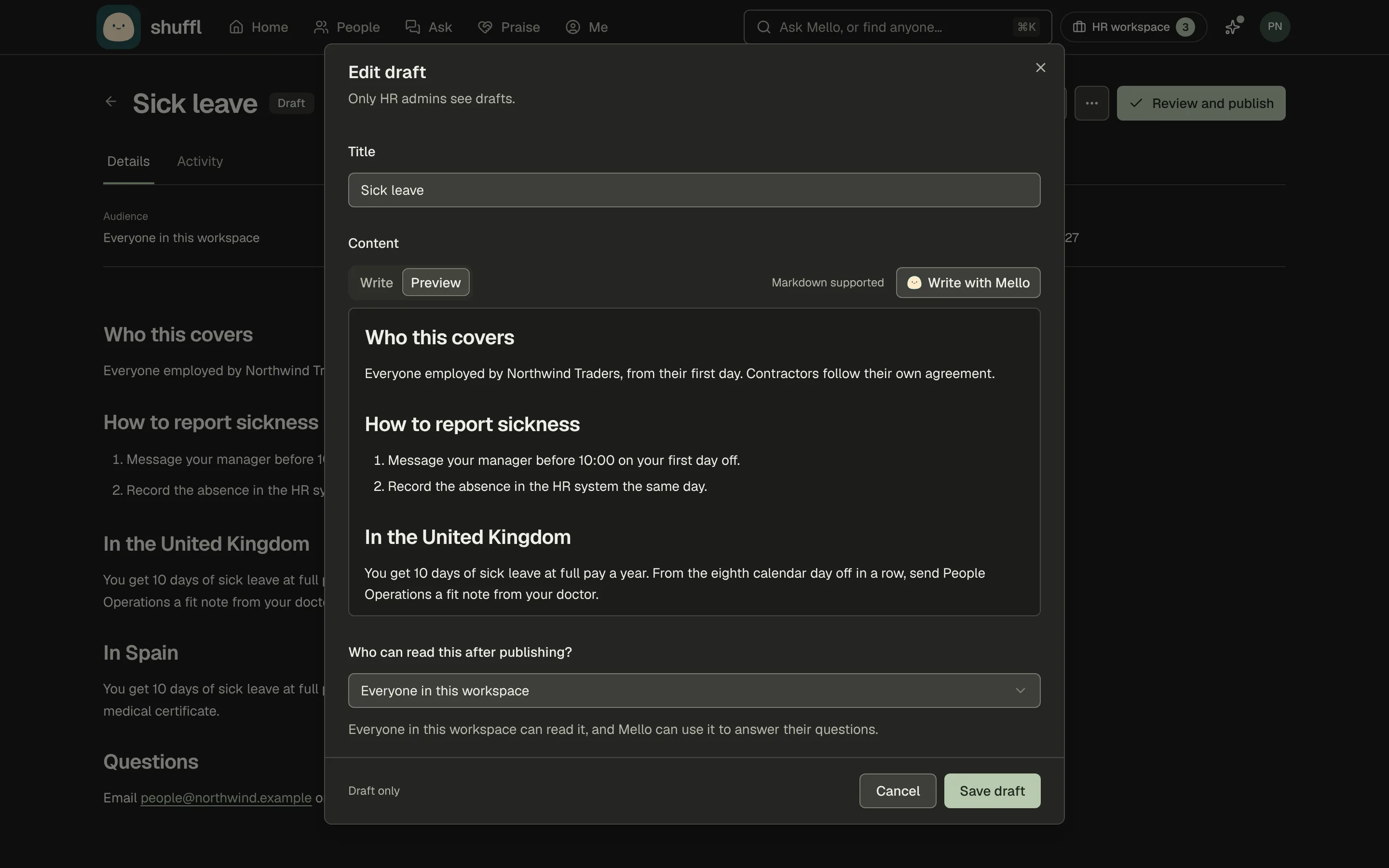
When a policy differs by country, employment type or length of service, write one source with a heading for each case, such as In the United Kingdom.
Mello reads the asker’s record in People, answers only the case that applies and says which. When the record doesn’t say, it asks first, so keep employment type and location filled in.
Use an audience when some people must not read a source at all, such as a guide for managers. A reader must belong to one of the departments or groups you tick and hold one of the roles you tick (Managers or Individual contributors).
To give each country its own source, make a group per country with a Location rule. A subsidiary that needs separate HR content can have its own workspace.
In a shared Slack channel, Mello answers only from sources published to everyone and doesn’t use anyone’s People record.
Policies on an intranet page
Add source → Add a website page imports one page as a draft. It needs a permanent public HTTPS address with no query string or # part, under 512 KB. Pick the page that holds the policy itself, not a menu of links.
For a page behind a sign-in, pick its Access method: Bearer token, API key or Username & password (HTTP Basic only, not a login form). Cloudflare Access takes a Client ID and Client secret from a service token IT creates.
Use a dedicated read-only account. Credentials are encrypted and used only for that website.
Browser sign-in / SSO can’t sign in through Google, Microsoft or Okta yet. Use the site’s knowledge connector, such as Confluence or SharePoint, or ask IT for read-only service access.
When the page changes, the source shows Changes need review and the older text stops being used until you publish the new one.
Test it the way employees ask
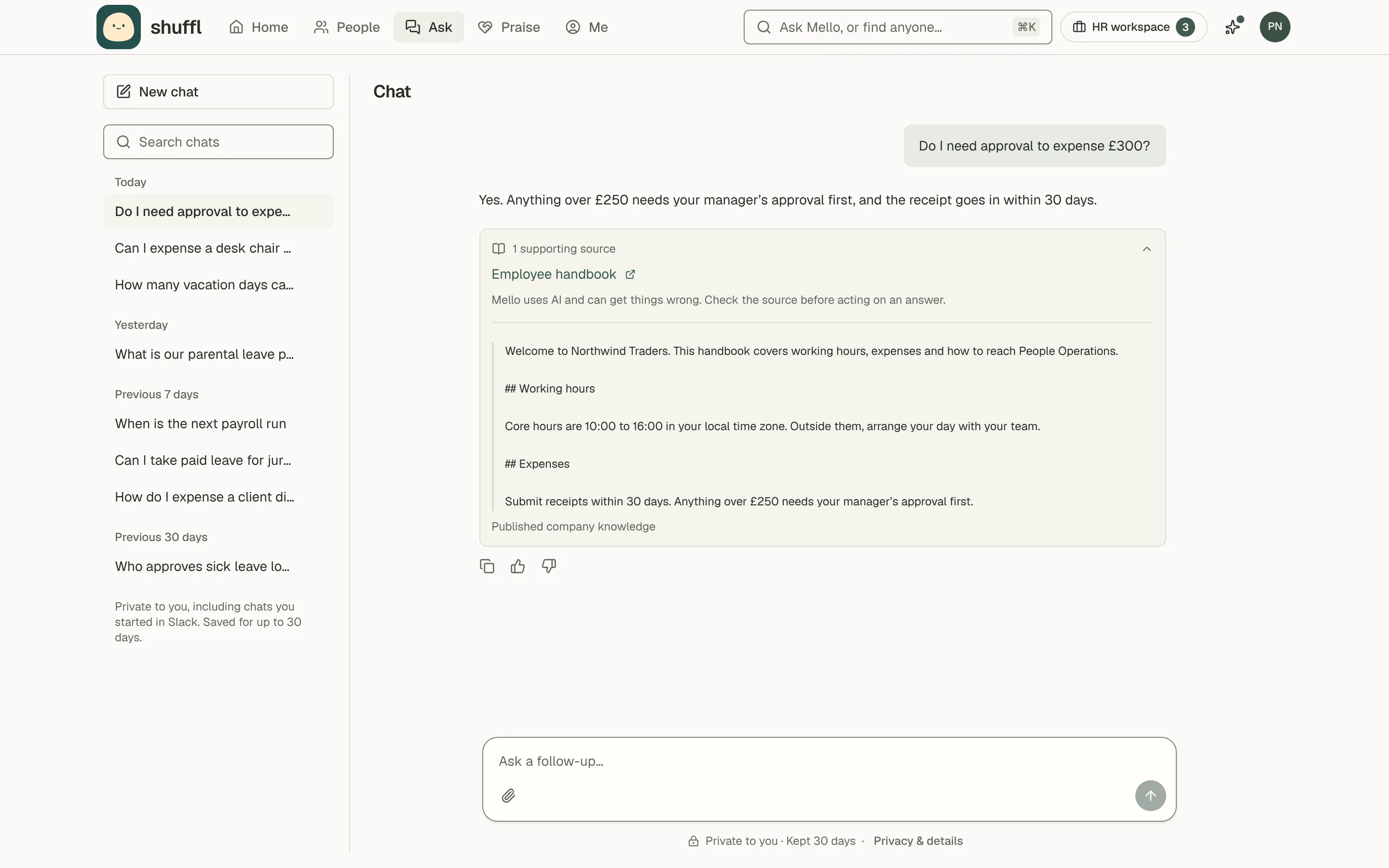
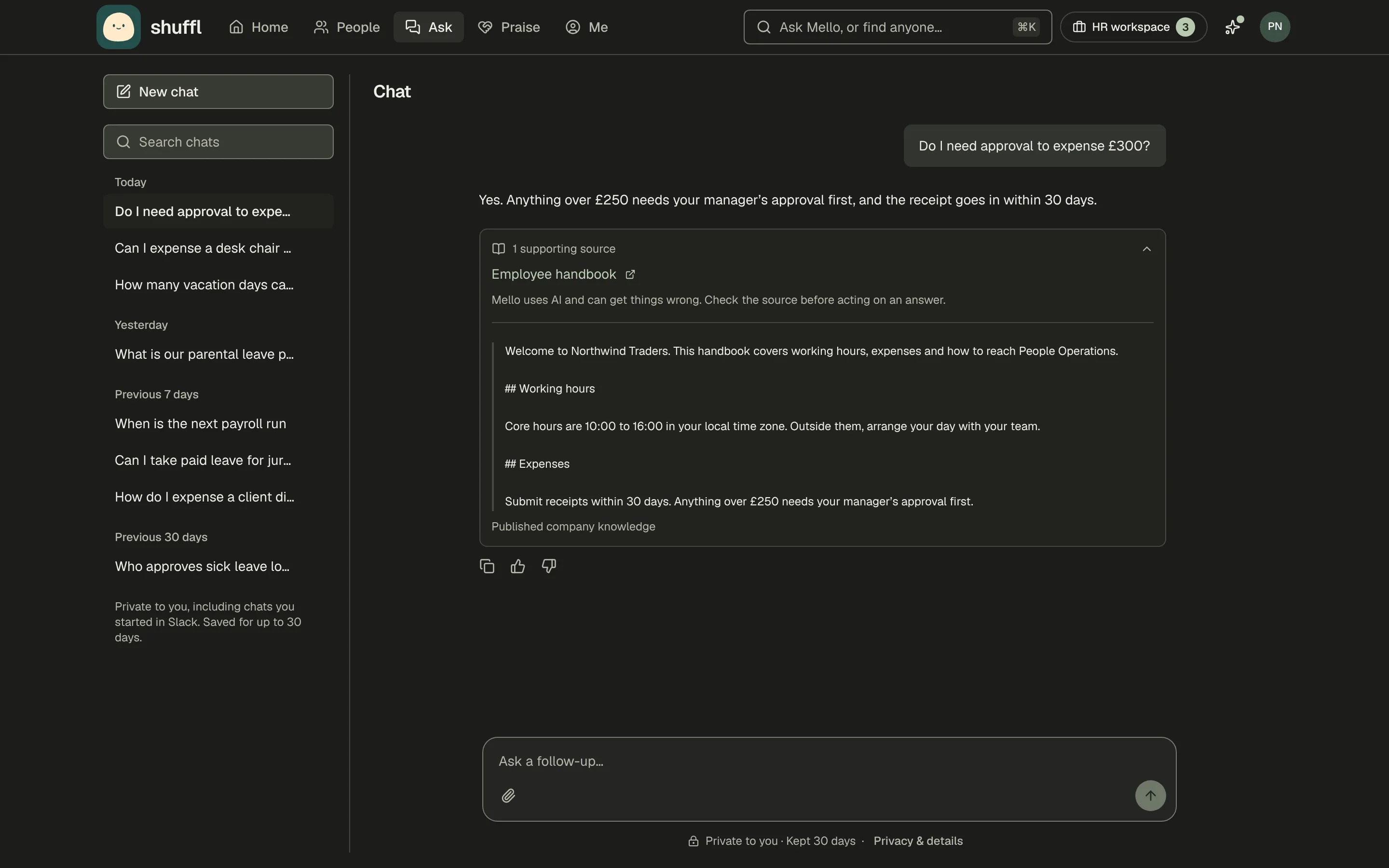
- Ask each question on your list in Chat, in the words employees use, and a few in a direct message to Shuffl in Slack.
- Open the supporting sources under each answer. The excerpt is the text Mello relied on.
- Check the figure, the date and that it is the right case for the person asking.
- Nothing found usually means the source isn’t published to that person or uses different words.
- The wrong source usually means two sources overlap. An incomplete answer means the detail isn’t written down.
- Fix the source with Edit draft, then Review and publish. Employees keep the last published version until you do.
- Ask again until the answer is right. Administrators can read sources employees can’t, so check who can read the cited source.
- After launch, check Knowledge → Insights weekly. Questions to test Mello on lists questions behind Bad answer ratings and unanswered ones.
- Fix the source, then choose Dismiss, or Copy as case to keep it as an evaluation case.
Keep it current
Every source has an Effective date and a Review by date, in UTC, and Mello uses it between the two. A new source is set to review 180 days ahead; change that to when the policy really needs checking.
Review due soon shows 14 days before the date. Once it passes, the source shows Needs review and nobody can use it until someone publishes it with new dates.
To announce a change ahead of time, publish the new rules as a separate source with a future effective date (Scheduled). Set the current source’s Review by to that day.
A future date on a new version would take the whole source out of answers until then.
A connected source is used only while its last check is under an hour old, and older text stops being used as soon as a change is found.
A workspace holds up to 1,000 active documents, counting each section of a split file. Scanned pages are read with text recognition, up to 200 pages per file, so a PDF with a text layer imports better. Password-protected PDFs cannot be read.
When Mello should hand off to HR
Some questions need a person whatever you publish. When a message raises harassment or discrimination, a medical, legal or safety matter, or resignation, Mello answers any policy part. It then prepares a private message to HR for the person to review and send.
Mello also offers HR when nothing published covers a question, or for what it can’t do: approve leave, change pay or book time off. HR receives only the message the person sends, never the chat.
So publish the policy for these topics, such as Raising a concern, and say how to reach a person. When Mello suggests an article from an HR reply, it leaves out names, medical facts, salaries and one-off exceptions, and a verifier approves the wording.
In Requests settings, turn on Only named people can open these requests for sensitive categories such as Employee relations, and tick who can.