One Shuffl for HR, with Groups and playbooks
HR now works in the same Shuffl as everyone else. Groups keep themselves current, and playbooks cover every move from a new manager to a last day.
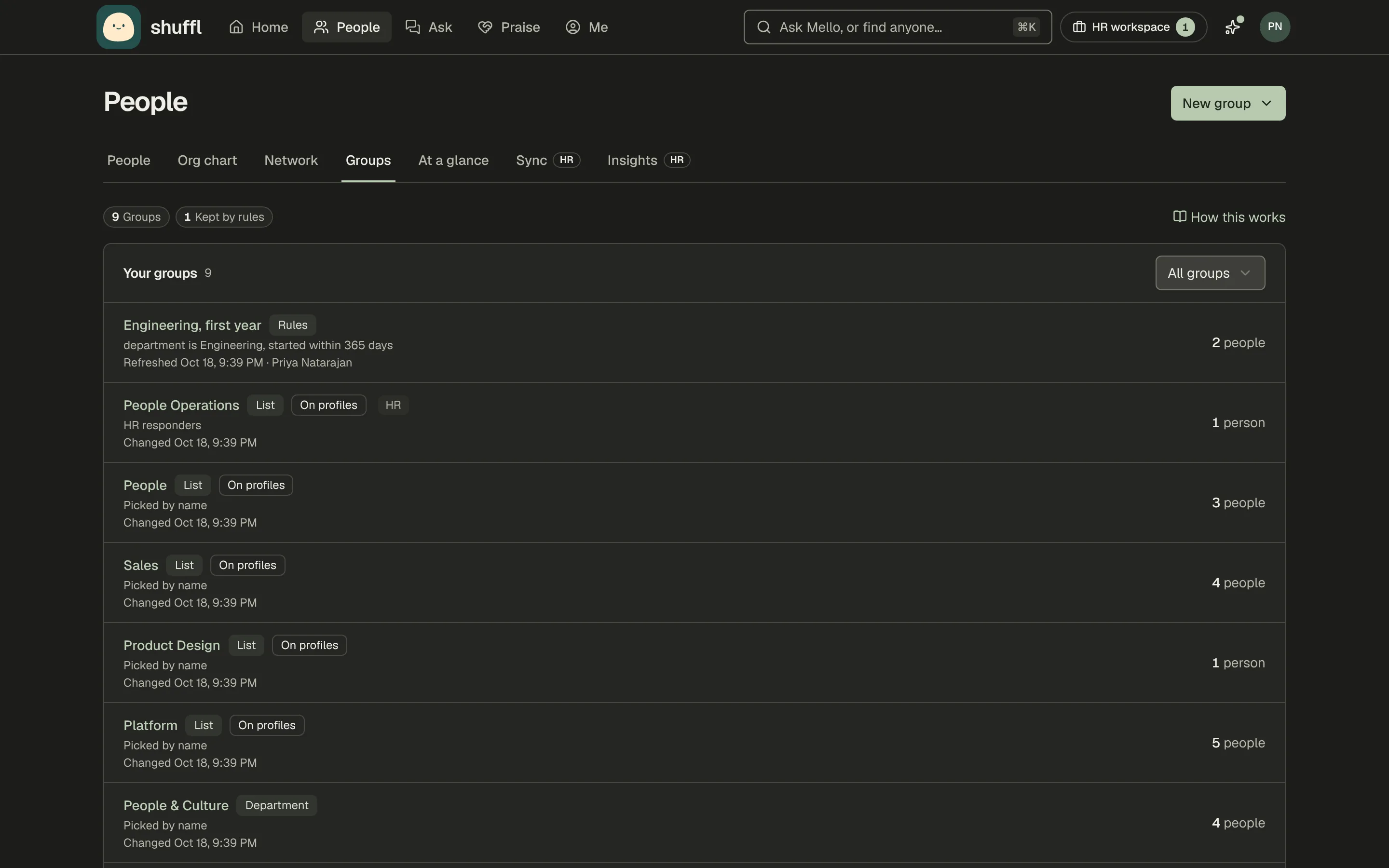
- Groups that keep themselves up to dateGroupsEngineering, first yearMei Lin ZhouJoinedDiego RamírezJoinedStarted within 365 daysRules
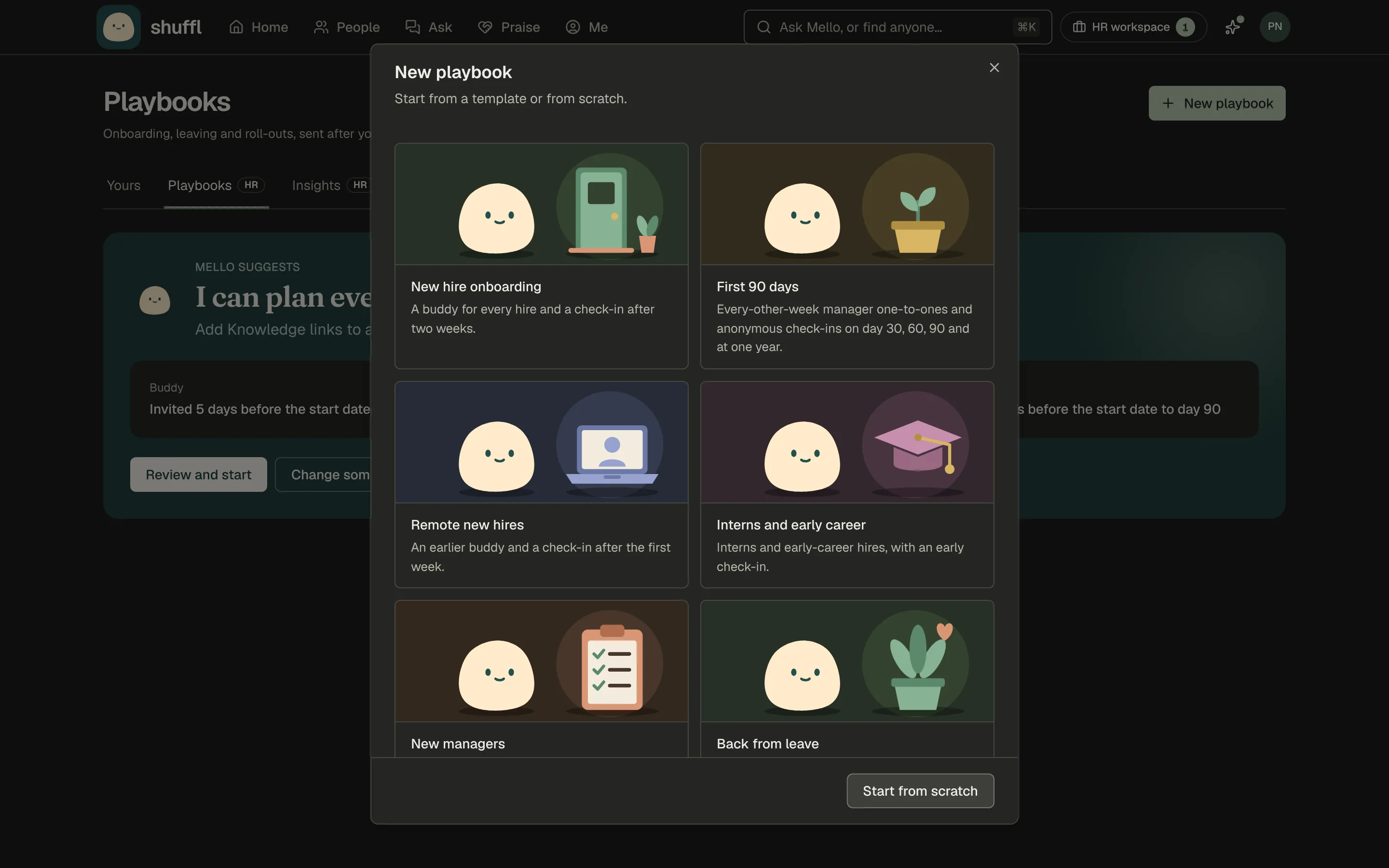
- Playbooks for new managers, returns and leaversNew managersDay 0Week 1Day 30Check-in
- Policies Mello drafts, with sourcesPoliciesPaid time off25 days paid time off a yearSave draft
- See how culture is doing, and what to do nextCultureSales and Engineering haven’t met in 90 days.Start cross-team coffee
- One Shuffl for HR and everyone elseFor HRNeeds youCulturePulse
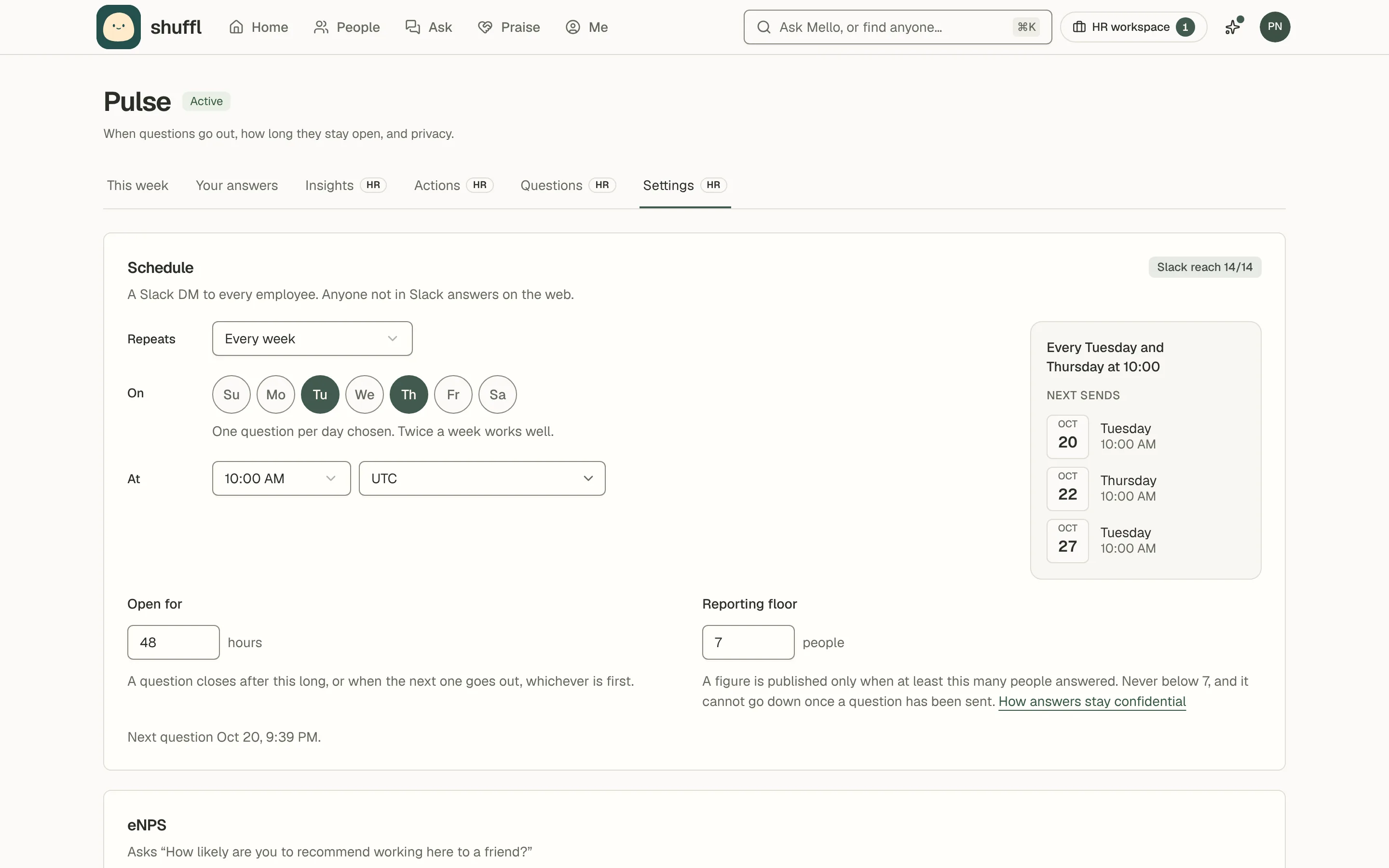
- Pulse on the days you choosePulseEvery 2 weeksTuTh

Groups that keep themselves up to date
A group is a list of people you pick, or rules like “Engineering, started this year” that keep it up to date as people join, move and leave. Pulse questions, playbooks, Connections and messages can go to a group instead of everyone. A group can also act on its own: welcome each new member, or start a playbook when someone joins. Teams are groups too, and Slack user groups and synced groups from your HR system arrive ready to use.
Read the Groups guide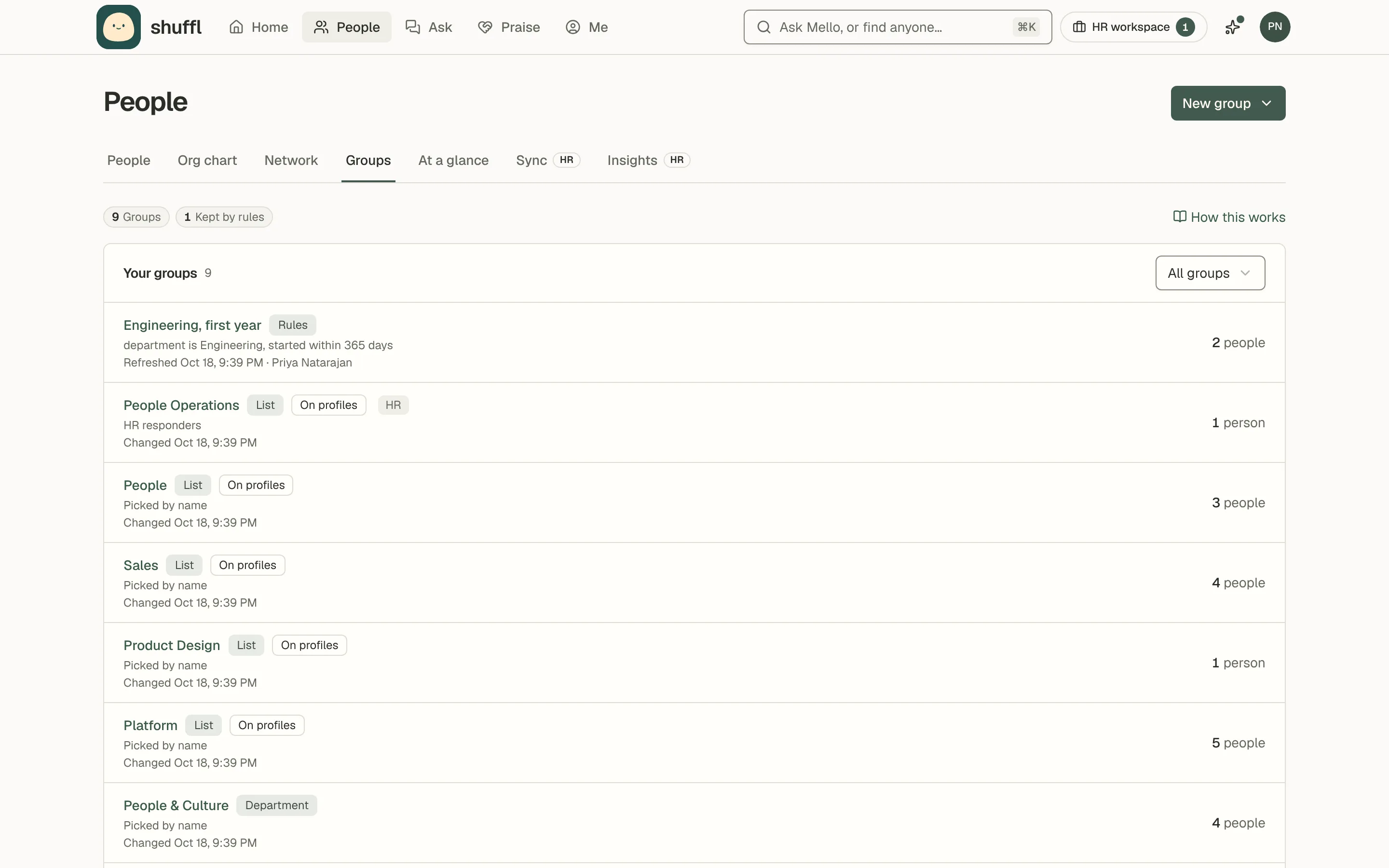
Playbooks for new managers, returns and leavers
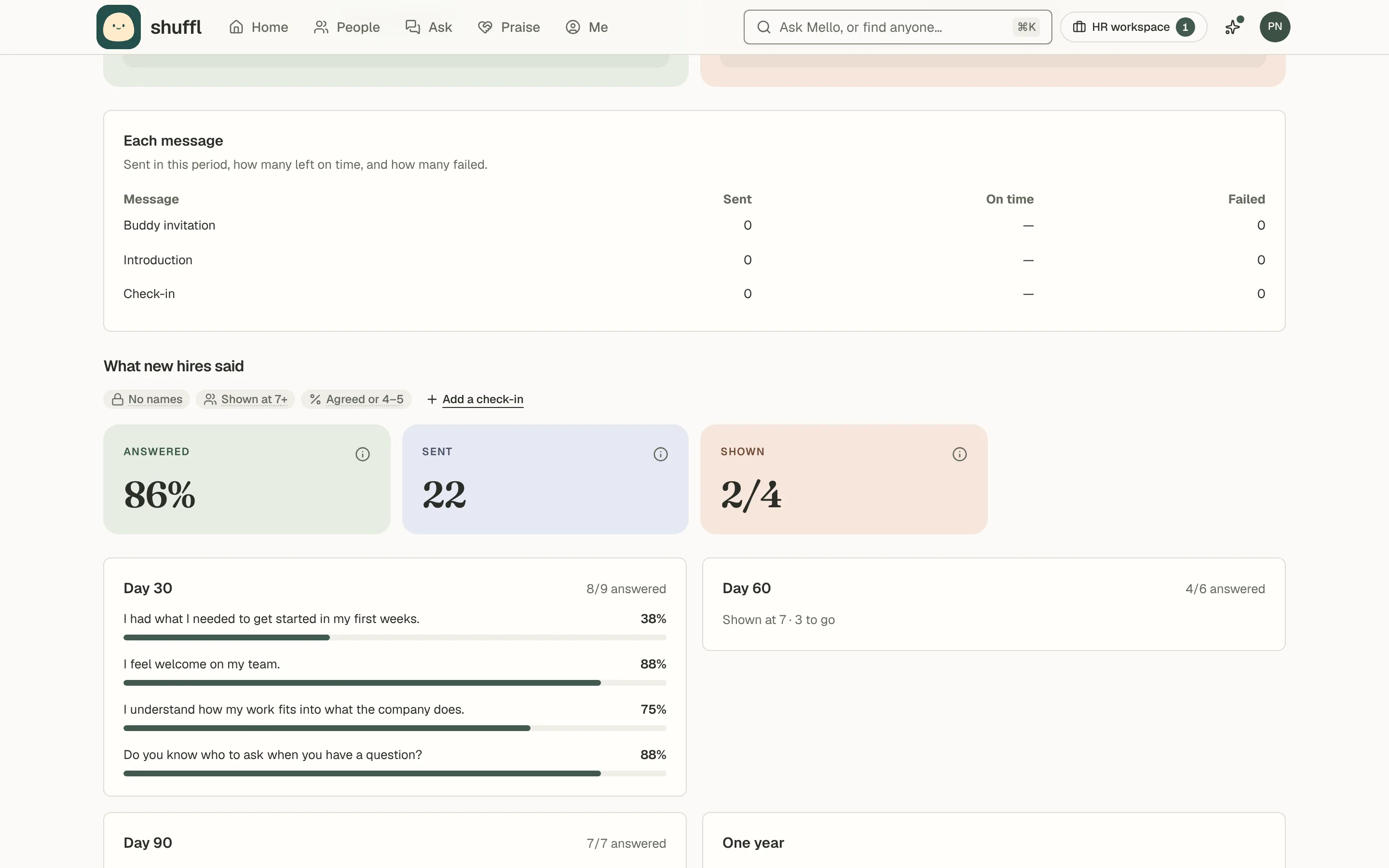
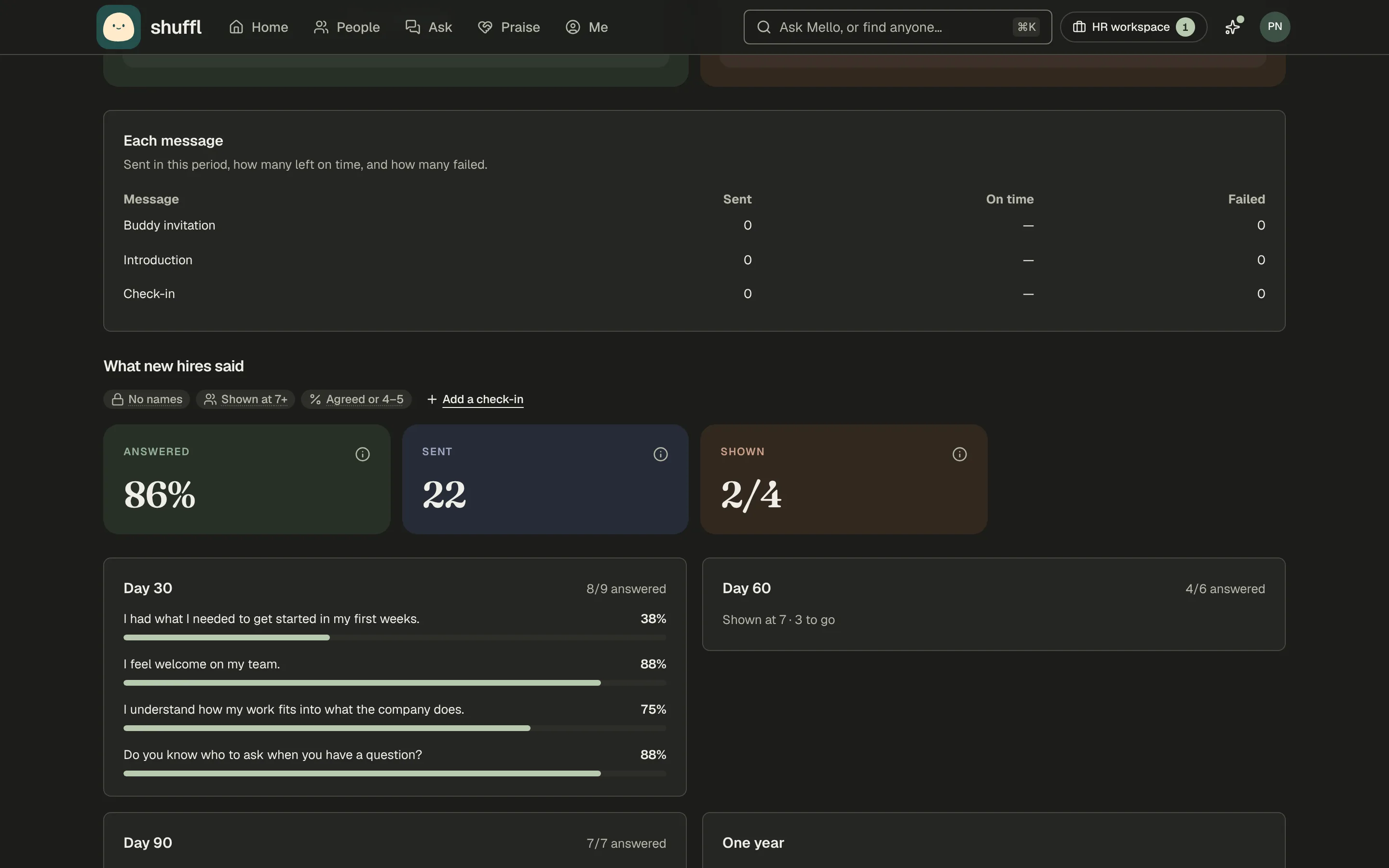
Onboarding is now one kind of playbook. Templates cover new managers, people back from leave, team moves, policy roll-outs, intern cohorts and leavers, each counting from the right day. Add check-ins with your own questions on any day, and choose what someone who joins late gets from the steps they missed. A leaving playbook counts from a last day you set in People, and stays between HR and the manager until you say it’s been announced.
Read the Playbooks guide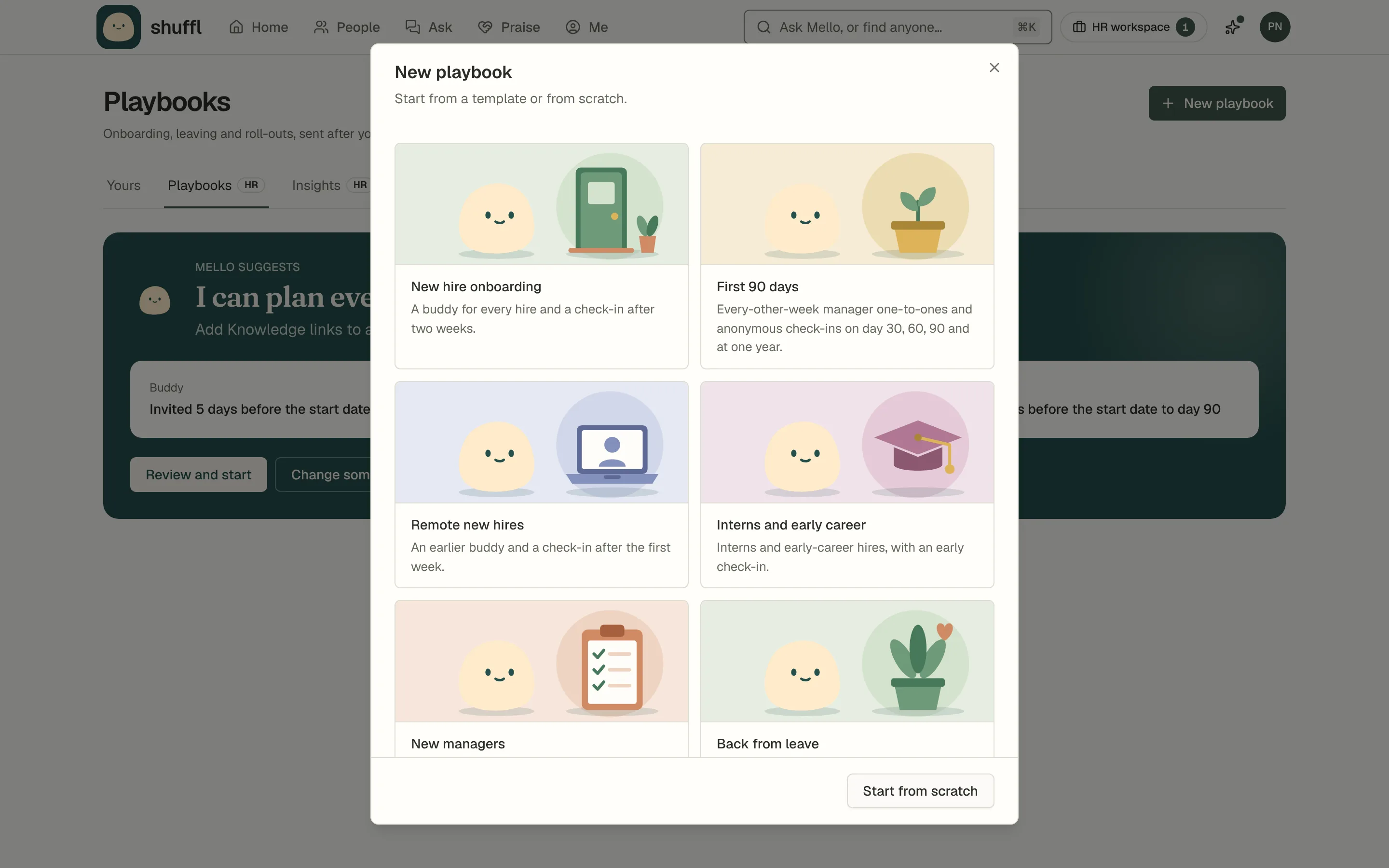
Policies Mello drafts, with sources
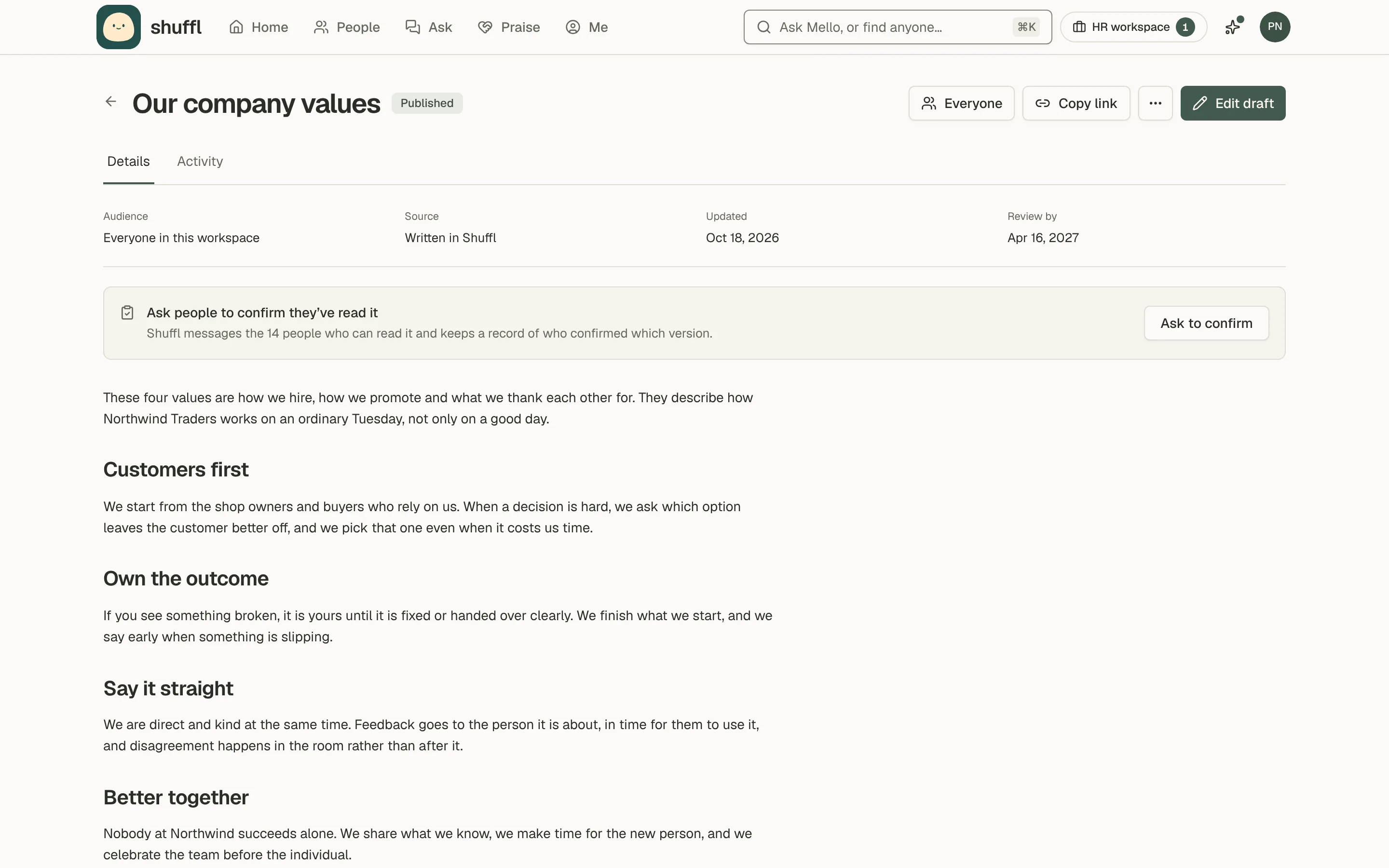
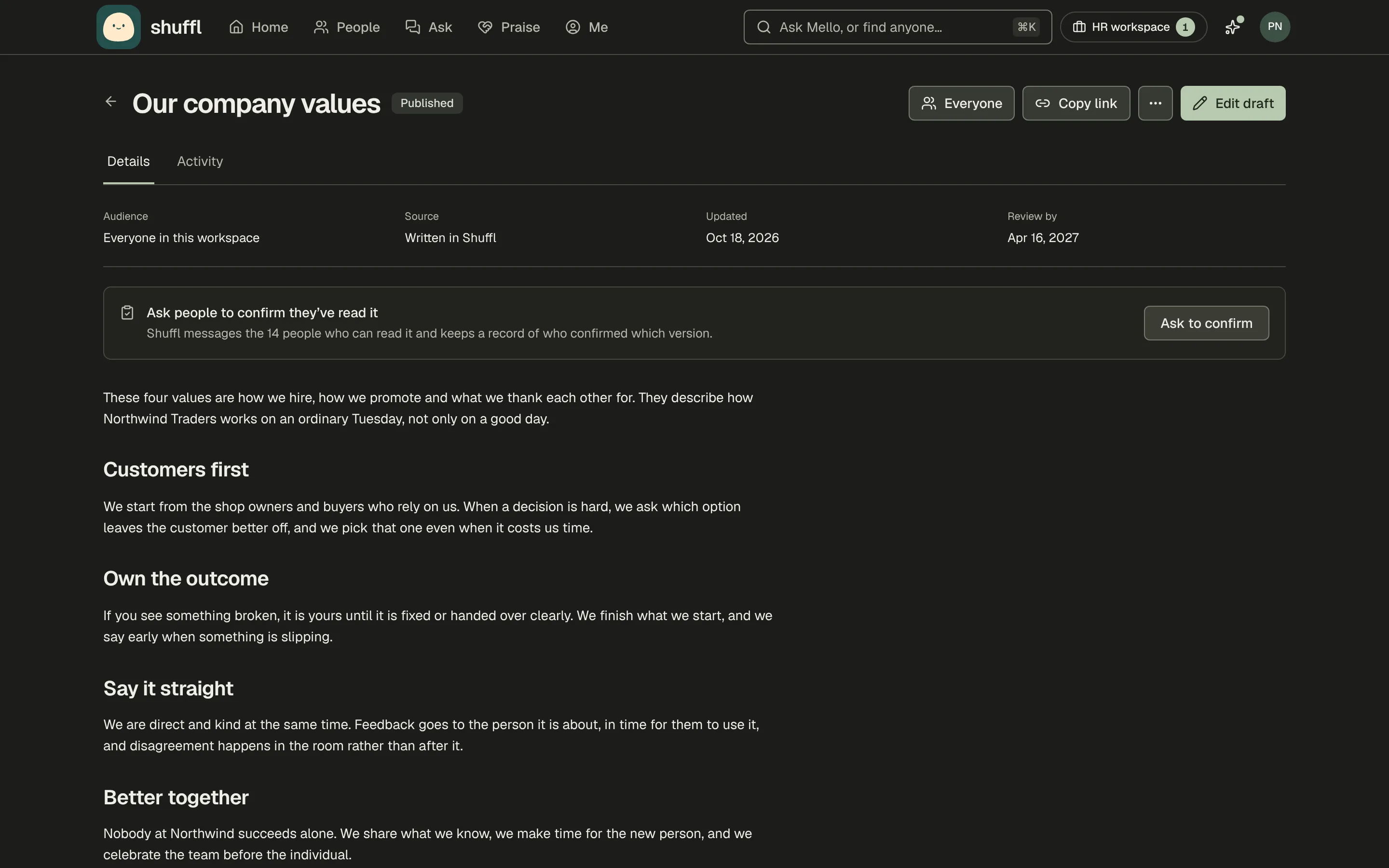
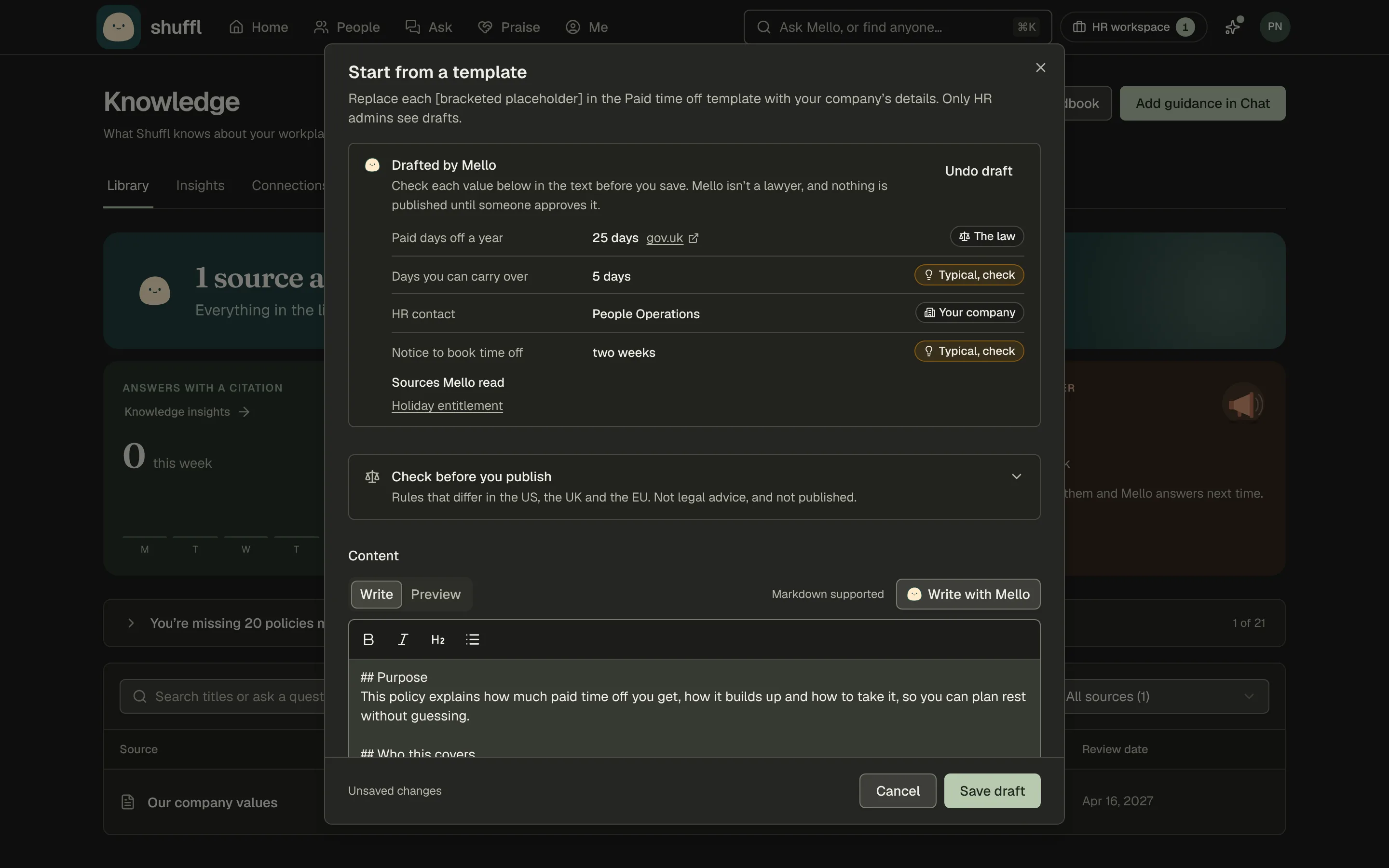
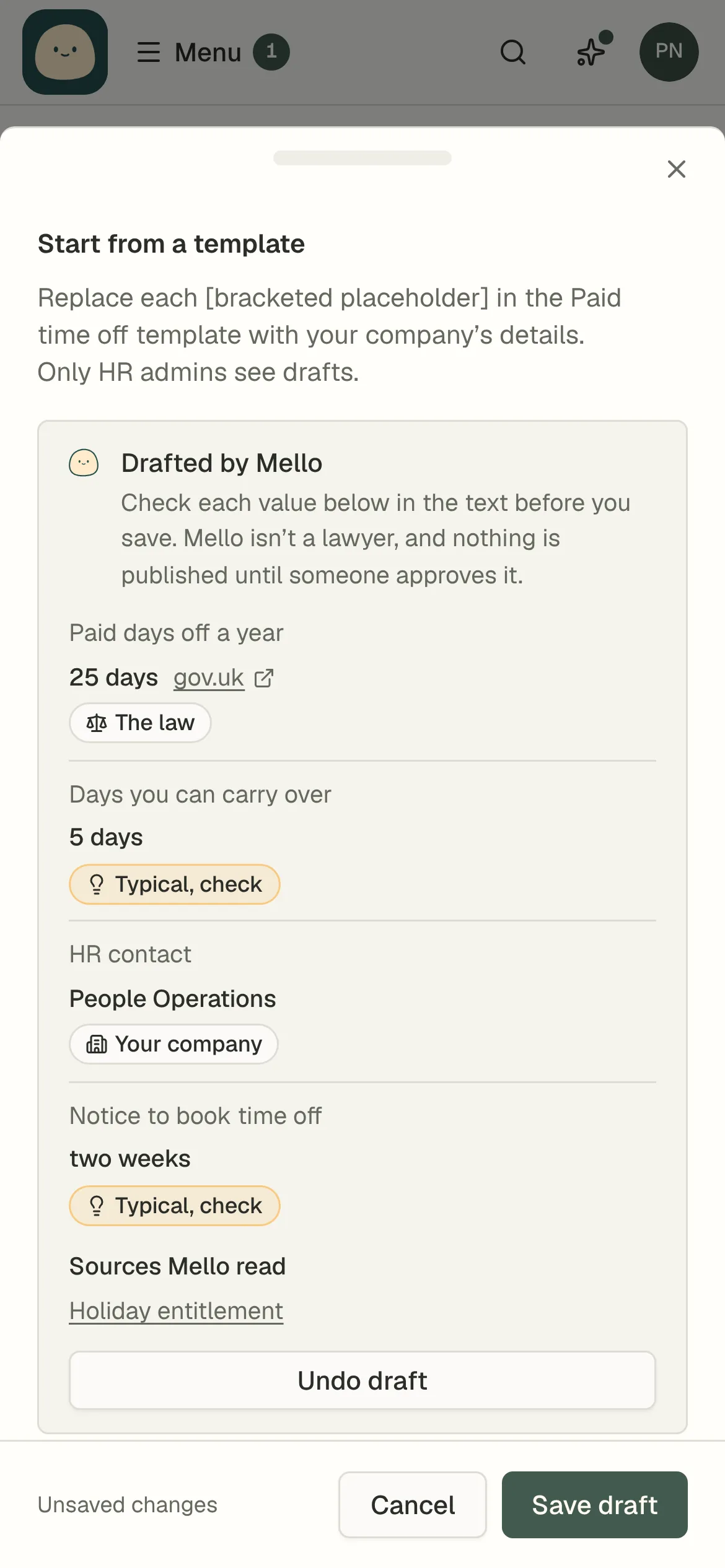
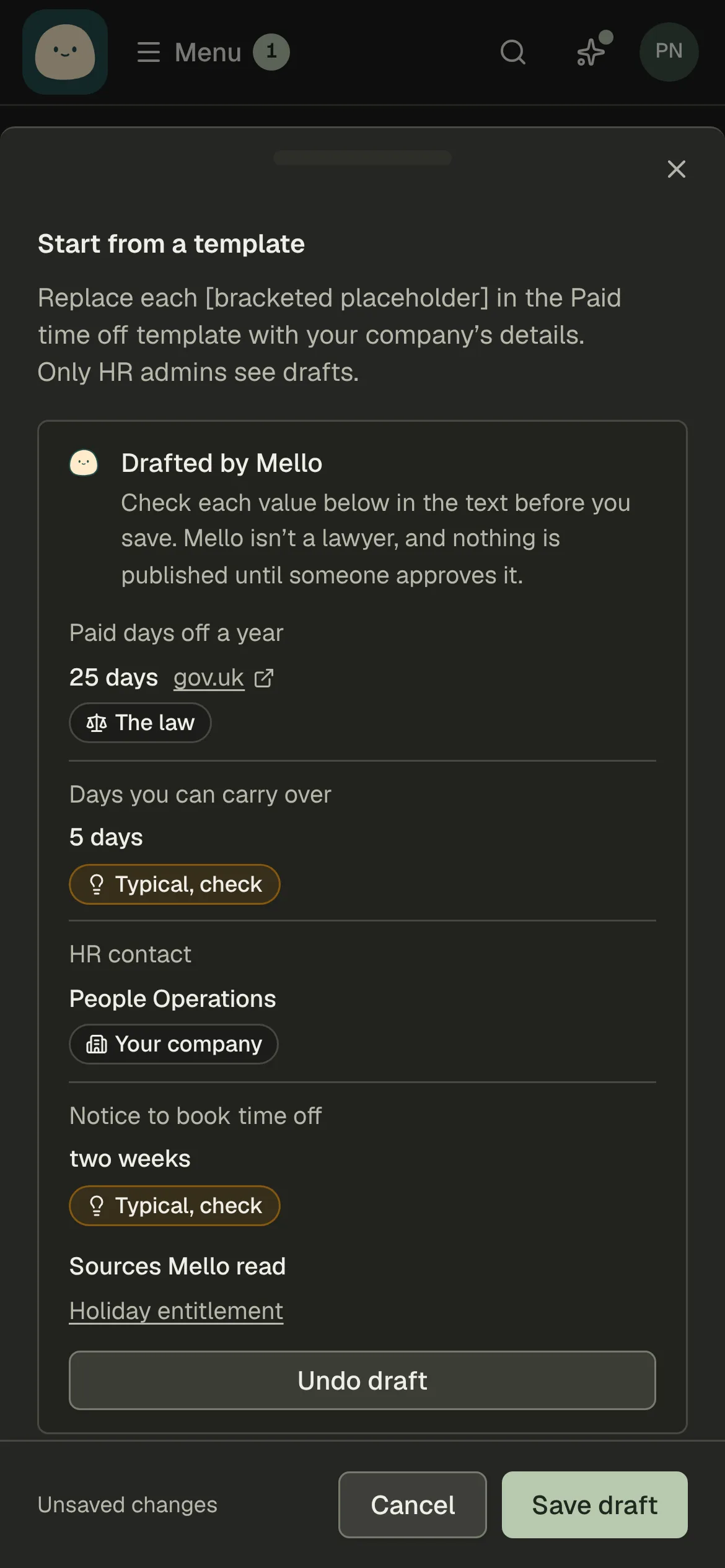
Every policy template is now a complete policy, and there are 21 of them. Shuffl fills in what it already knows, like who answers HR questions and where people work. Draft with Mello fills the rest and labels each value: from your company, from the law with a link to the official page, or typical so you check it. Once a policy is published, you can ask people to confirm they read it, or download every page as one handbook.
Read the Knowledge guide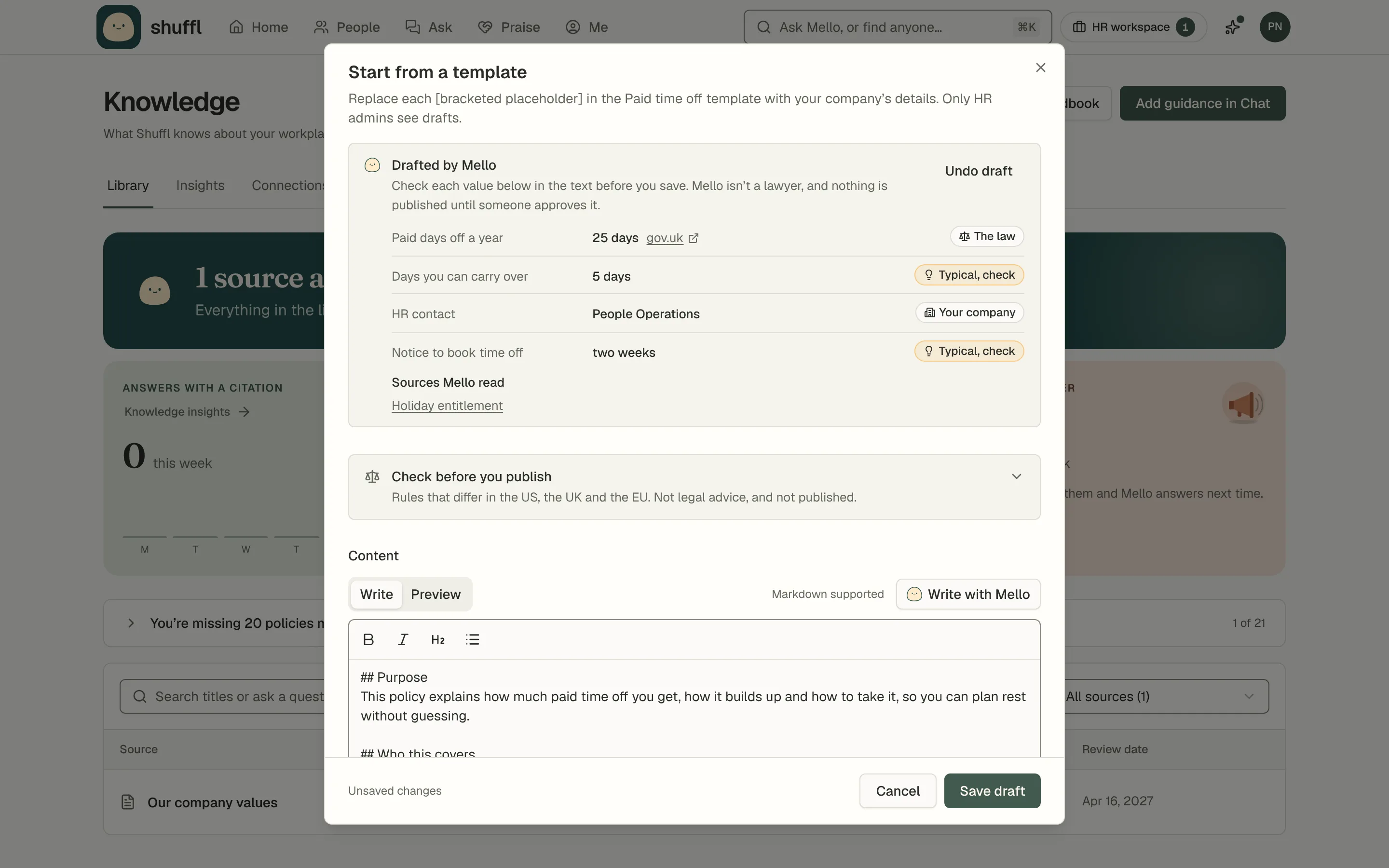
See how culture is doing, and what to do next
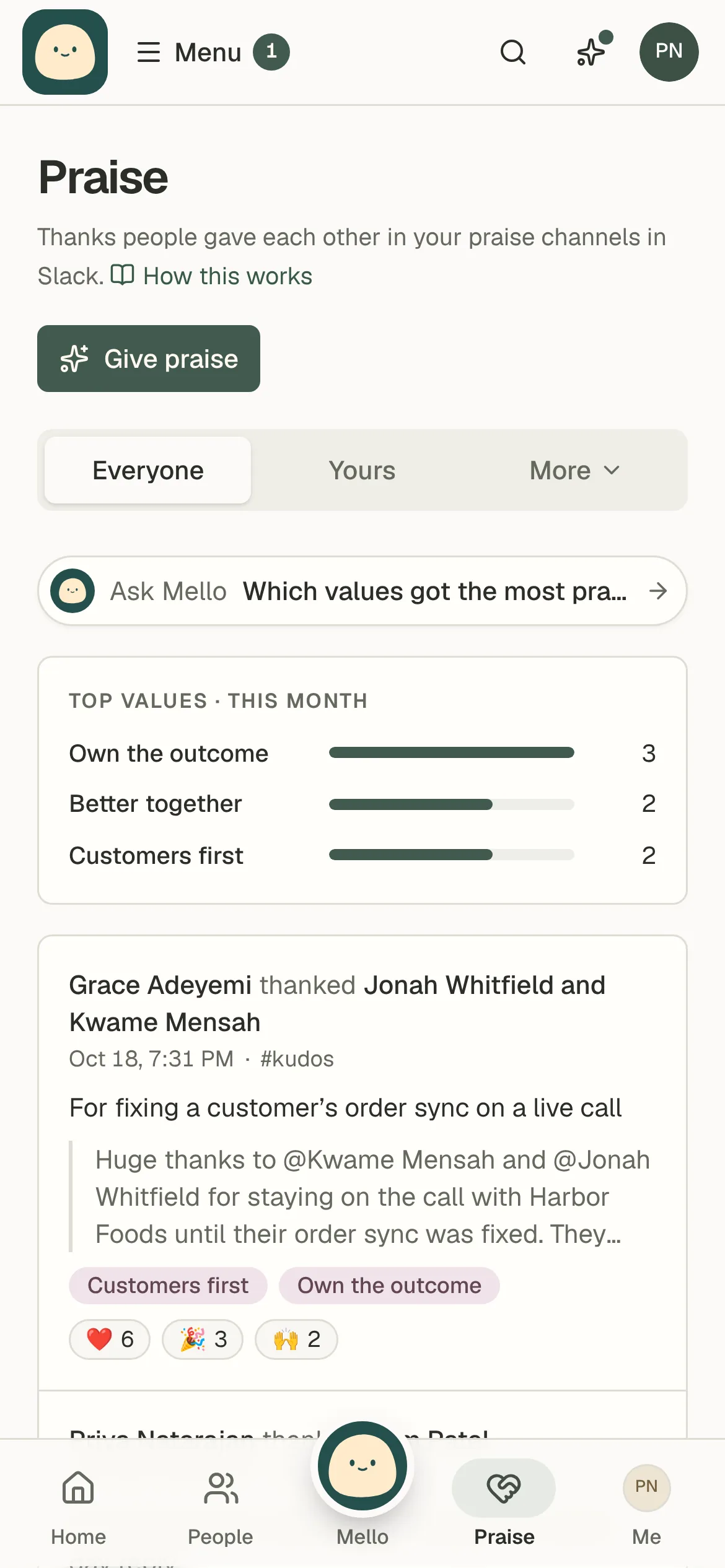
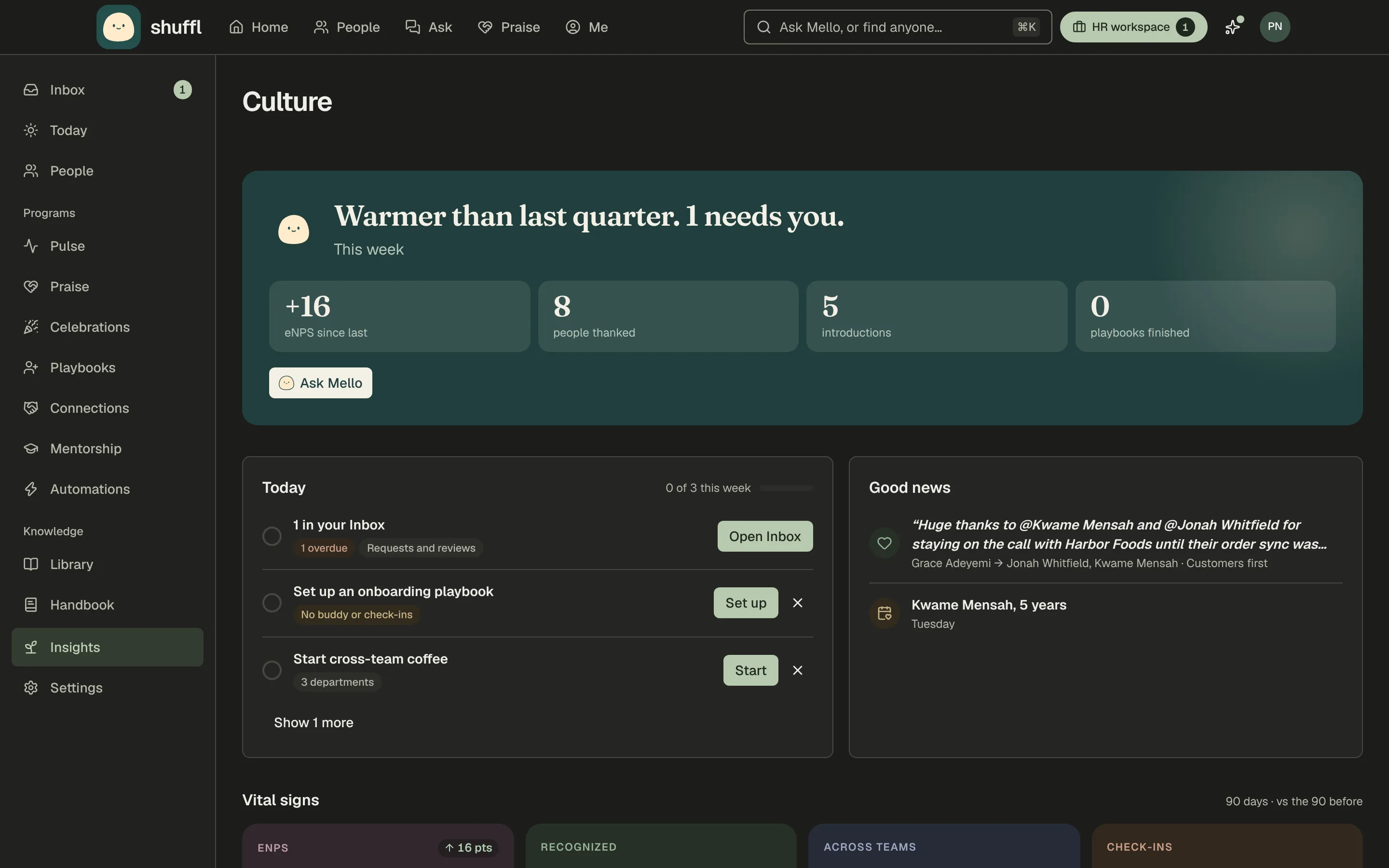
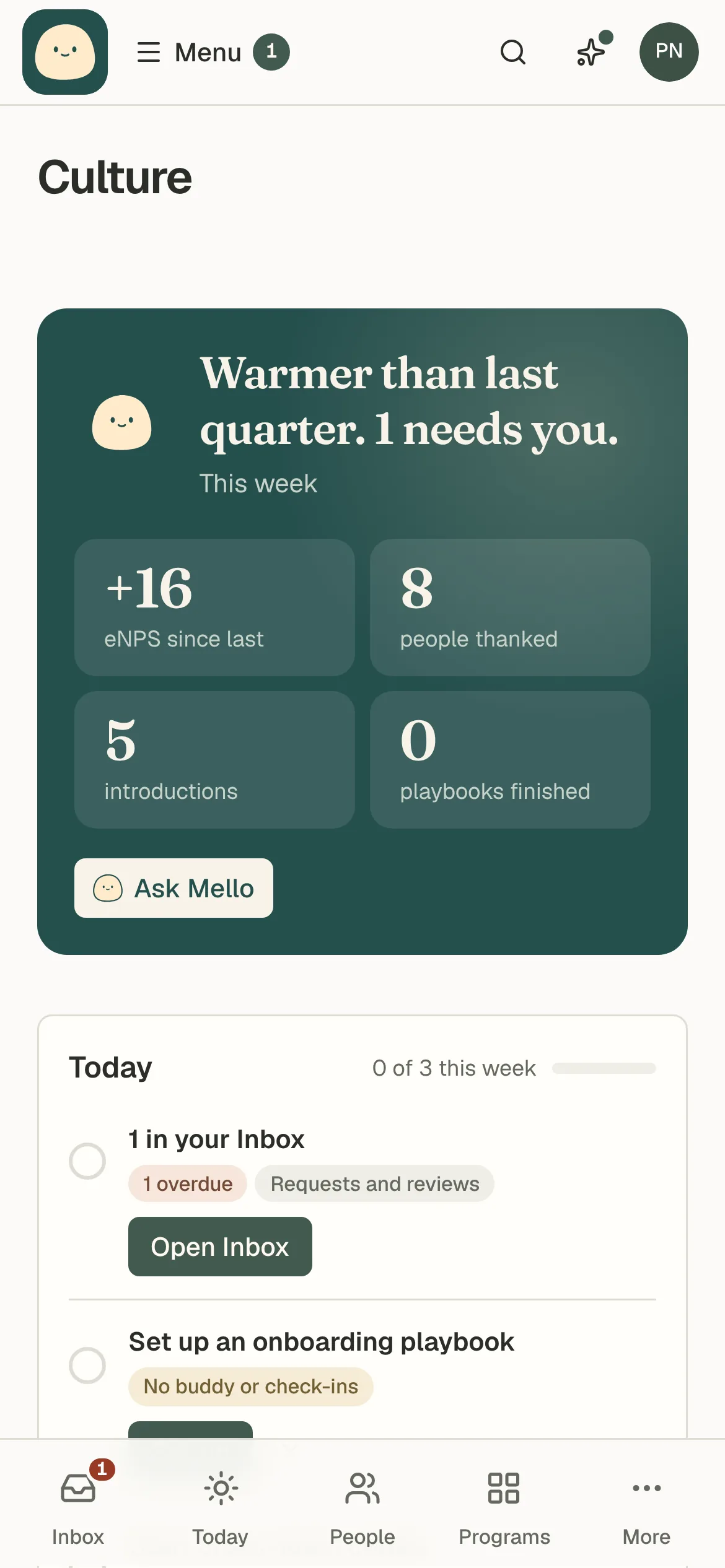
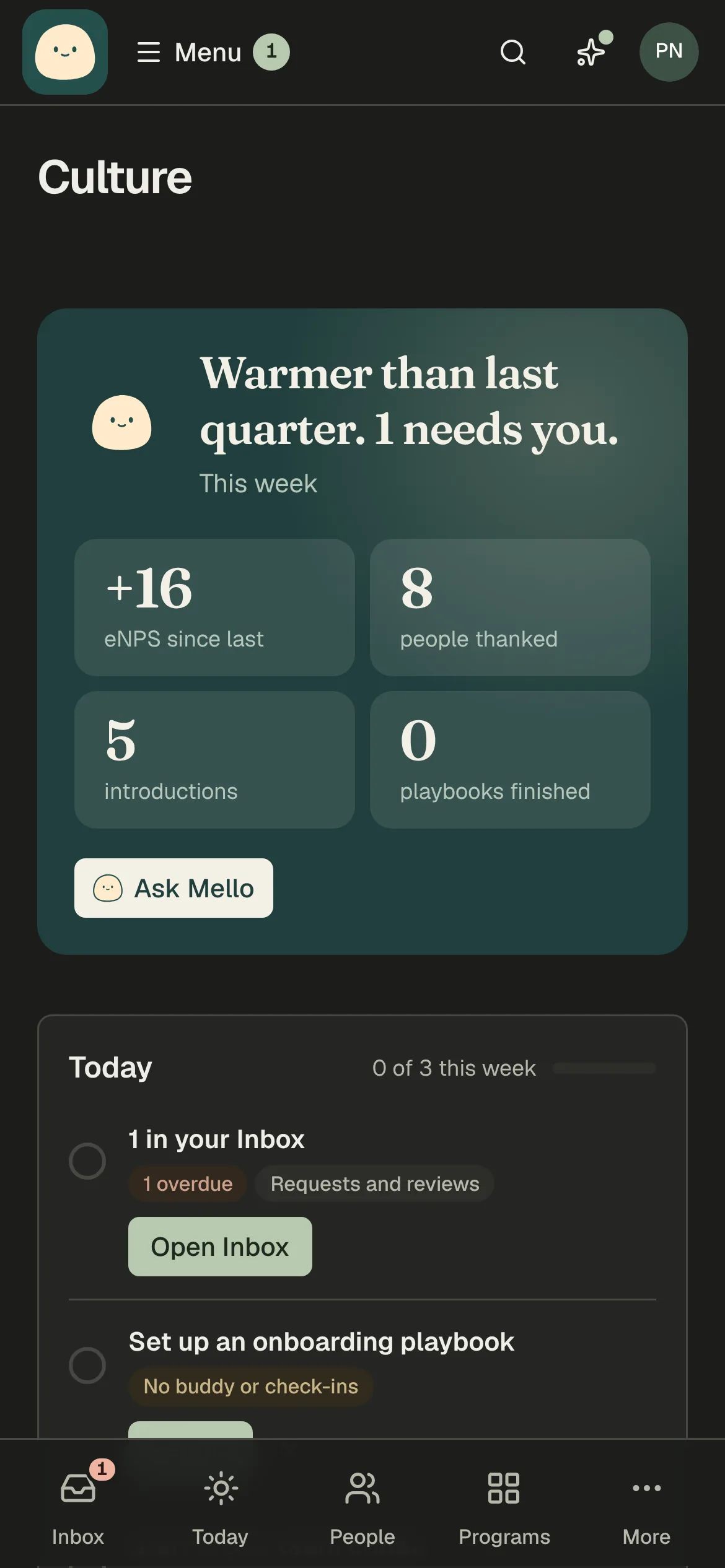
Culture brings praise, introductions, onboarding and Pulse onto one page. It opens with the steps Mello thinks will help most this week, then the teams furthest behind, each with its next step and a detail view that says why. It also shows which departments haven’t met in 90 days, what you tried and whether it worked, and what Mello handled for you.
Read the Culture guide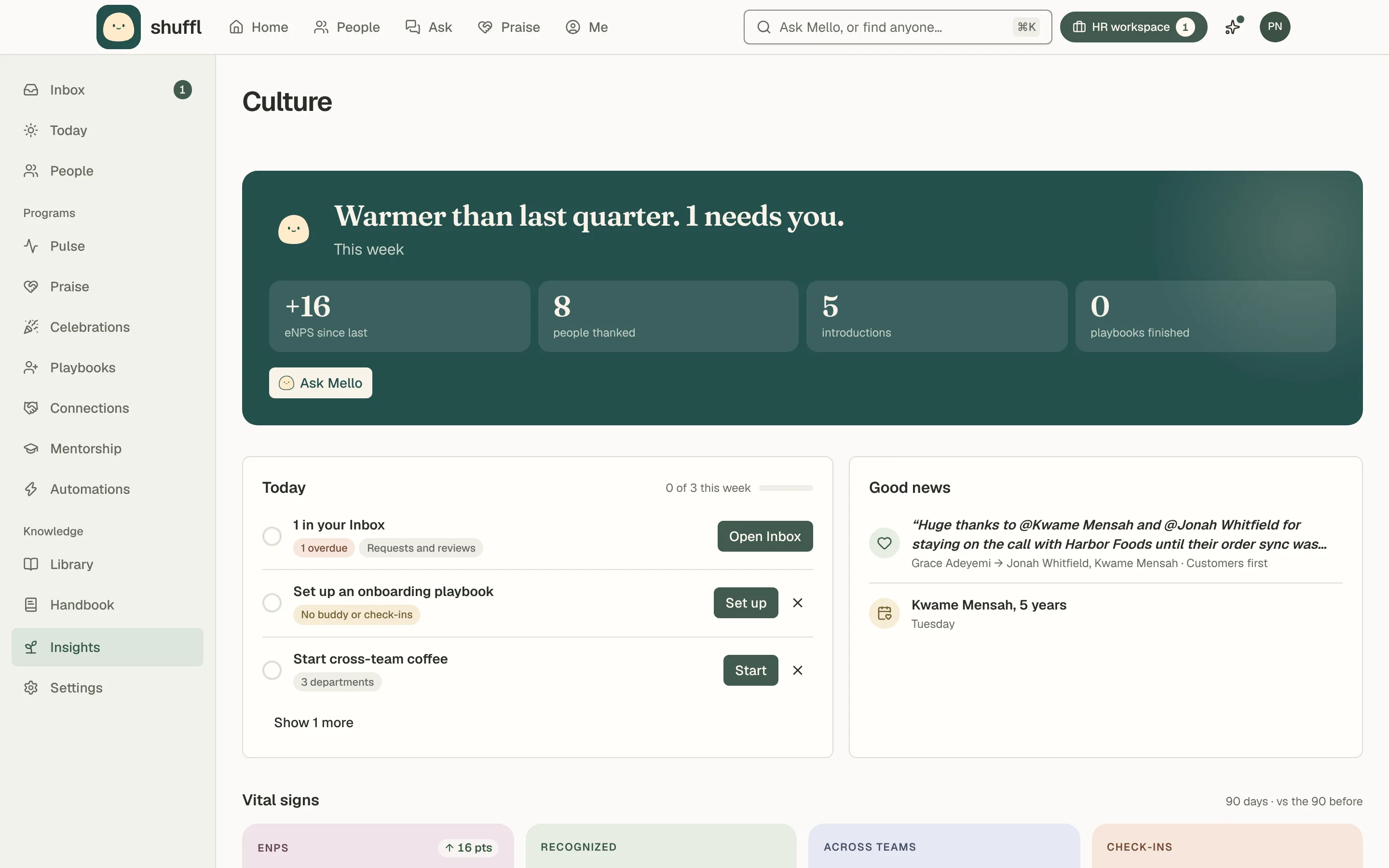
One Shuffl for HR and everyone else
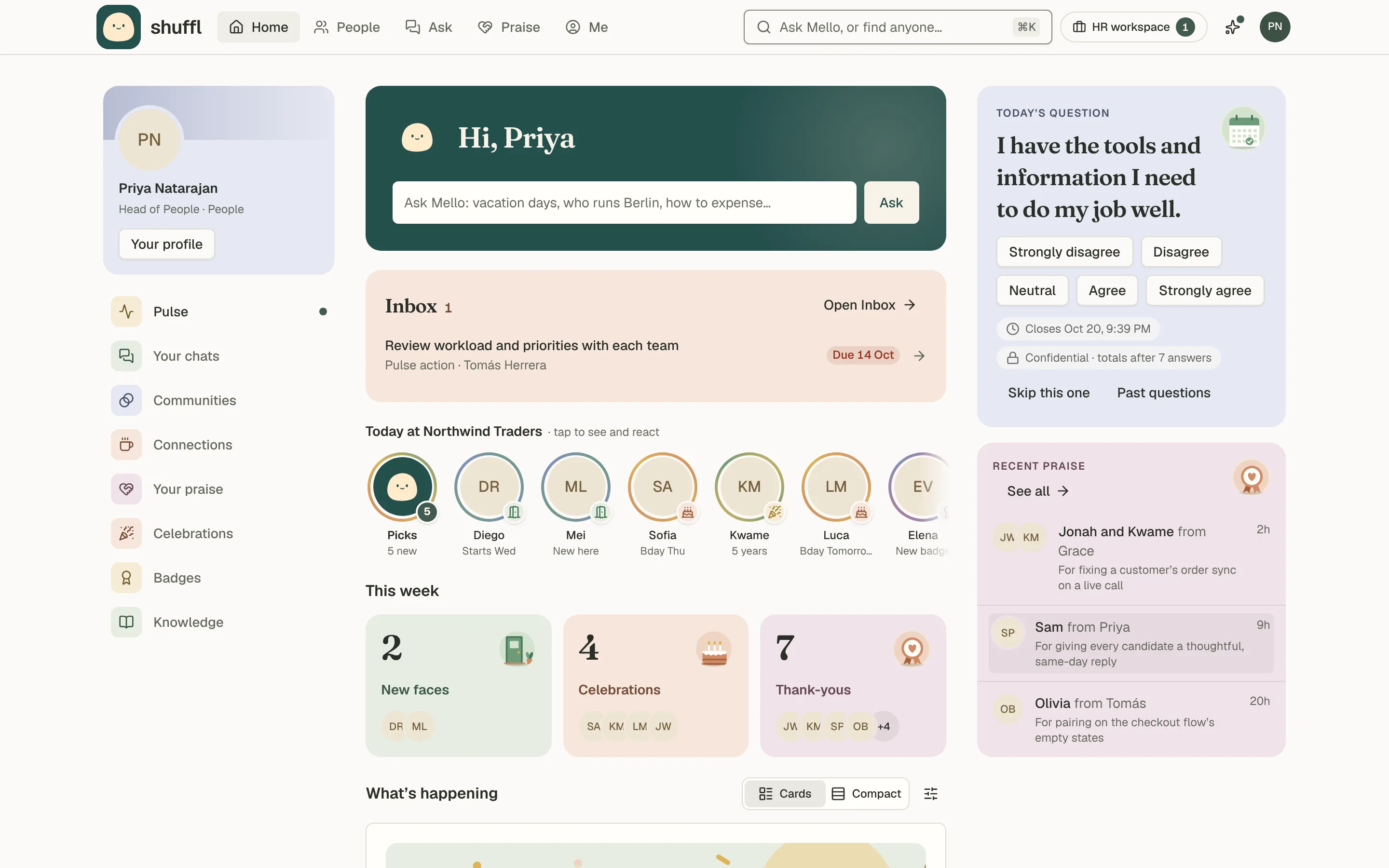
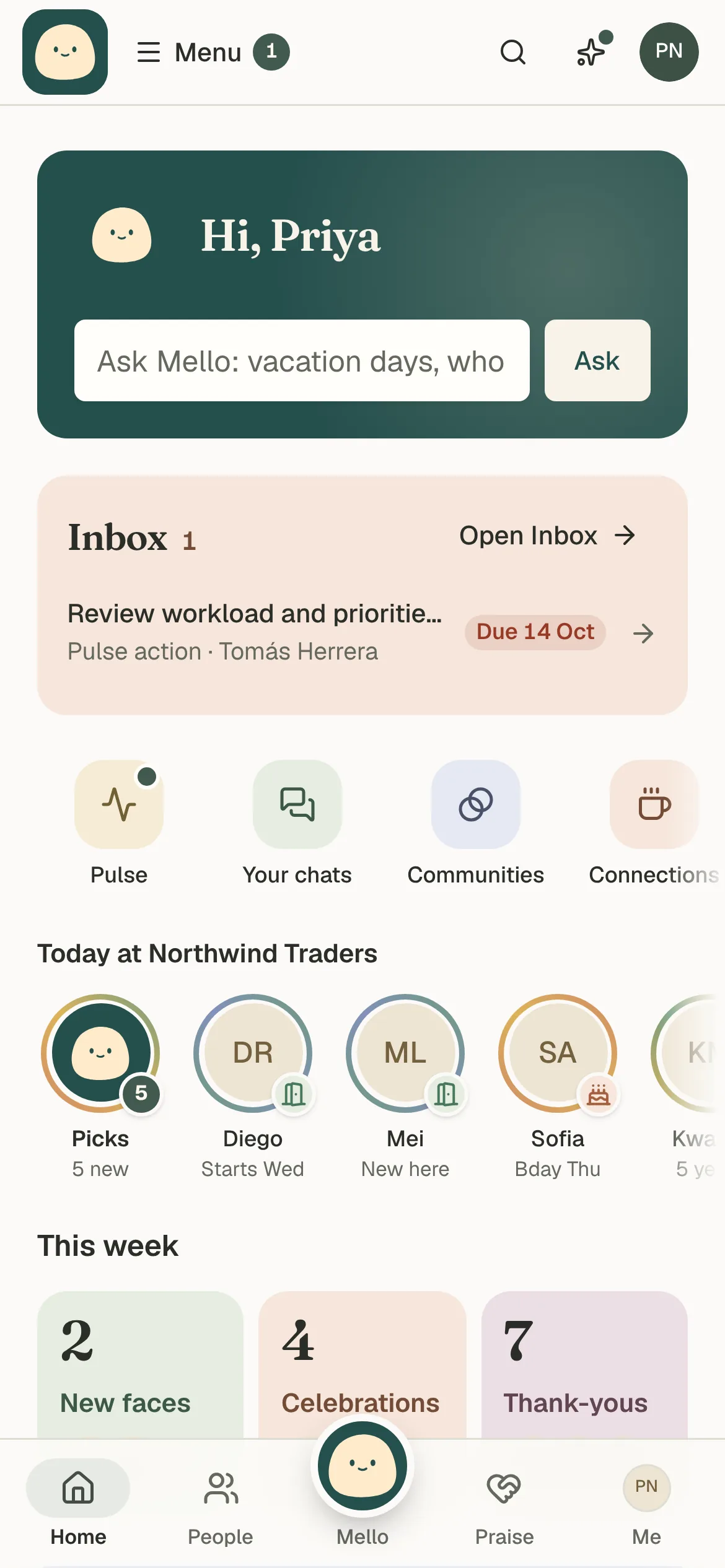
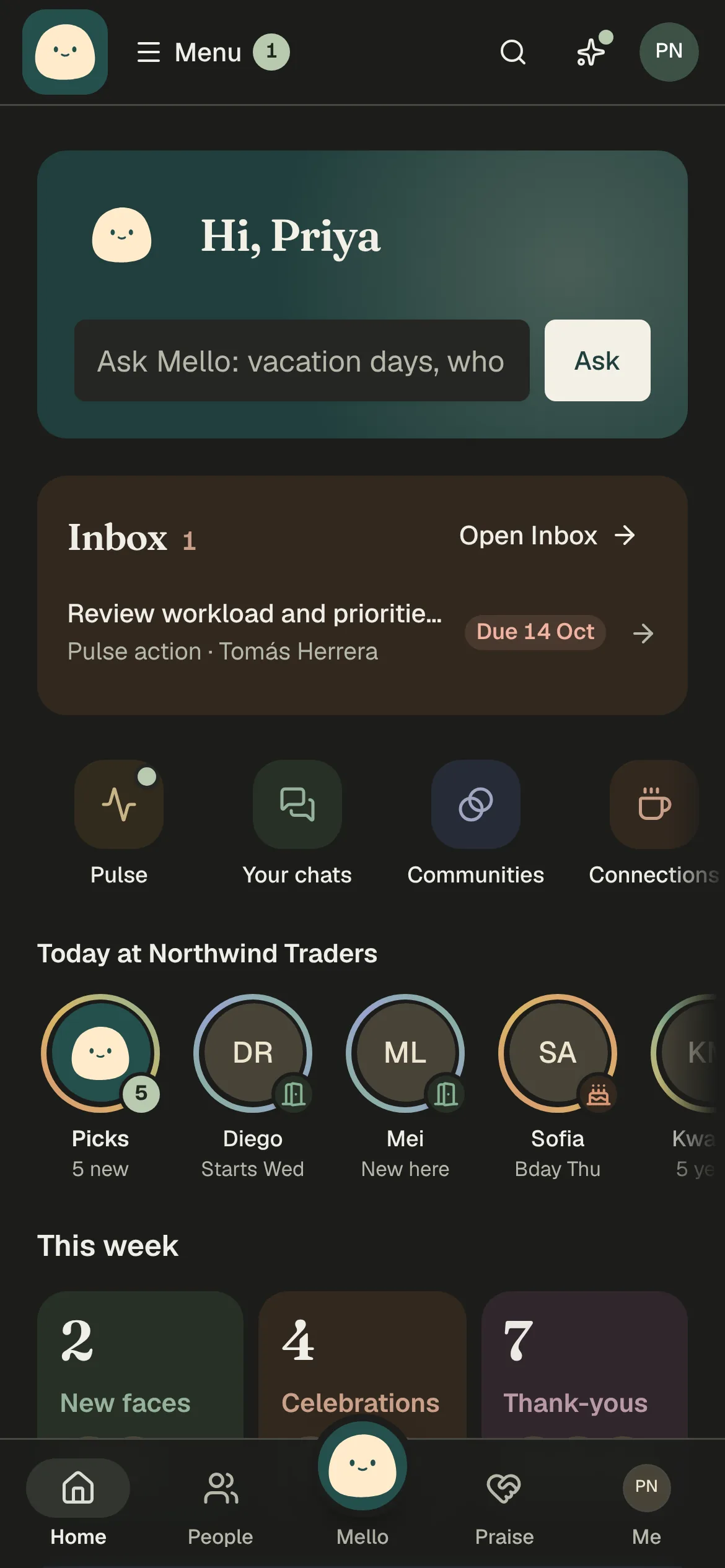
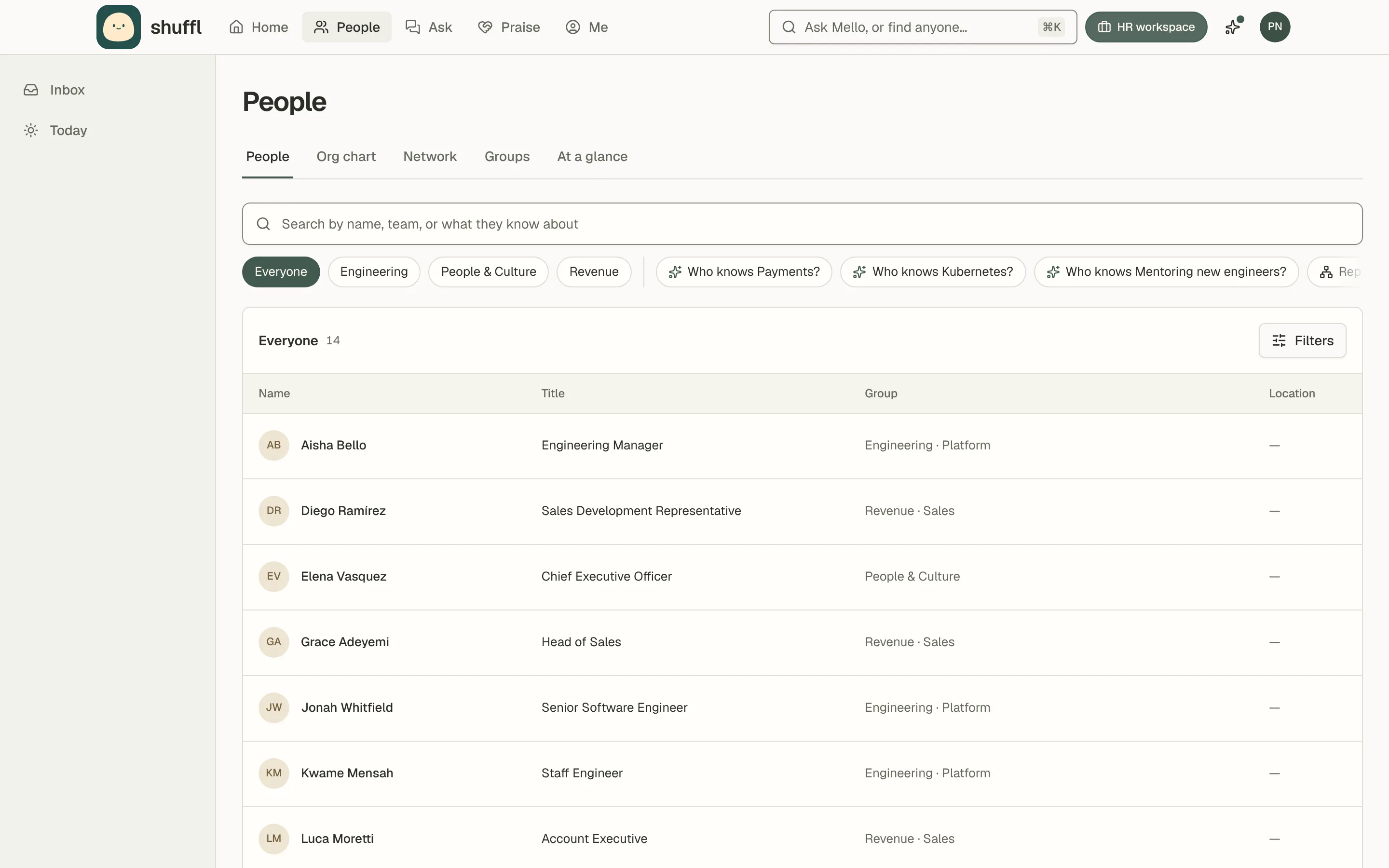
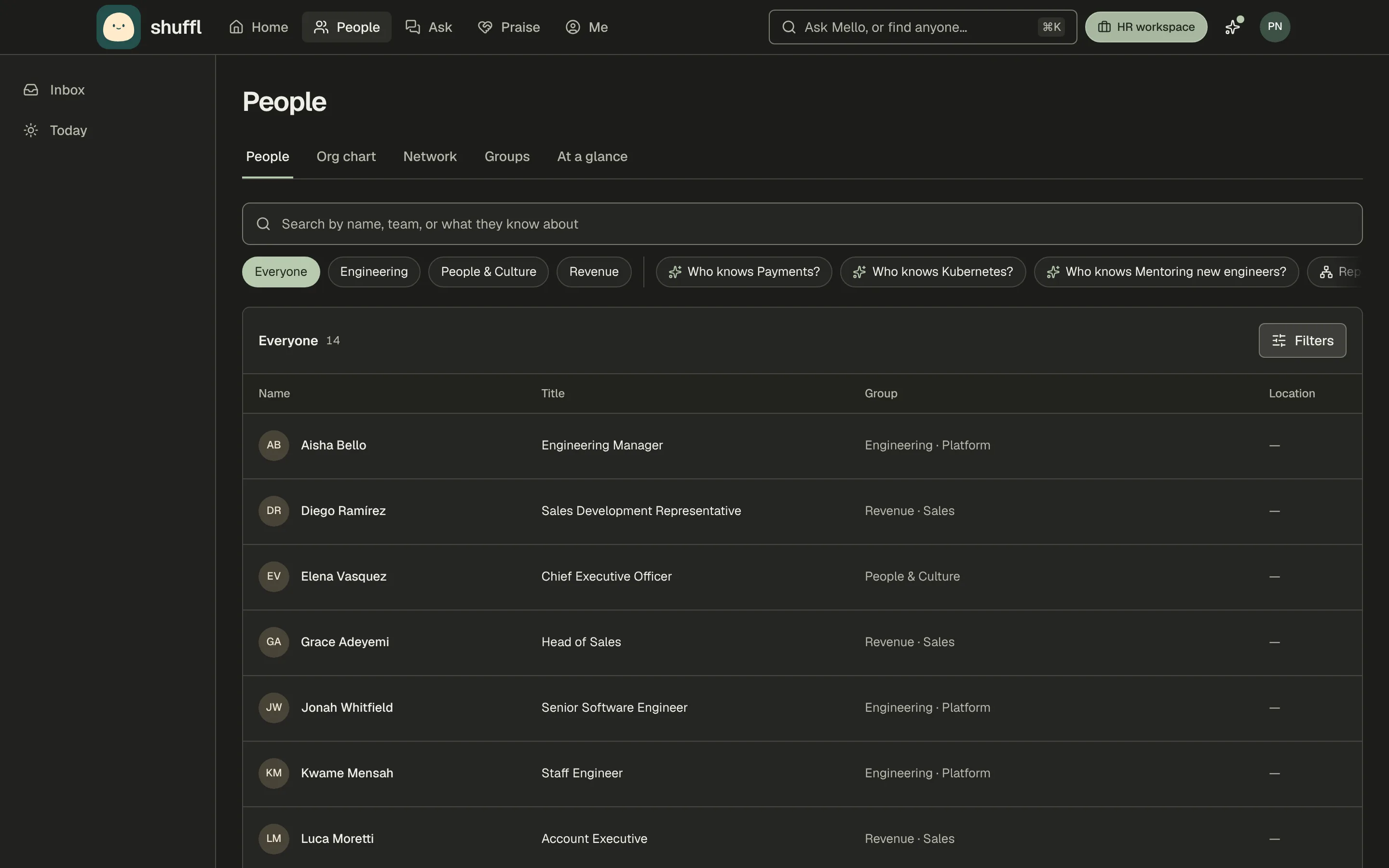
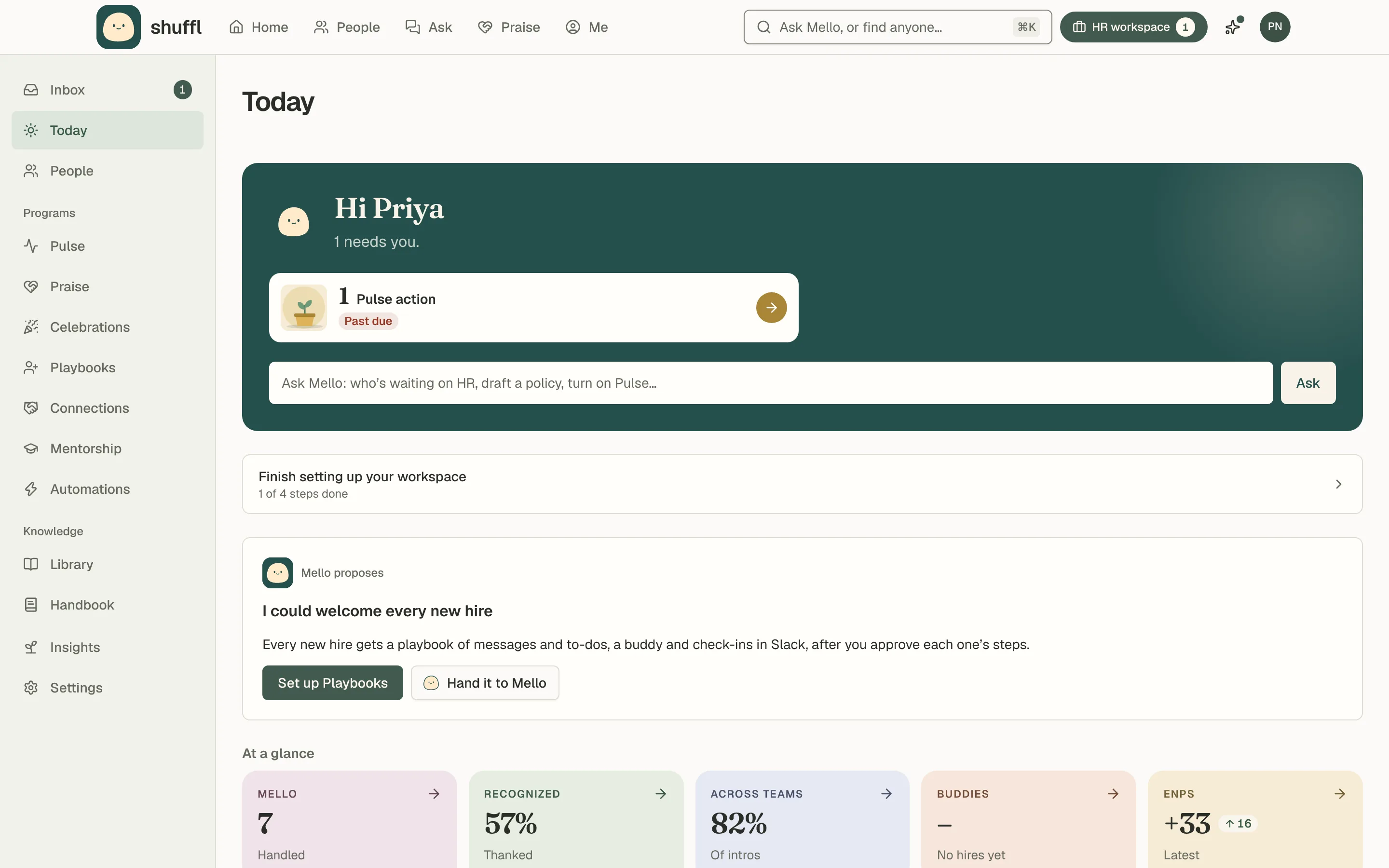
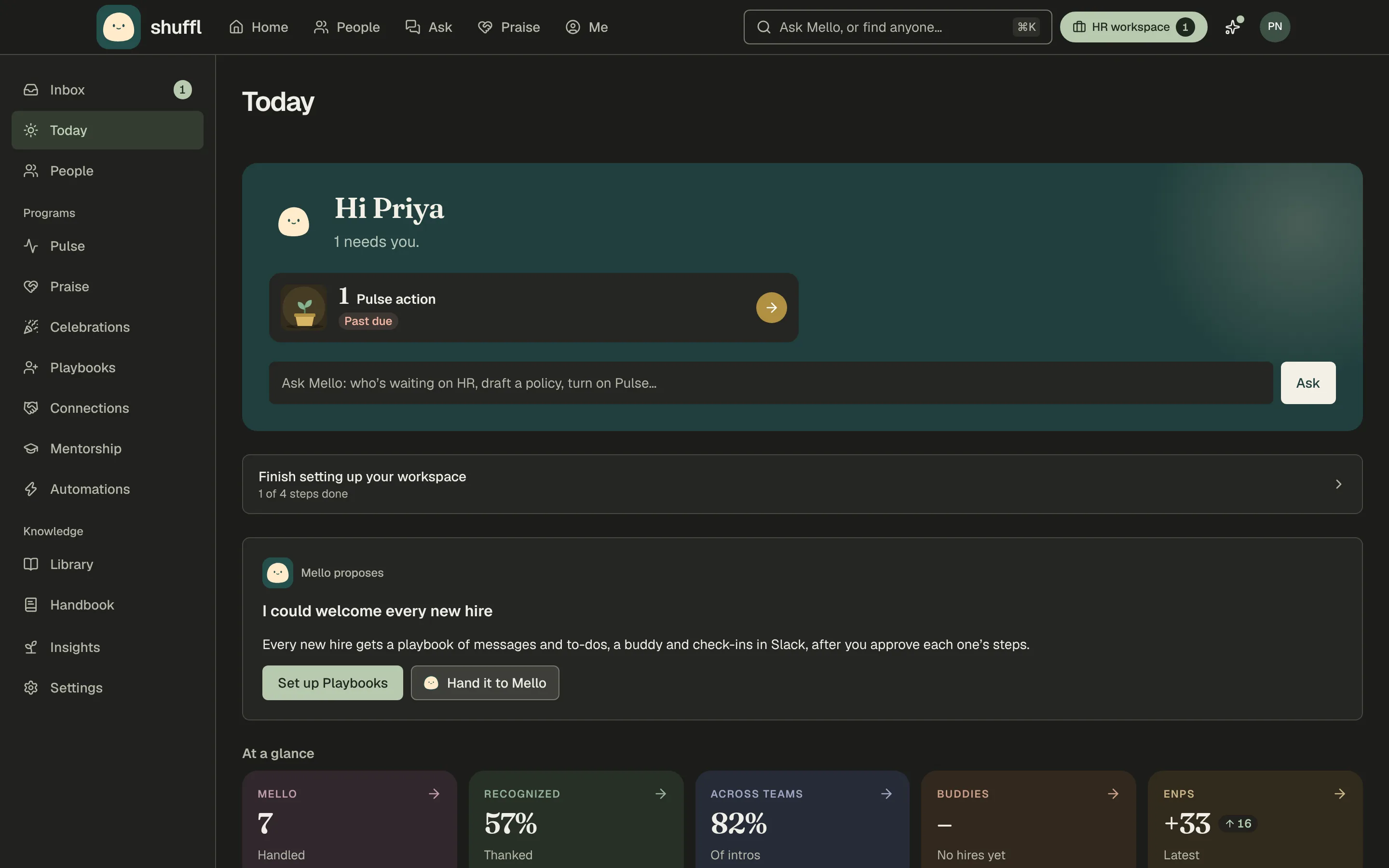
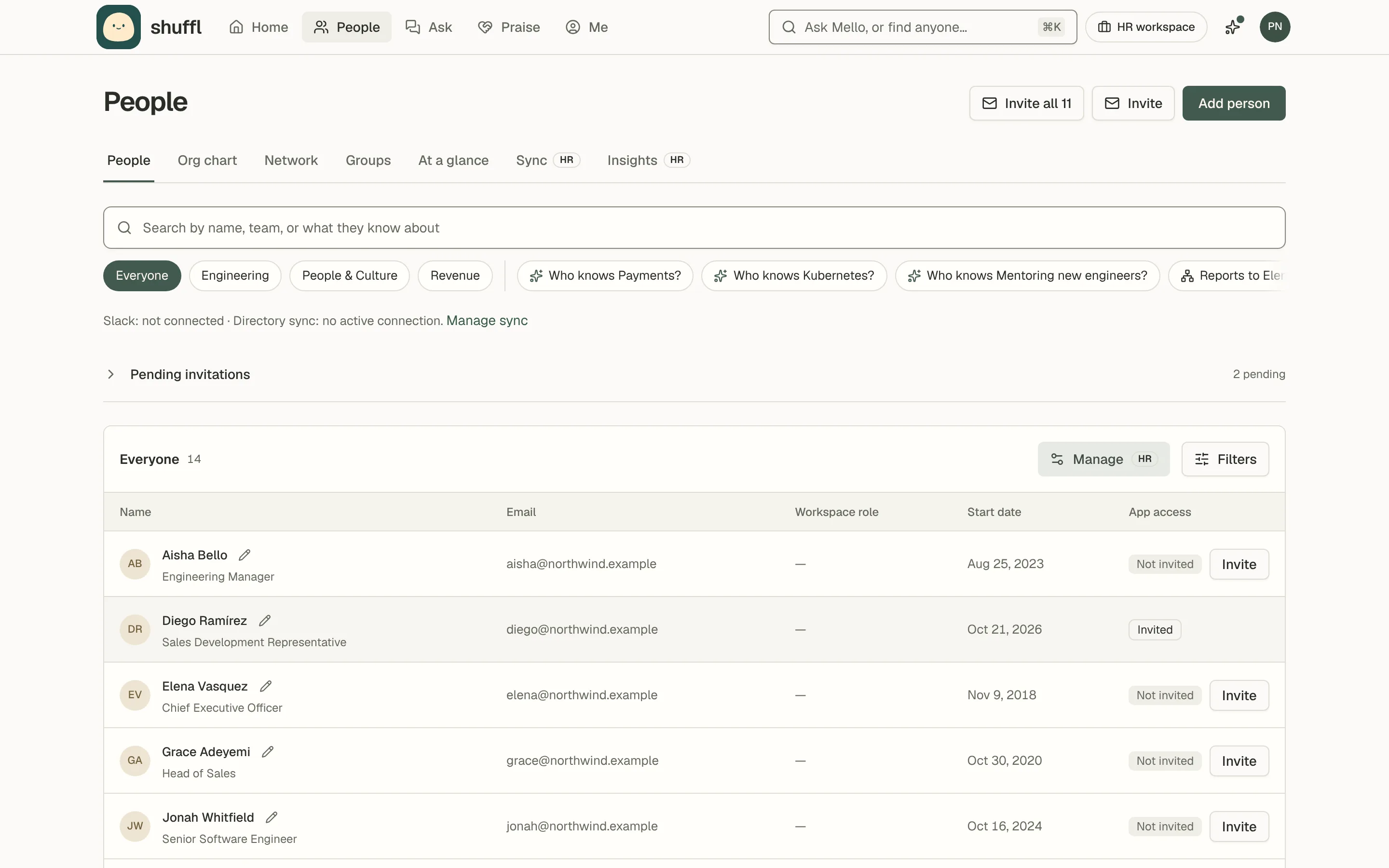
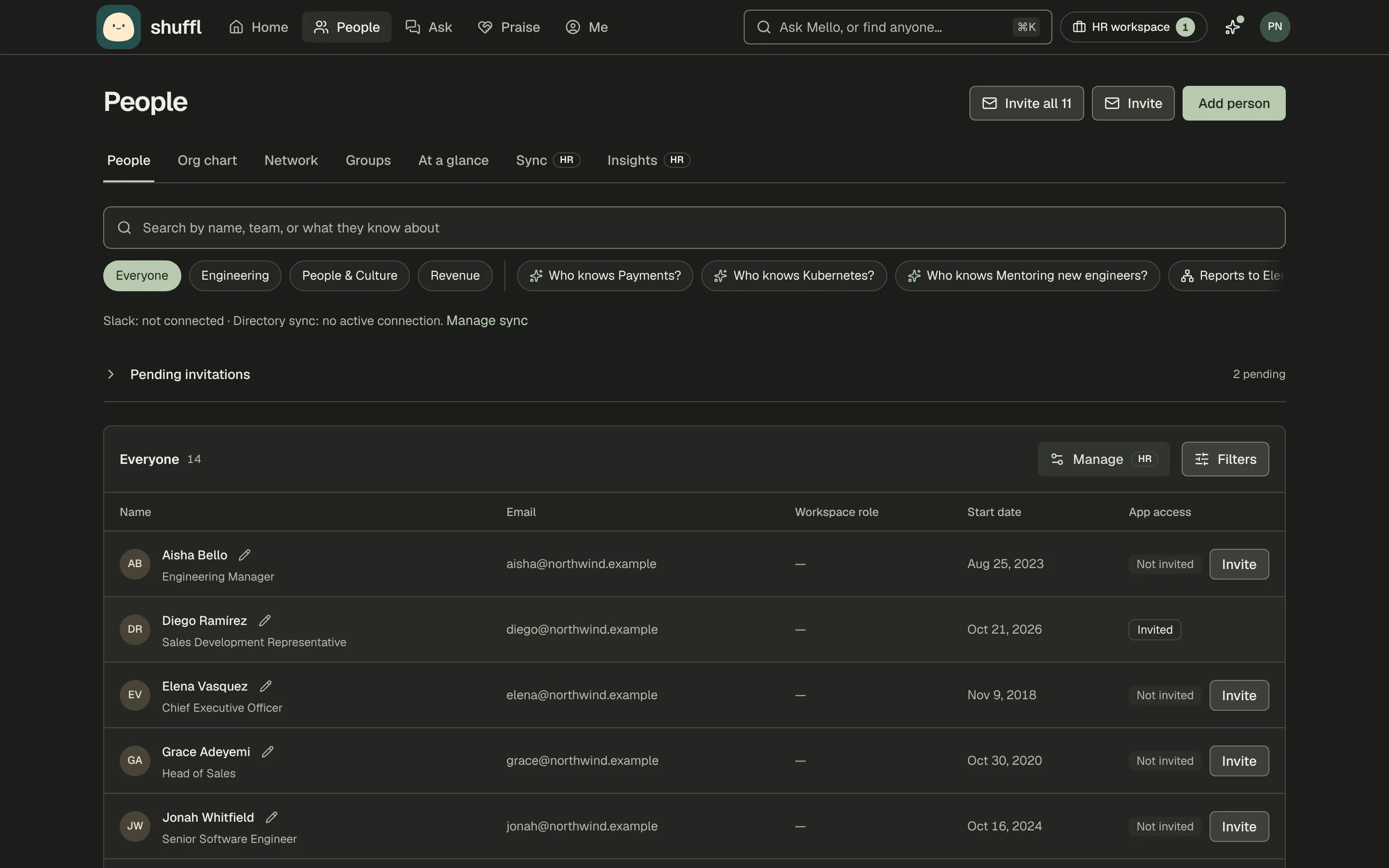
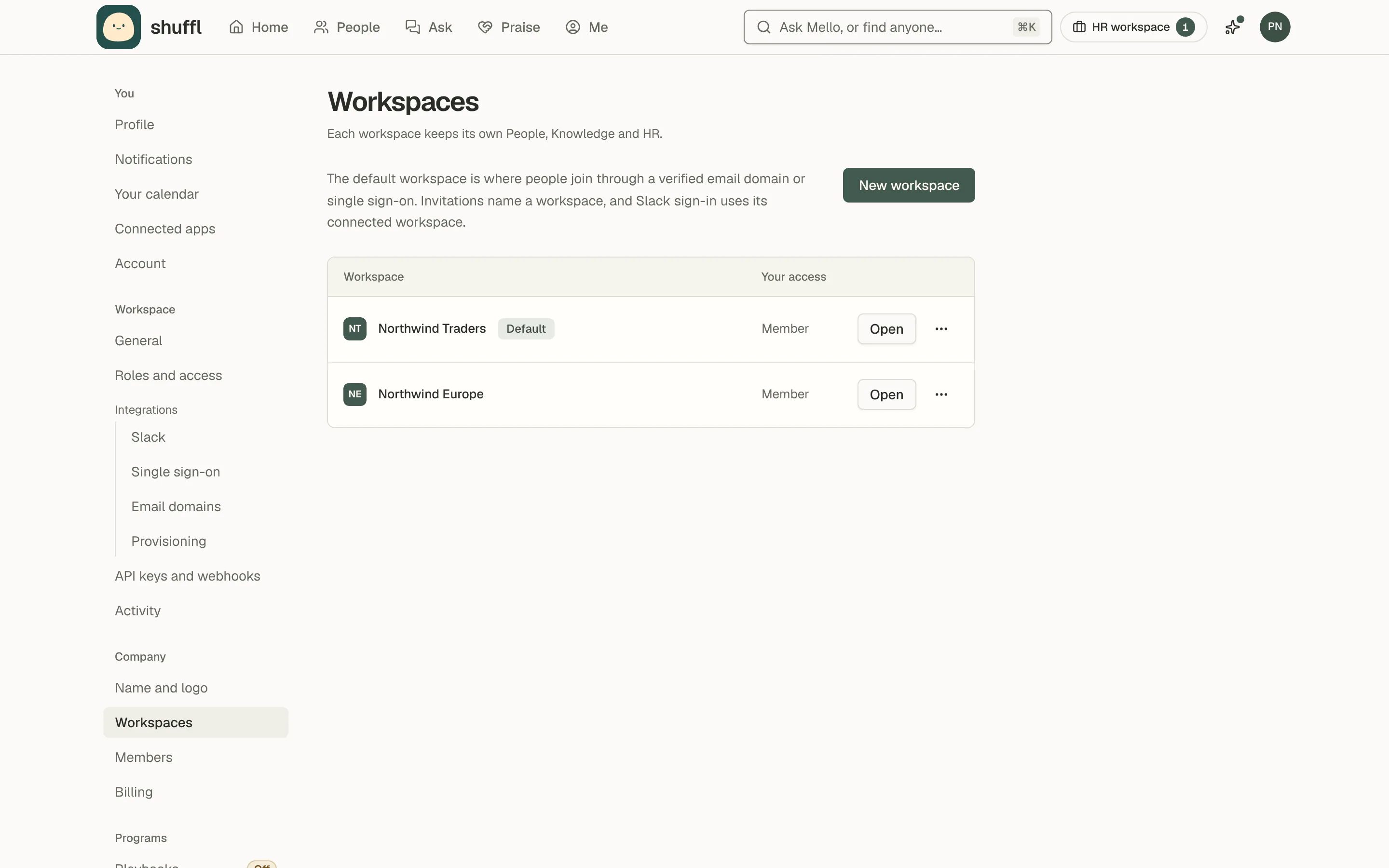
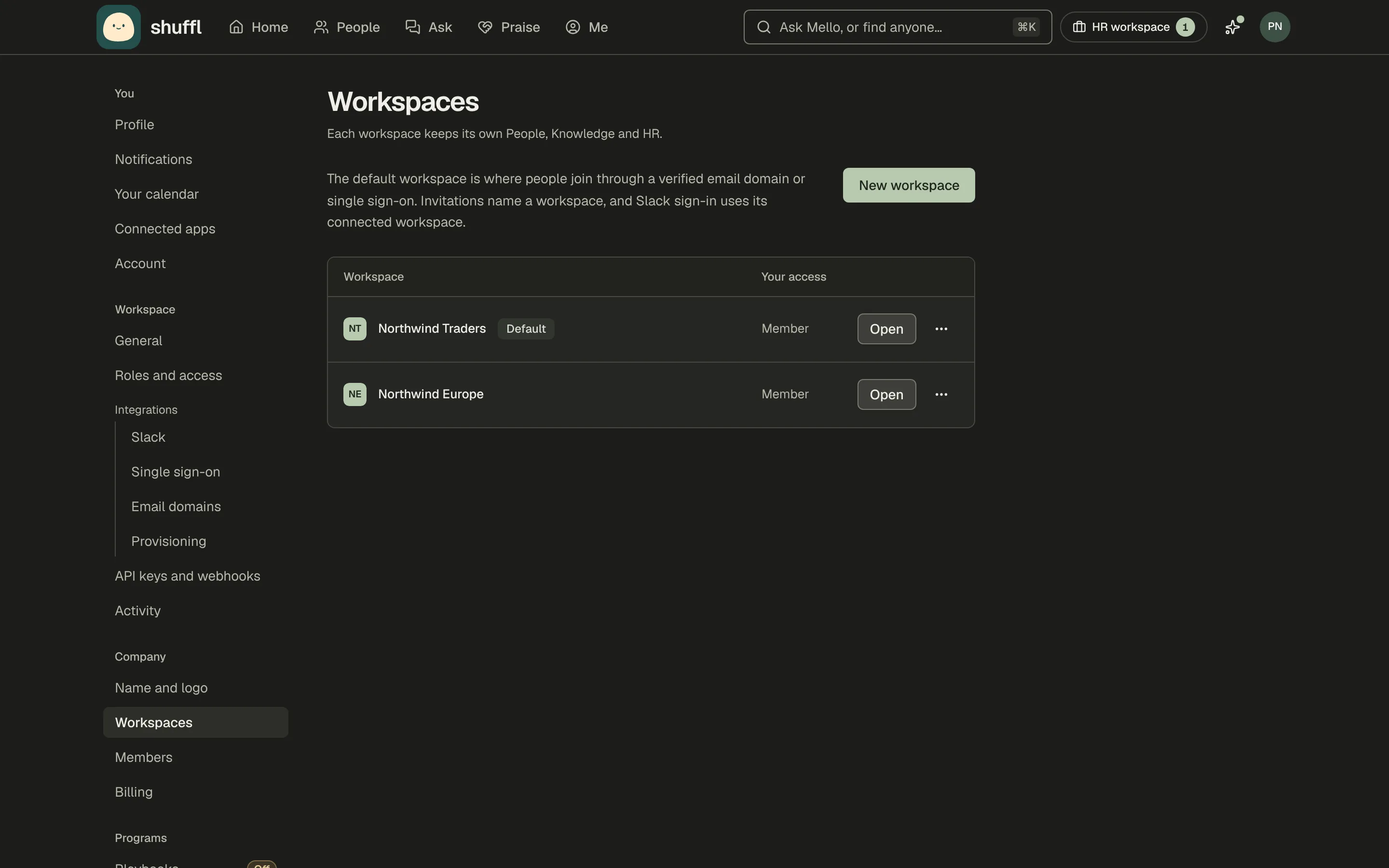
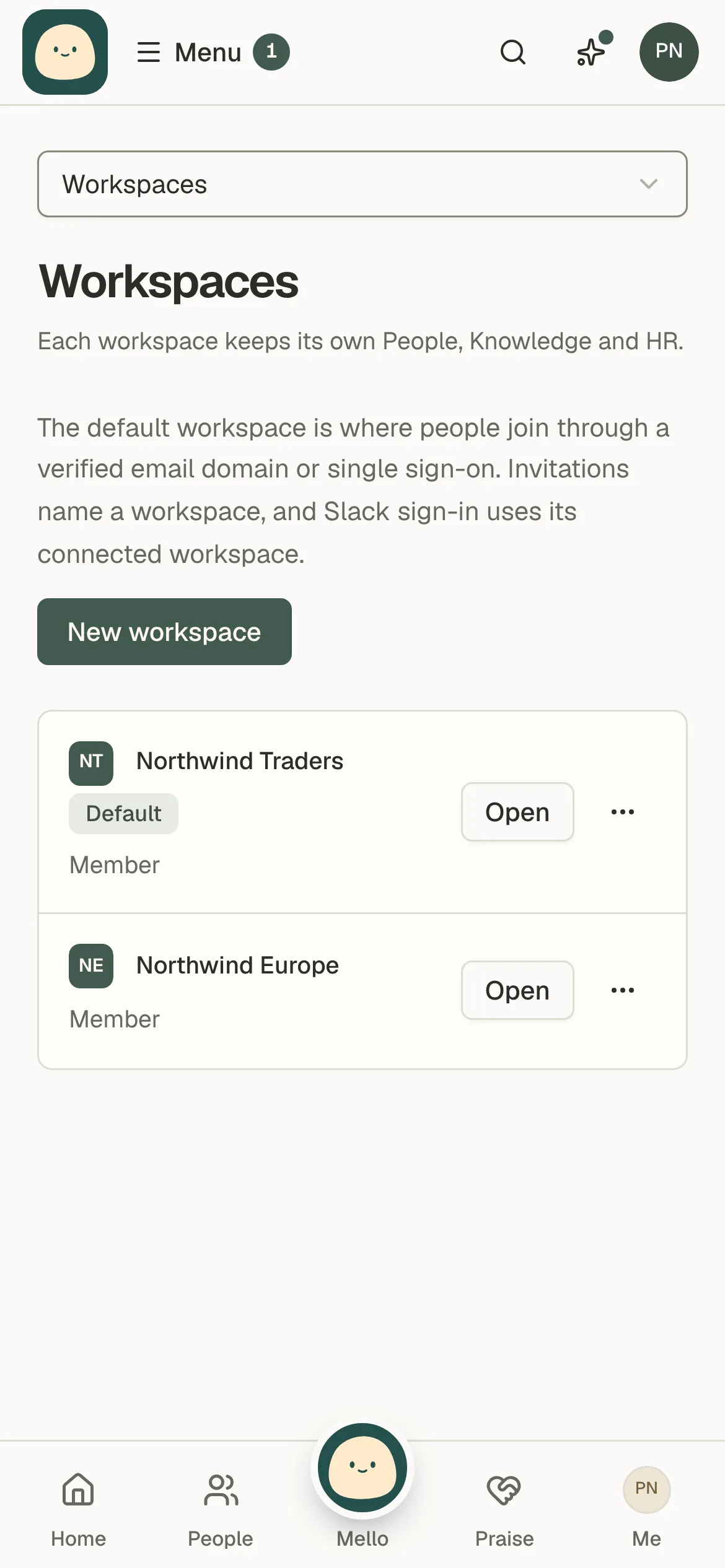
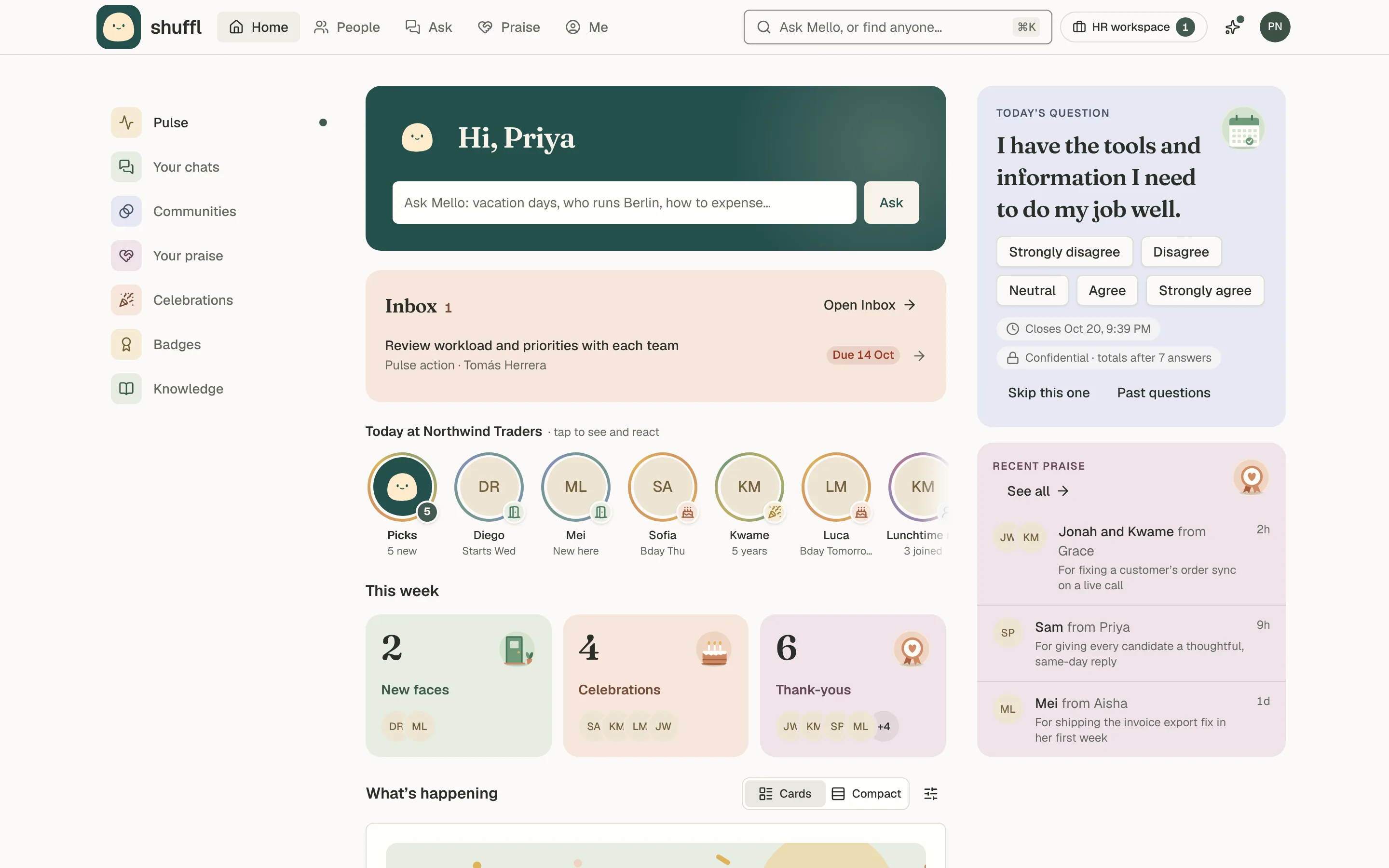
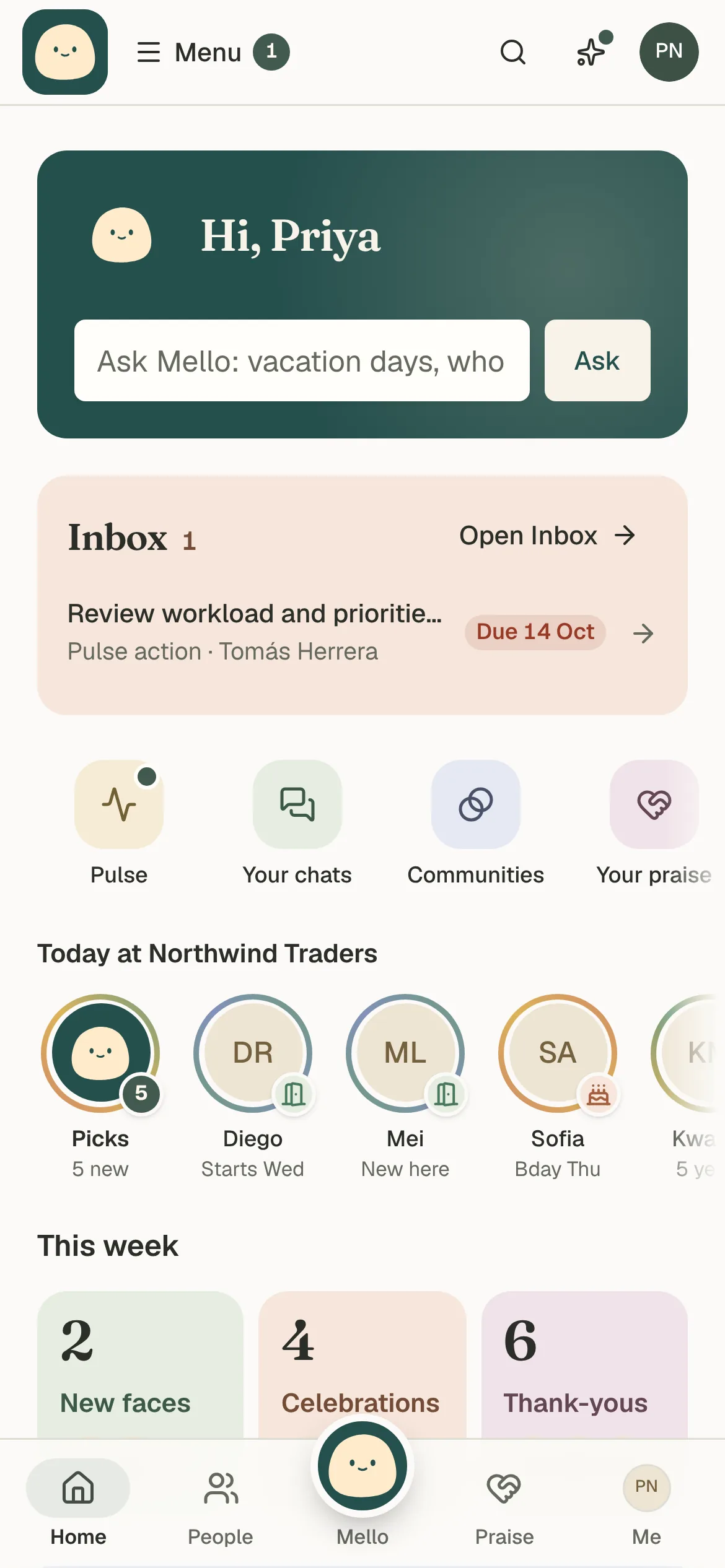
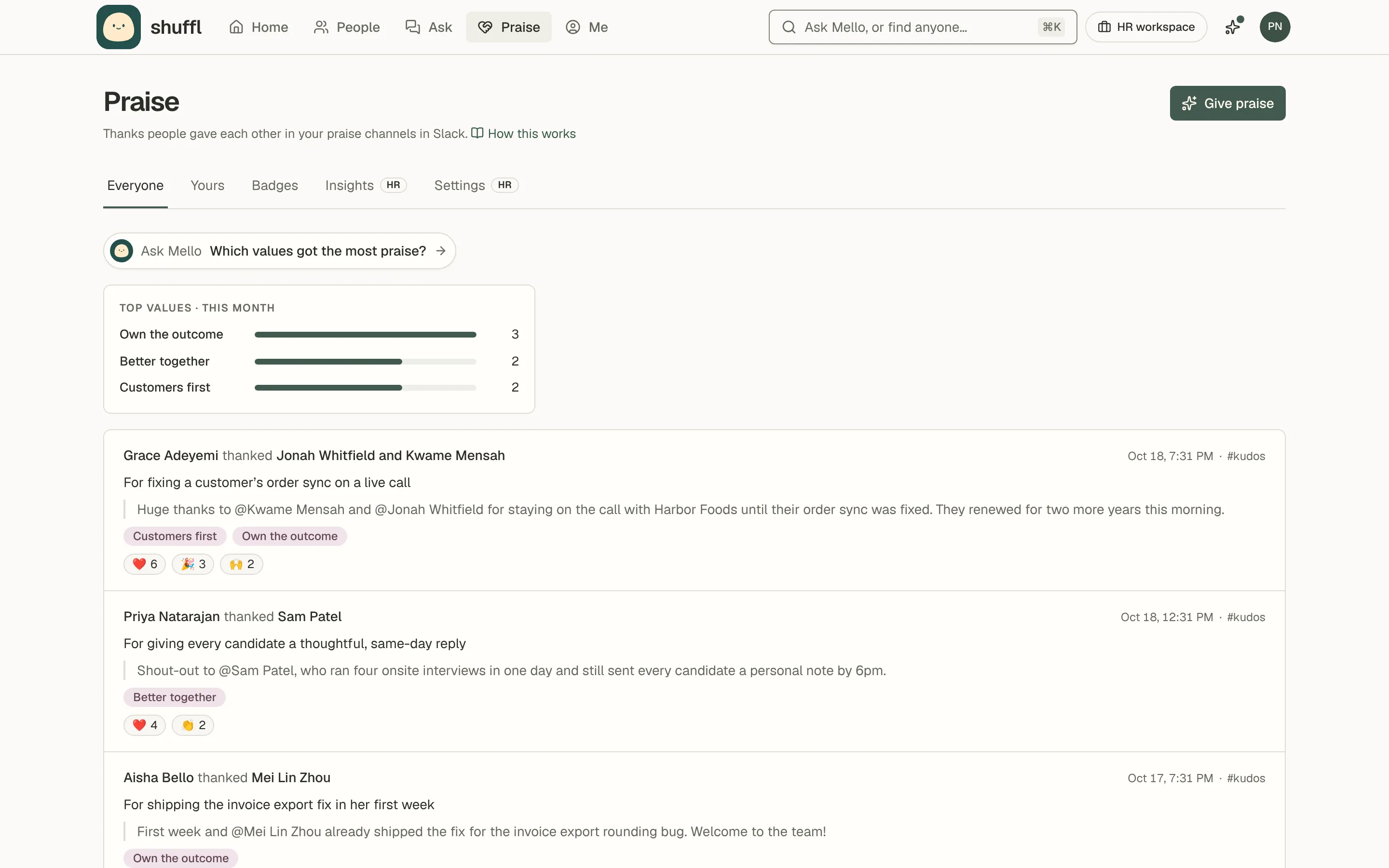
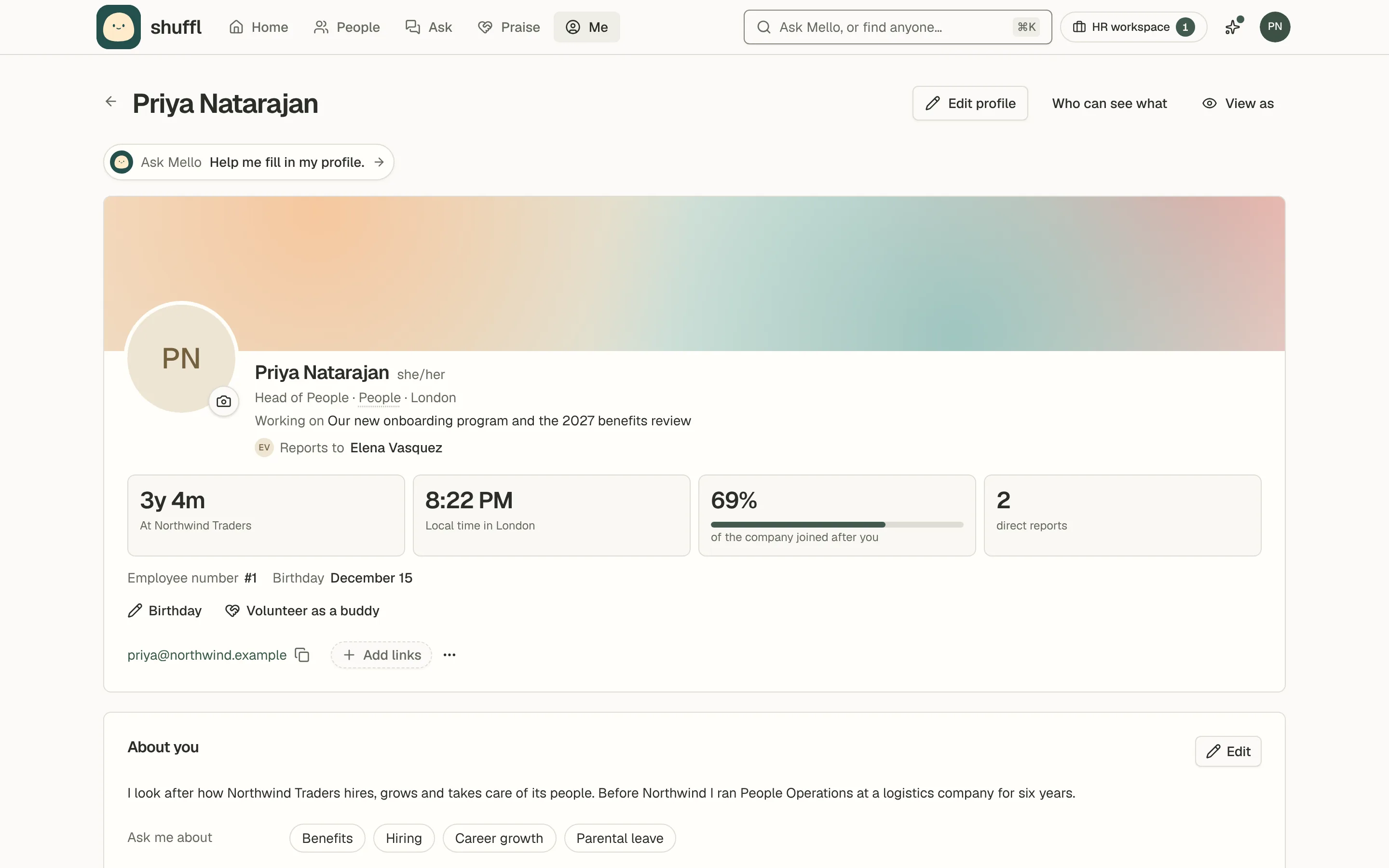
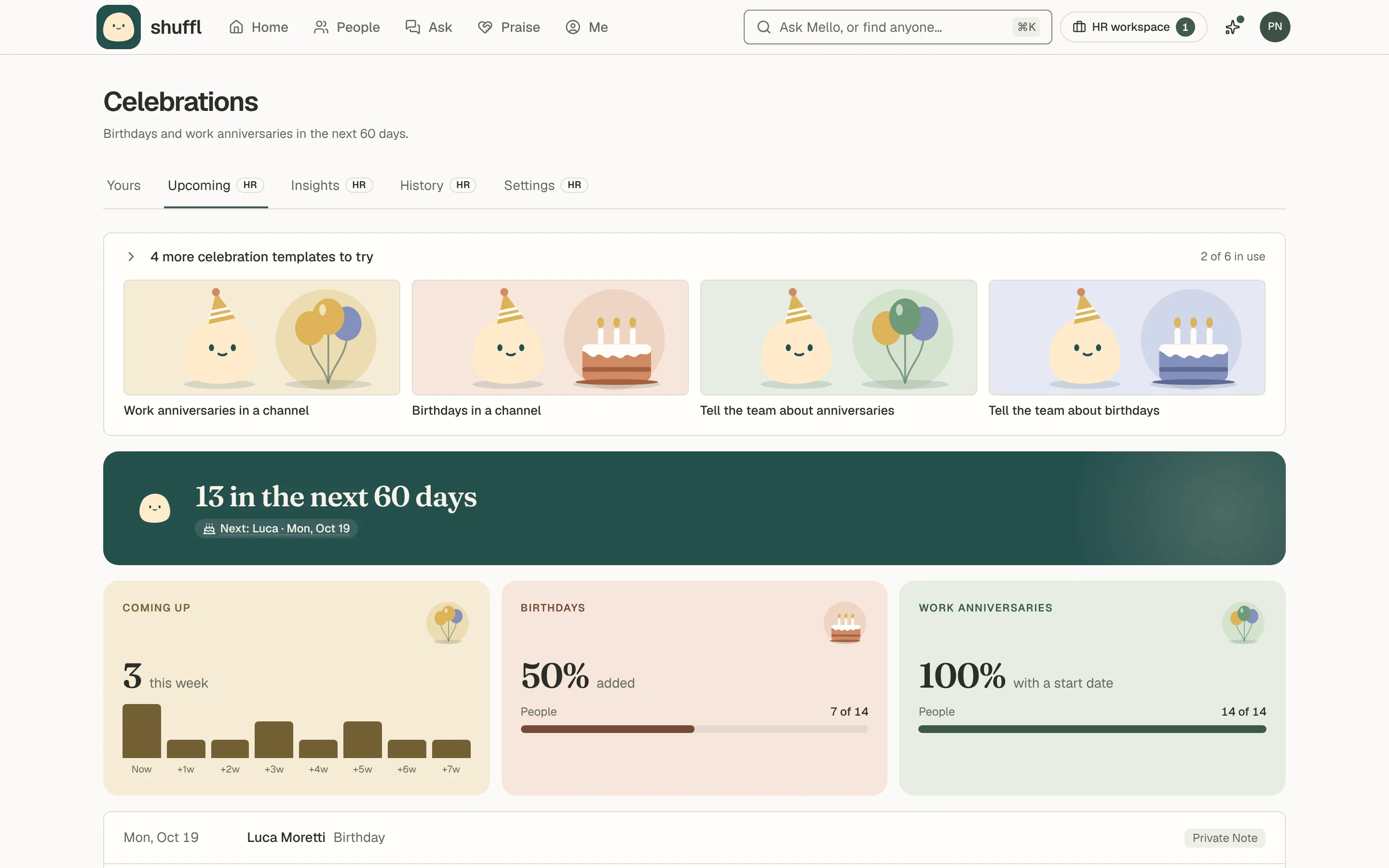
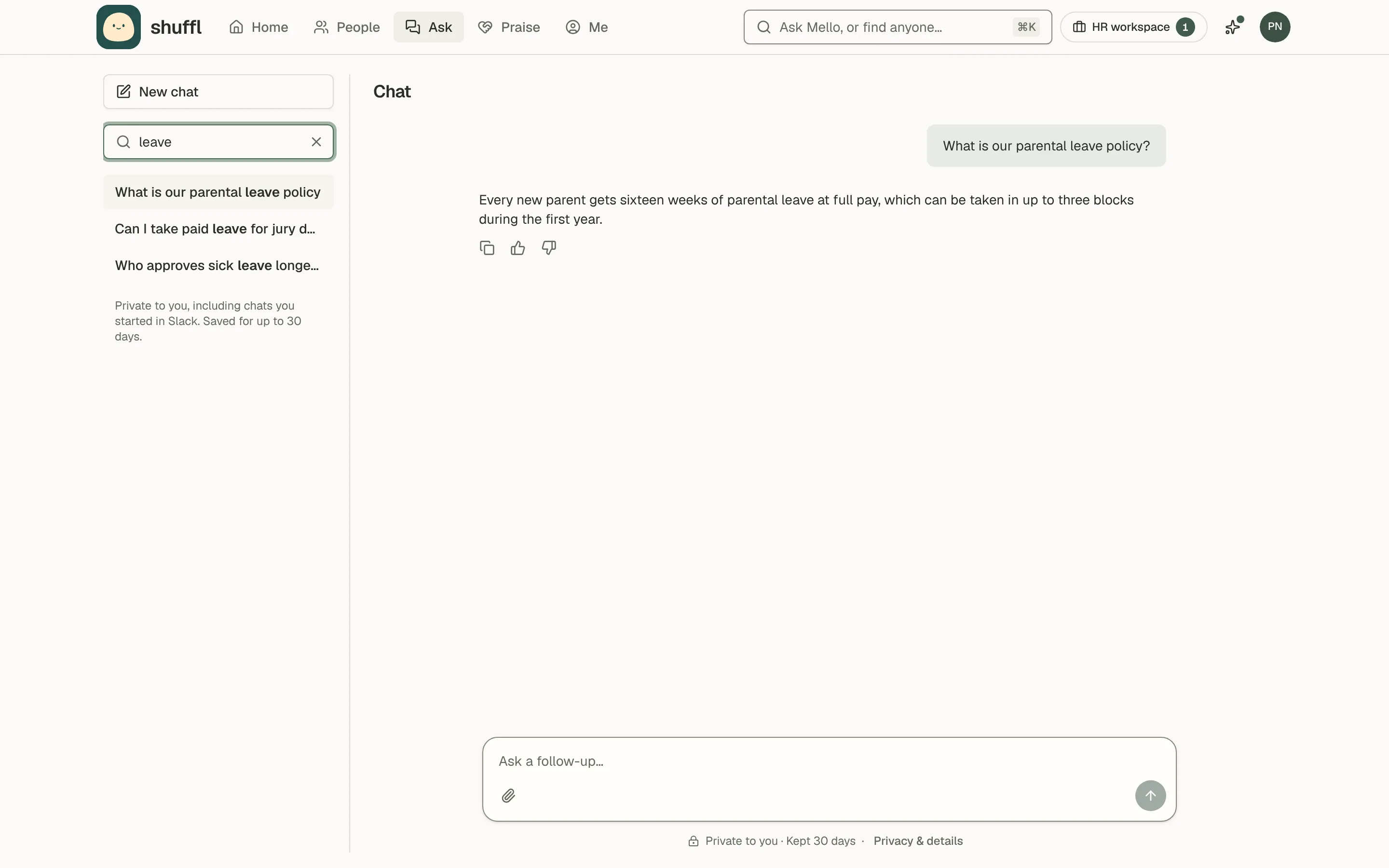
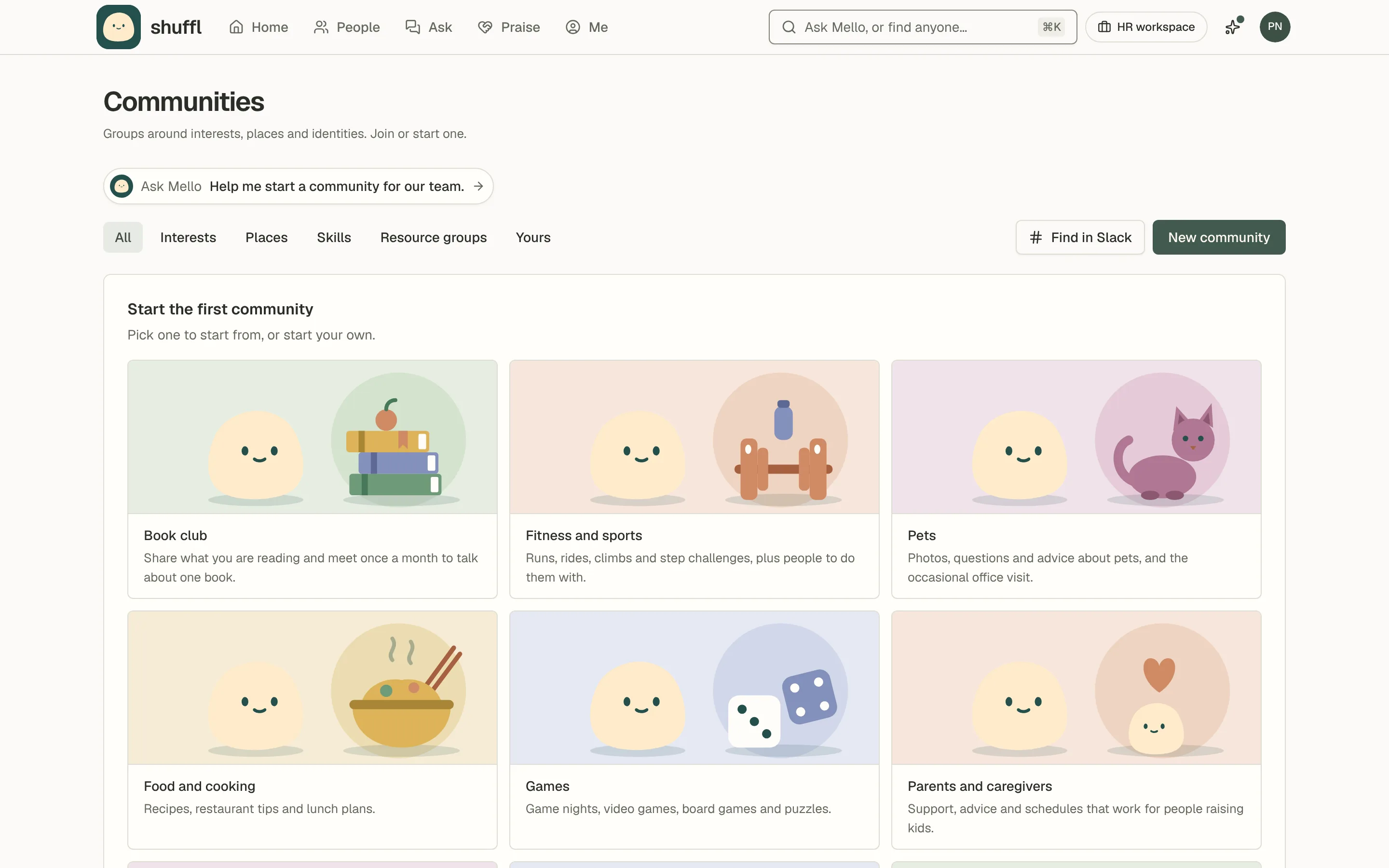
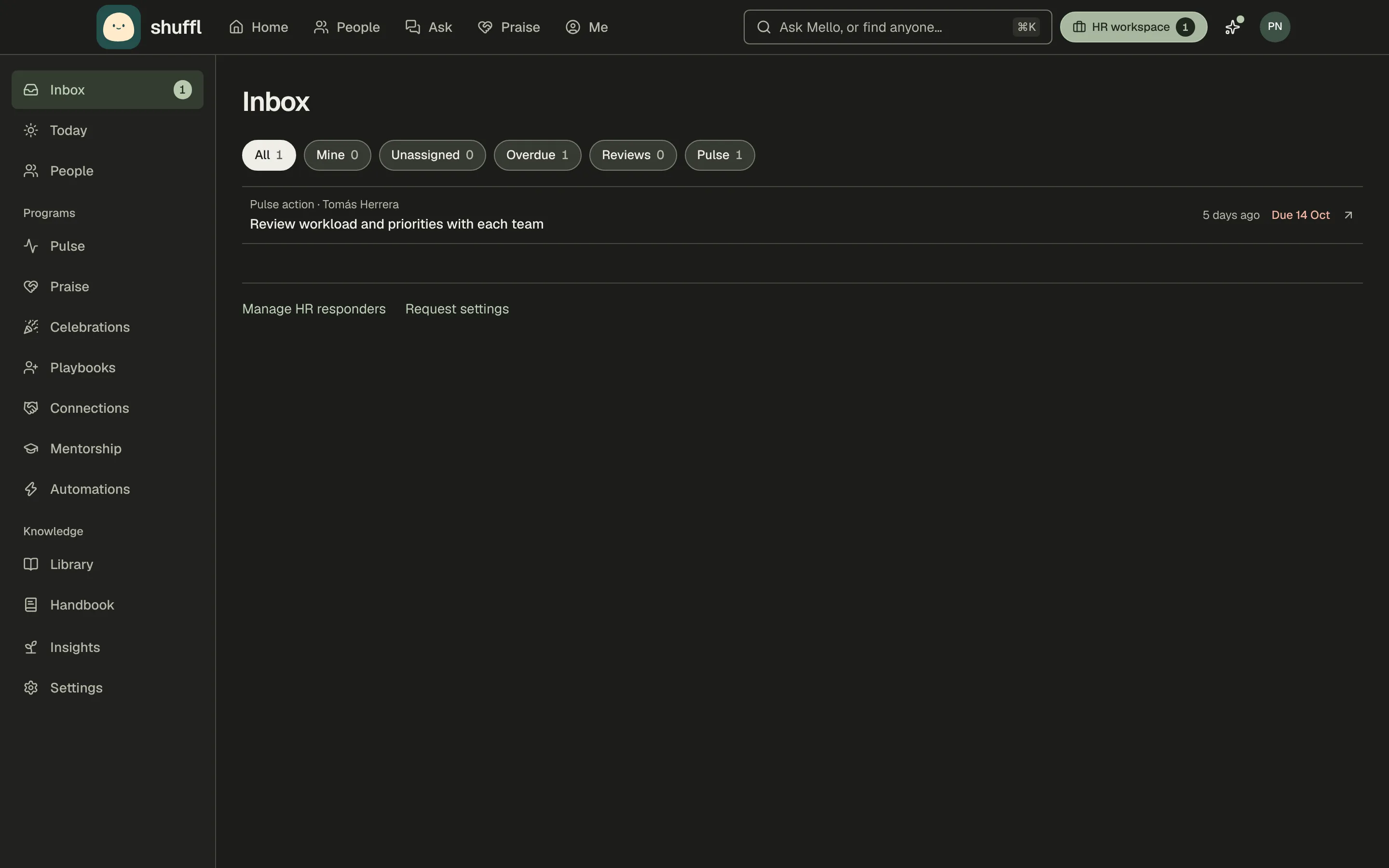
HR no longer switches to a separate Manage area. Shuffl has one top bar, and people who run the workspace get a For HR menu beside the search box with what needs them, Today, Culture, workspace settings and each program Mello runs, marked On or Off. People, Knowledge, Praise and Communities are the same pages everyone uses, with HR tabs marked. Home shows admins a Needs you card.
Read the guide to Shuffl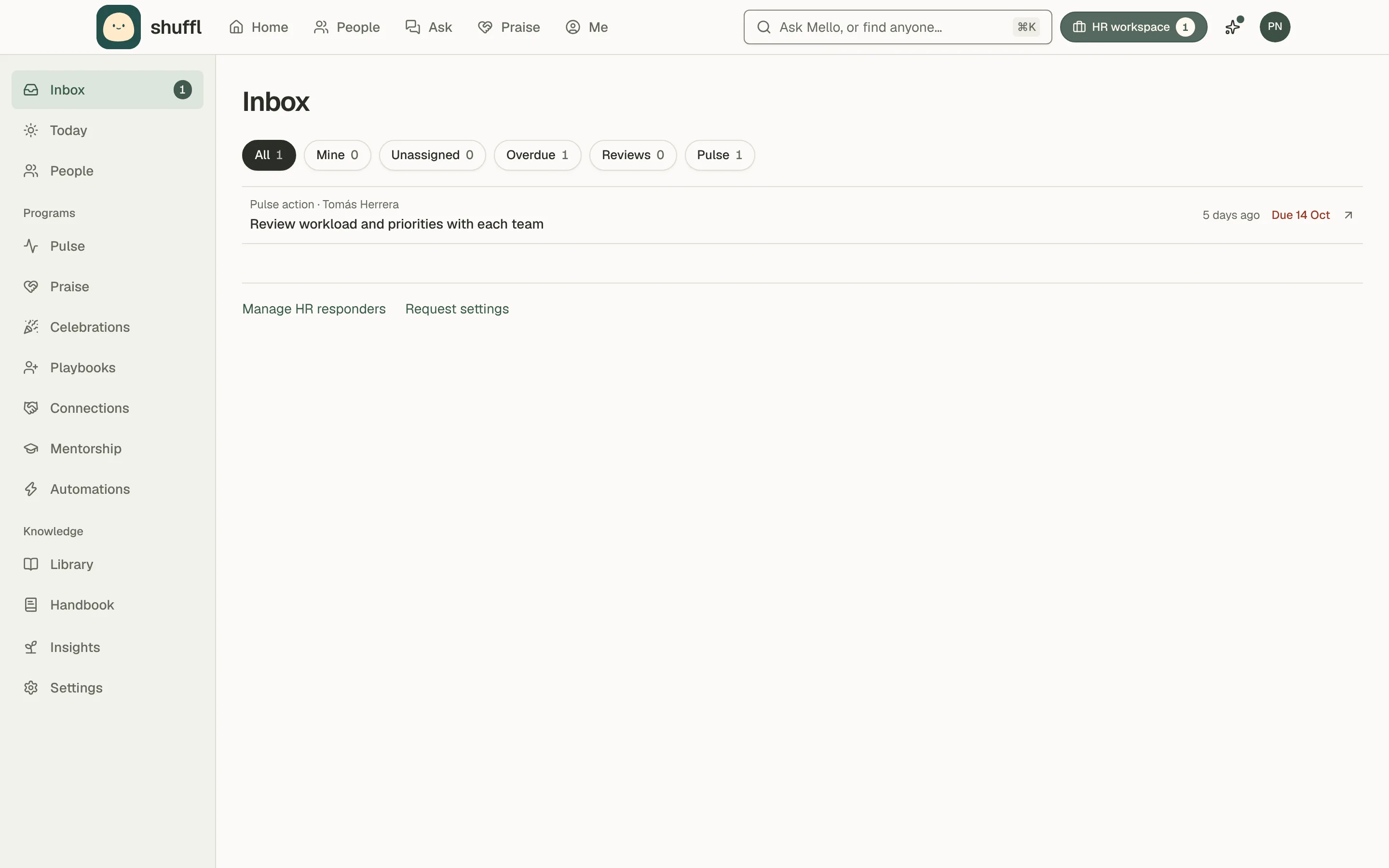
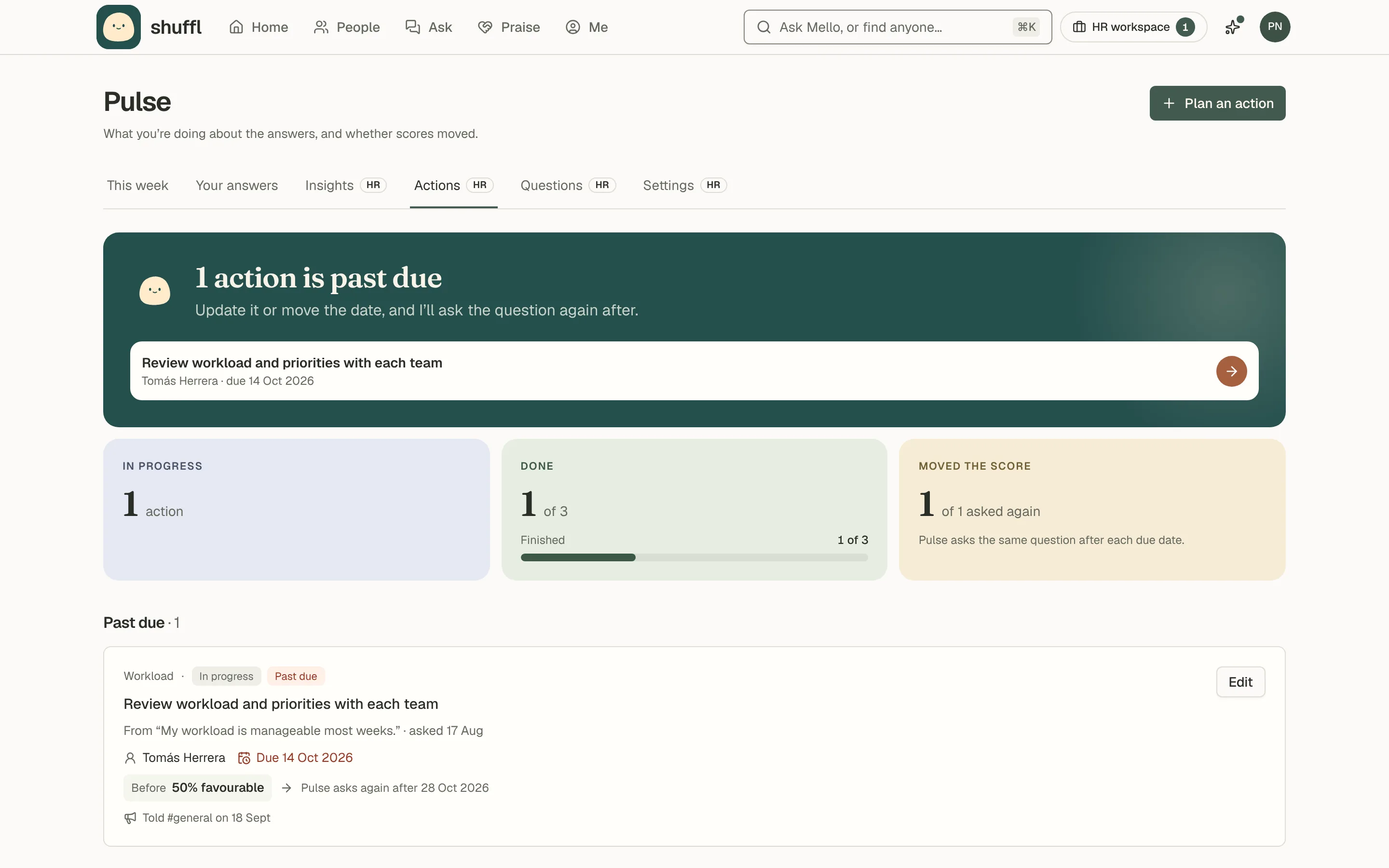
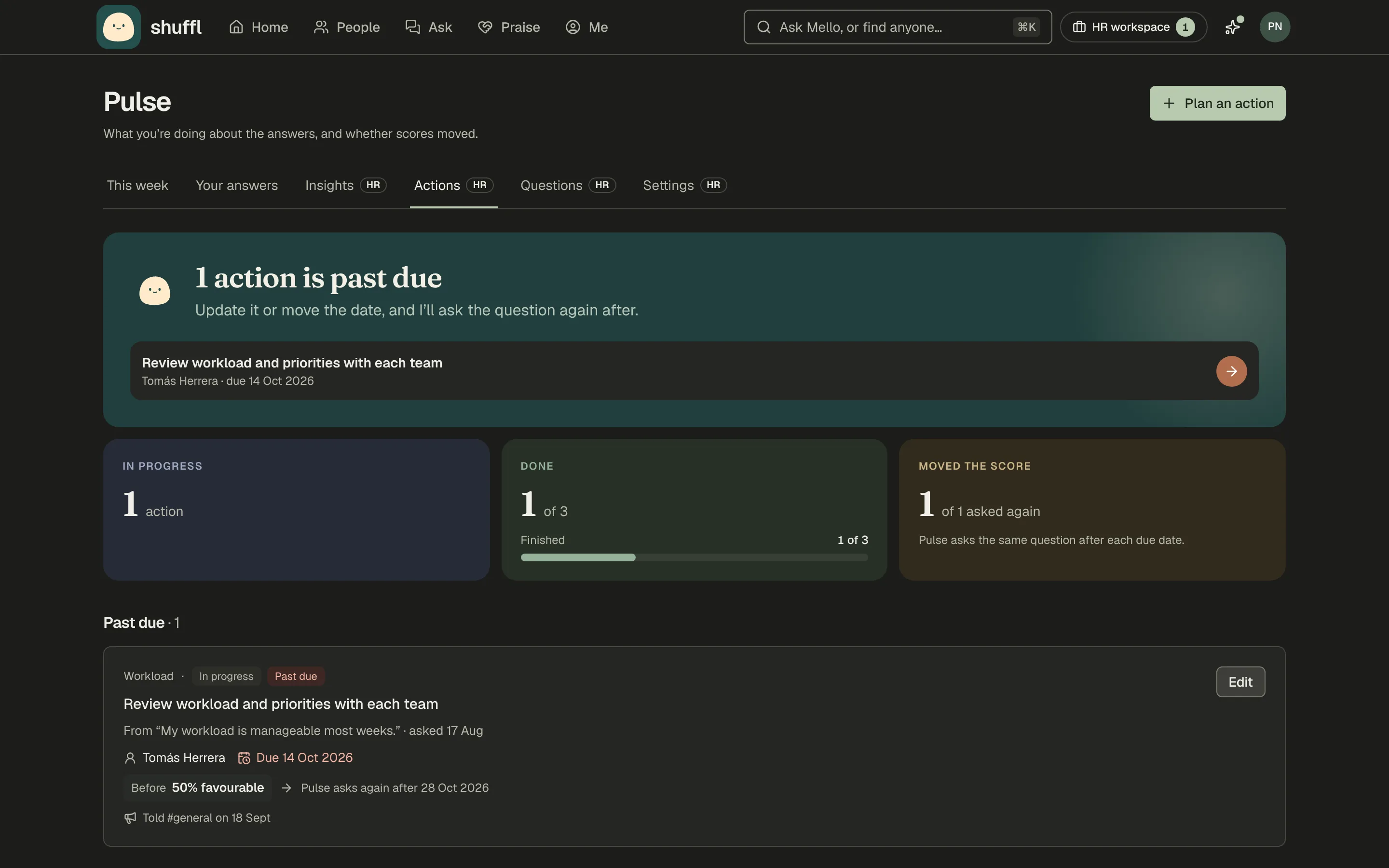
Pulse on the days you choose
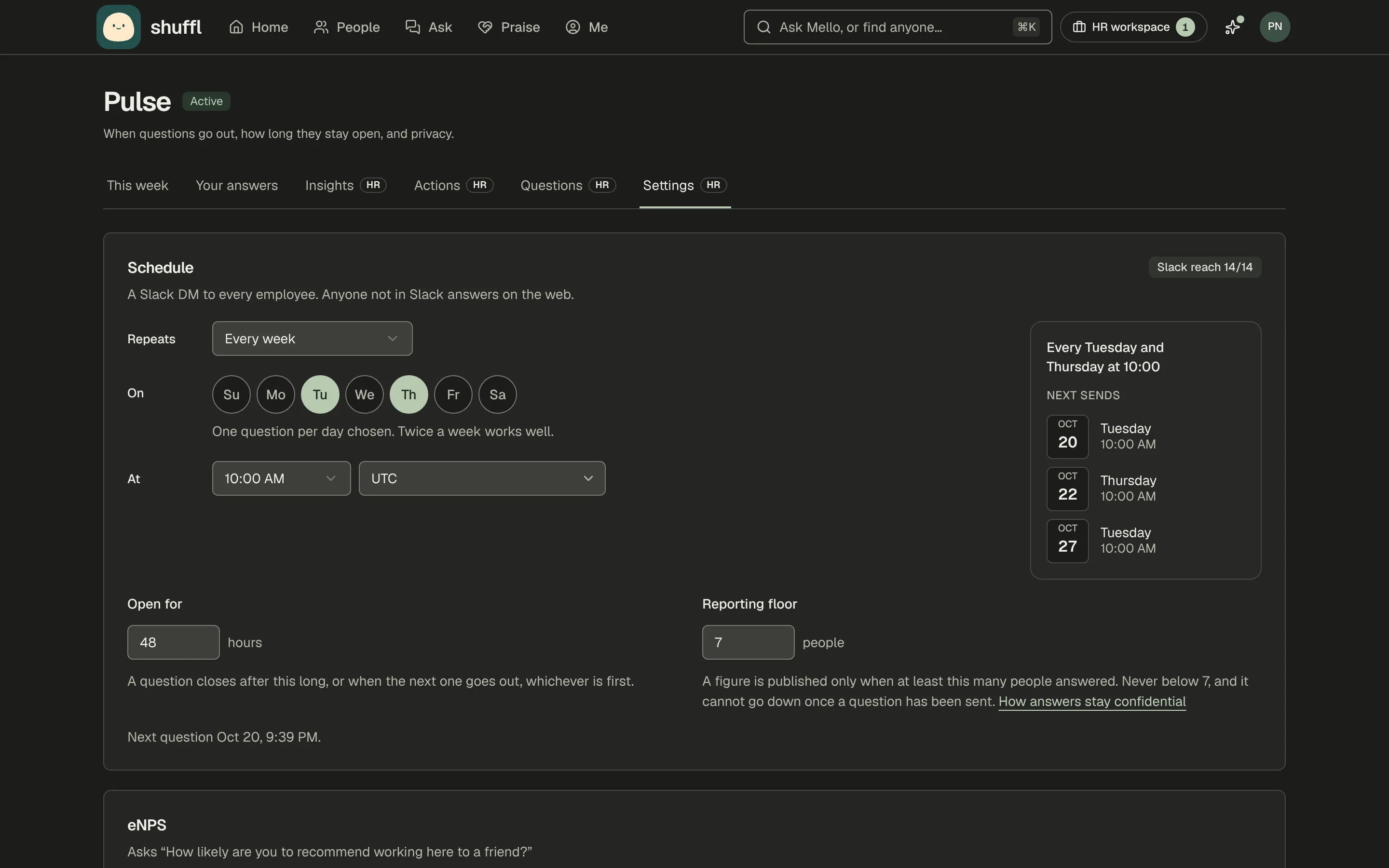
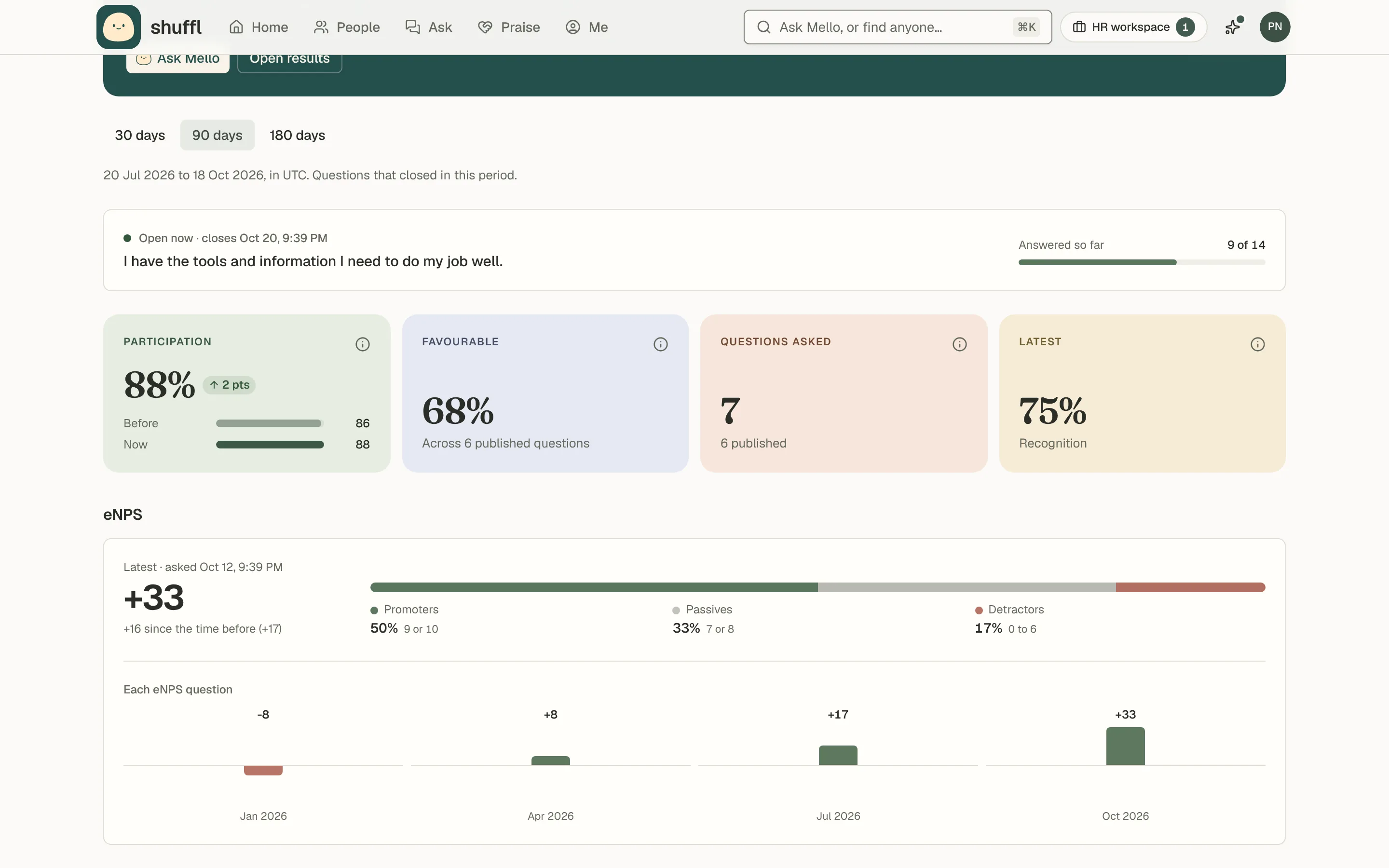
Pulse can repeat every day, every week, every two weeks, once a month on a weekday you pick, or on your own gap. Pick the days with the day circles and Shuffl reads the schedule back with the next three send dates. Results now split by any group, and you can choose to show everyone the company-wide results.
Read the Pulse guide