
Explanation
Privacy and your data
Who can read your chats, HR requests, Pulse answers and profile, what Shuffl reads in Slack, and how to delete your data or leave.
For Employees and HR teams
Have your agent do thisPaste the prompt into Claude Code, Cursor or another agent. It follows this guide over MCP and asks before it changes anything others will see.Show the promptHide the prompt
Help me with "Privacy and your data" in my Shuffl workspace.

1. Read the guide: https://shuffl.ai/docs/markdown/privacy-and-data
2. Add Shuffl's MCP server: https://shuffl.ai/api/mcp
   Claude Code: claude mcp add --transport http shuffl https://shuffl.ai/api/mcp
   When the browser opens, choose my workspace and allow the access the guide needs.
3. Work through the steps in order: Product analytics choices; Delete your data or leave. Do what you can over MCP and tell me which steps only I can do in the browser or in Slack.

Show me what you will change and who it affects, and wait for my yes before publishing, inviting or sending anything.
On this page
App links open your signed-in workspace. Check the selected workspace before making changes.
Your Mello chats and ratings
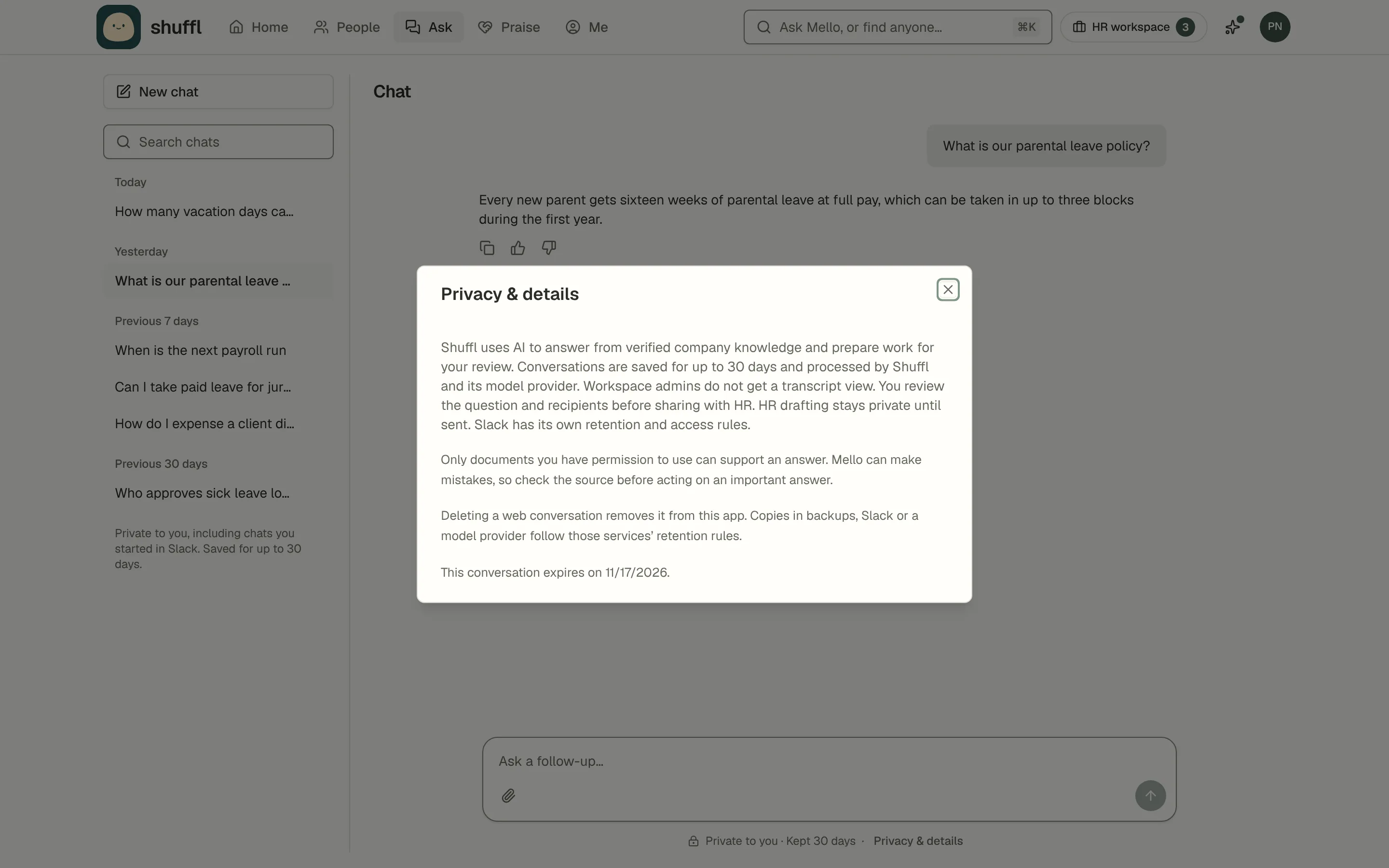
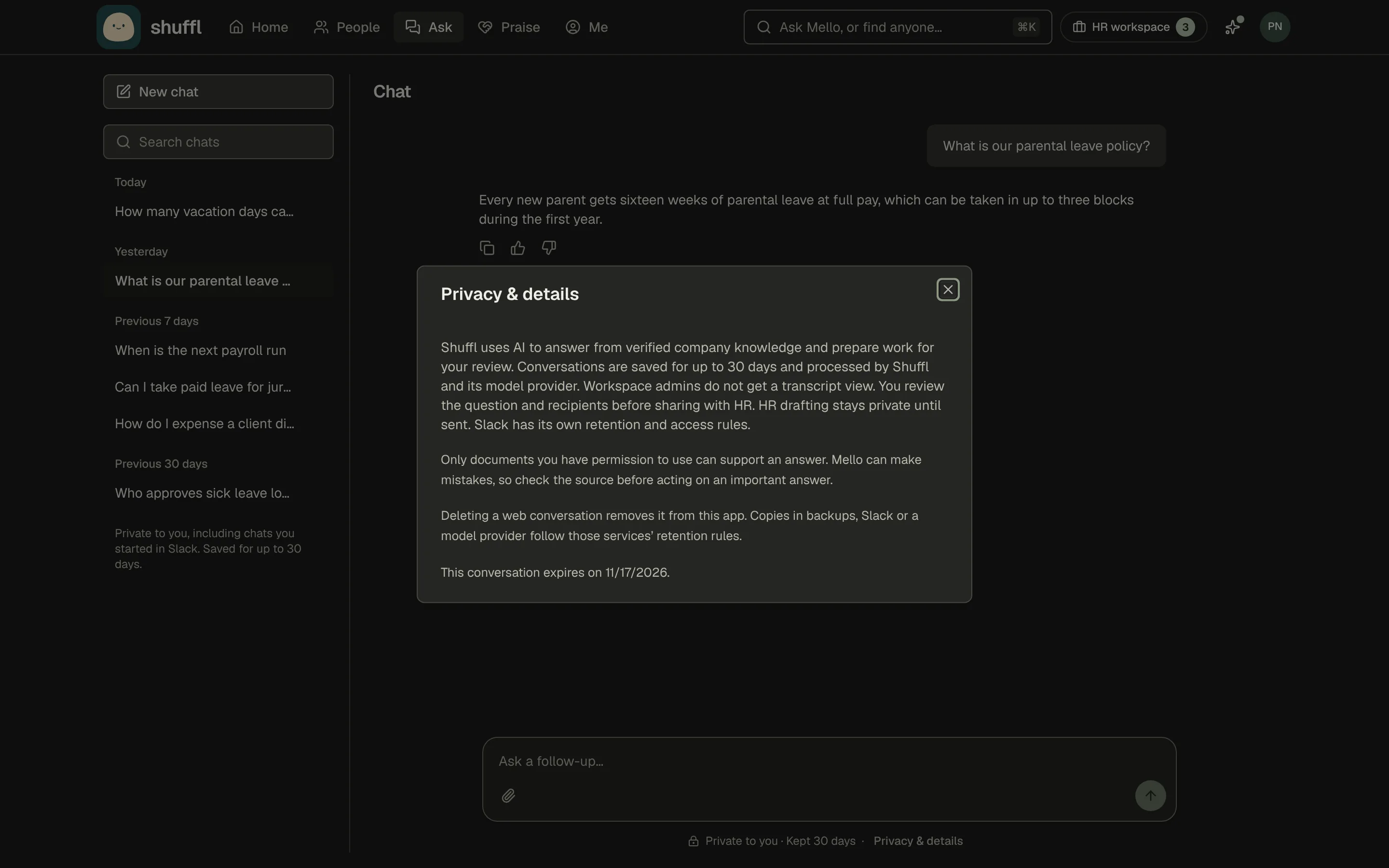
Your chats with Mello are private to you. Your manager, HR and administrators can’t open them, and administrators have no transcript view.
Shuffl deletes each chat 30 days after you start it; Privacy & details, under the box where you type, shows the date. A chat in Slack is also kept by Slack, under your company’s Slack retention settings.
Good answer shares your rating, your optional note and the sources the answer used with your workspace administrators. Your question and the answer stay private.
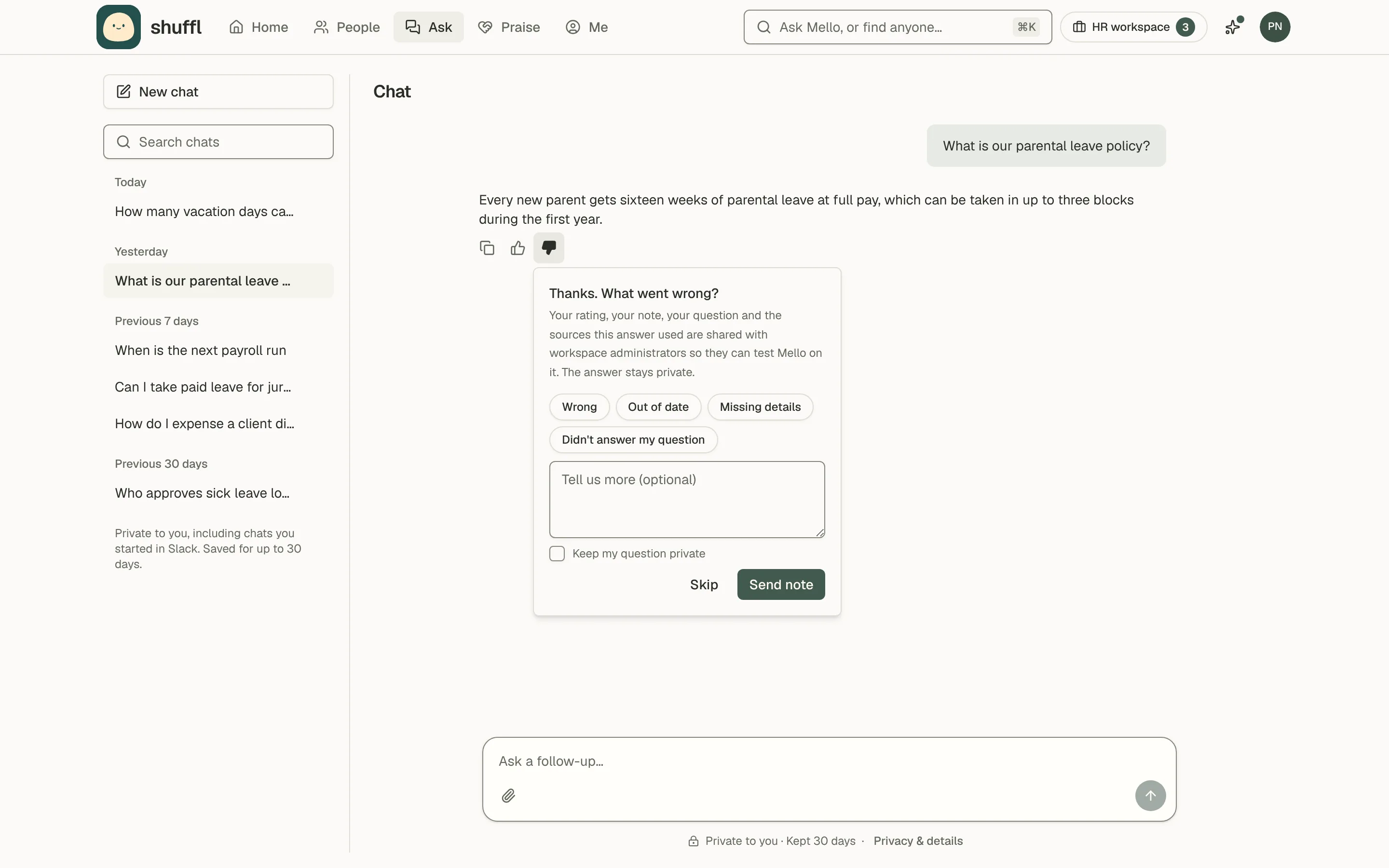
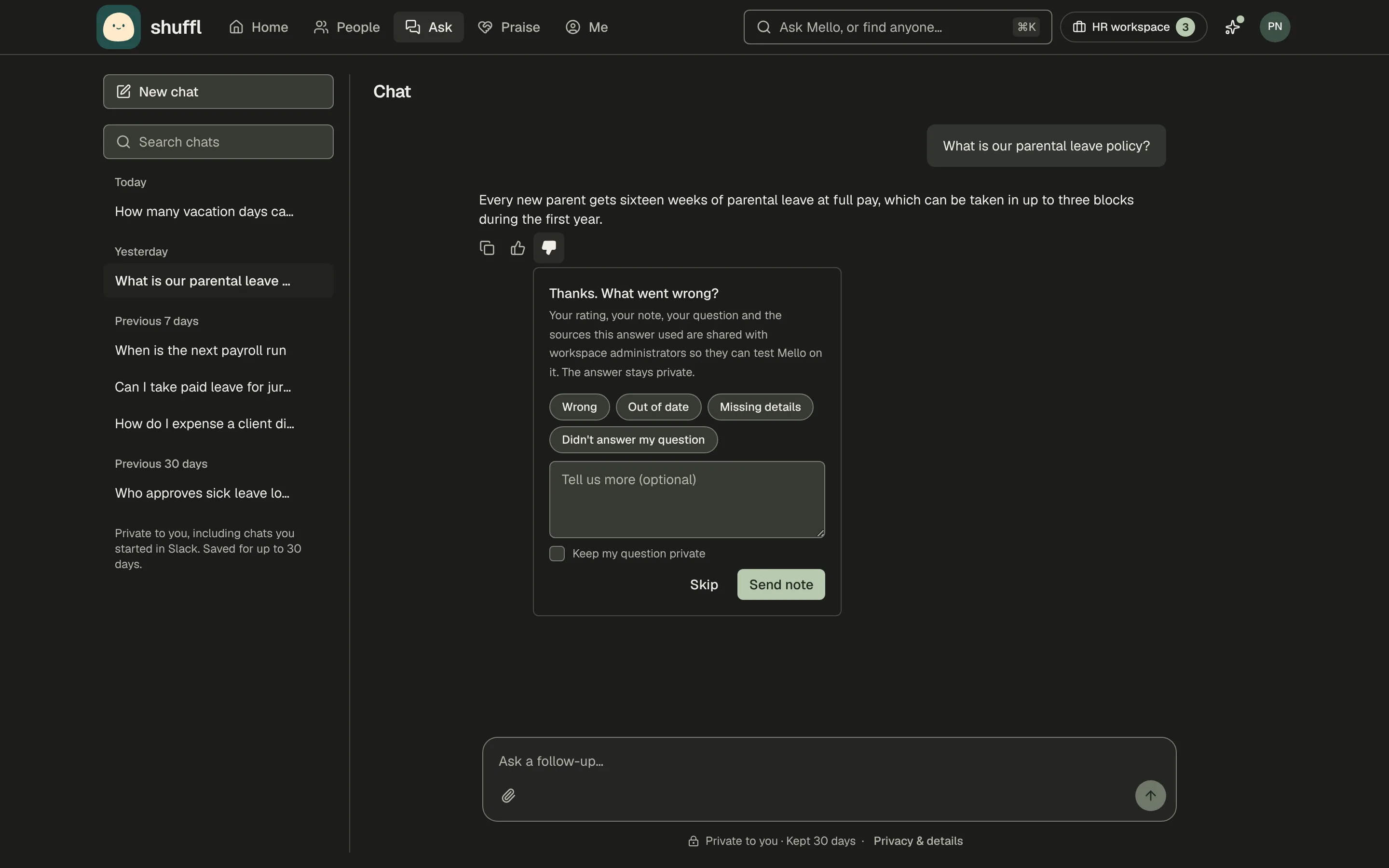
Bad answer also shares your question, so administrators can test Mello on it, unless you tick Keep my question private. The answer is never shared. Rating in Slack shares only your rating, reason and the sources.
What HR sees
Nothing reaches HR until you choose Share with HR on the web or Send to HR in Slack. First Mello shows you the message and who on the HR team would receive it, so you can edit it.
HR gets the message you reviewed, never your chat. Only you and the HR responders on your request can read it; being an administrator doesn’t give access. A sensitive category, such as employee relations, opens only for the responders your company named for it.
Your company keeps HR requests for as long as it keeps the workspace, as its record of how a question was handled, even after the chat is deleted.
Your Pulse answers
Pulse answers are confidential, not anonymous. Shuffl knows who was asked and whether they answered, to count participation. What you answered is stored apart from your name, under a token no role can reverse, and no role, export, report or agent can read it.
HR sees totals only when 7 or more people answered; your company can raise that number but never lower it. Skipping a question tells nobody anything.
There are no individual scores, manager dashboards or benchmarks against other companies, and a Pulse answer never appears in a chat with Mello.
Answers are deleted 90 days after the question closes; the totals are kept. Slack keeps its own copy of the question message, but your tap goes only to Shuffl.
Your profile, praise and celebrations
Your name, title, team, manager and work email come from People, and everyone in the workspace sees them.
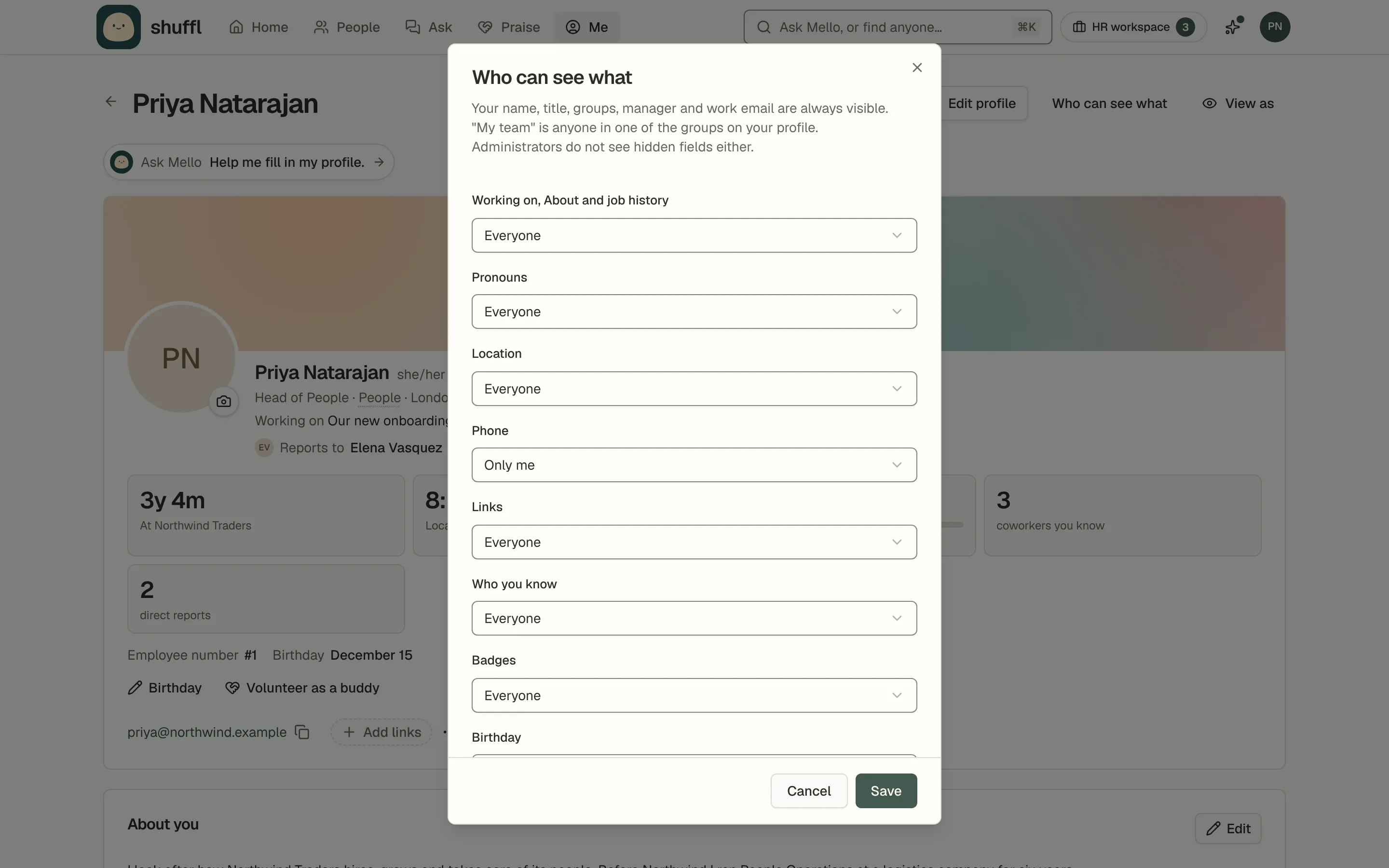
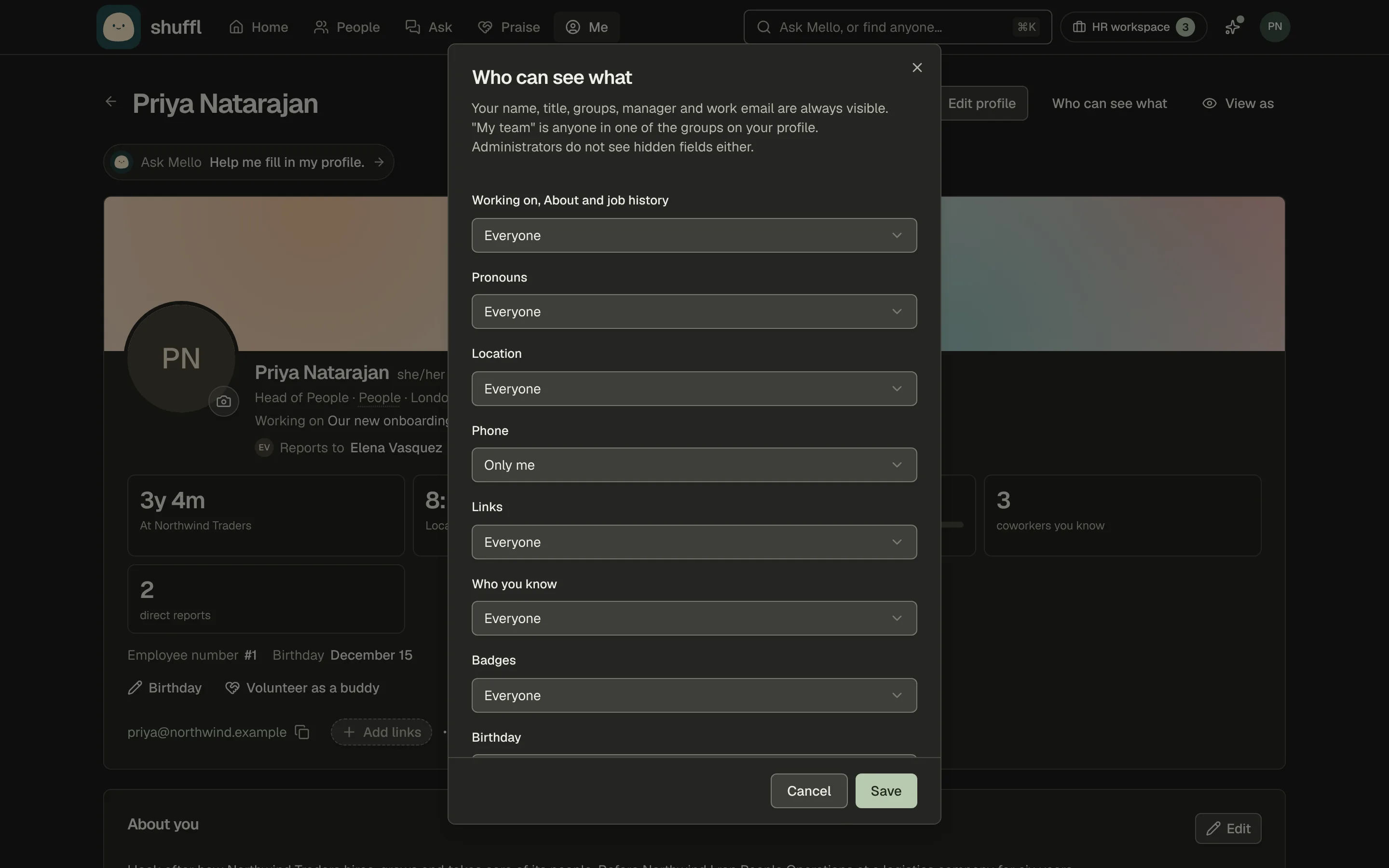
For most other fields, open Me, choose Who can see what and pick Everyone, My team or Only me. Administrators don’t see hidden fields either, and Mello leaves them out of answers.
I know them and Want to meet on a coworker’s profile are private; nobody is told you clicked.
Volunteer as a buddy on your profile puts you first when HR picks a buddy for a new hire. Choose it again to step back. If HR took you off the list, ask HR to put you back.
Praise from a public channel shows to everyone, as it does in Slack. Praise from a private channel shows in Shuffl only to the giver and the people thanked.
Hide from profile takes praise off your profile and the Everyone feed. Administrators see praise totals only, for groups of 7 or more.
Shuffl stores your birthday only if you add it, as a month and day, never the year. Nothing about your birthday or anniversary is posted unless you choose Share it; then your manager hears a week ahead.
What Shuffl reads in Slack
Shuffl reads only the Slack conversations it is part of. It can’t read your direct messages with coworkers, or a channel nobody added it to. It reads:
Messages you send to Shuffl in a direct message, with earlier messages in that conversation, and files you attach there when you ask about them.
Threads and group messages where someone mentions @Shuffl, to answer there or make a badge from the thread. Before answering where others can see, it checks who is in the conversation.
The praise and launch channels your administrators chose: messages that mention someone, and reactions on praise. A newly added praise channel brings in up to its last 12 months.
A community’s linked channel, read when someone opens the community page. Those posts are not stored.
Once a day, who posted and when in channels Shuffl is in whose name marks a project, launch or event, like #proj-atlas, to offer a badge when one goes quiet.
The words are not read or stored. Administrators can turn this off under Praise → Badges.
Your Slack member list, with names, profiles, email addresses and whether each account is active, to keep People current. Channel names and members, so administrators can pick channels and Shuffl can check who should see a message.
Shuffl writes to Slack only to send messages, open direct and group messages and add a reaction to praise when turned on. On request it creates a community’s channel or invites people to it.
On a paid Slack plan, if your company turns it on, it adds the Shuffl profile link to your Slack profile and changes nothing else.
How Mello uses AI
Mello answers from the Knowledge published to you and your own record in People, and cites its sources. If nothing published covers your question, it says so and offers to bring in HR.
To write an answer, Shuffl sends your question, the conversation so far and the Knowledge it found to an AI model provider, only to compose that answer. Shuffl doesn’t use customer content to train models, or one company’s content to improve the service for another.
Mello writes with AI, so an answer can be wrong or incomplete. Before you act on pay, leave or eligibility, open the source or ask HR.
Product analytics choices
- To turn them off in every browser, open Account from your account menu and turn off Product analytics. Your activity then counts only towards anonymous workspace totals.
- For one browser, open Privacy choices in your account menu and choose Allow analytics or Reject analytics.
- A company owner or administrator can turn product analytics off for every workspace in Settings → Company → Name and logo.
Product analytics tell Shuffl which features people use, never what anyone writes. They never include questions, answers, documents, HR requests, praise, Pulse answers, names, email addresses or Slack ids.
Delete your data or leave
- To delete a chat, open its menu in your list of chats and choose Delete, then Delete conversation.
- HR requests sent from it stay. A chat started in Slack is removed in Slack.
- To leave a workspace, open Settings → Workspaces under Company, open the workspace’s actions menu and choose Leave workspace. You stay a member of the company.
- To delete your account, open Account, then Delete account…. If you are a company’s only owner, choose a new owner or delete the empty company first.
- Enter your password, tick I understand this can’t be undone and choose Delete my account.
- If your company’s directory manages your account, ask your administrator to remove it there.
Deleting your account signs you out everywhere, ends your workspace memberships, revokes your API keys and removes your support conversations with Shuffl. Your person in People, HR requests, Knowledge and the activity log stay with each workspace, unlinked from you, as your employer’s records.
Chats go 30 days after they start and Pulse answers 90 days after the question closes. A deleted workspace or company can be restored for 30 days, then is erased; backup copies are gone within a further 30 days.
Five days after Shuffl is removed from a Slack workspace, it deletes what it holds from that Slack. That is chats and HR requests from Slack, drafts written from them, unpublished Slack files, praise read from channels, suggested badges, and everyone’s Slack id and photo.
Re-add Shuffl within those five days to keep everything.
Published Knowledge, awarded badges and People records stay until the workspace is deleted. Backups and other providers’ copies expire within 14 days of the removal. For anything else, write to privacy@shuffl.ai; your employer decides about workspace records.