
How-to guide
Zapier, Make and n8n
Start a Zap, Make scenario or n8n workflow when something happens in Shuffl, and let it invite people, start playbooks or give praise.
For Workspace administrators
Have your agent do thisPaste the prompt into Claude Code, Cursor or another agent. It follows this guide over MCP and asks before it changes anything others will see.Show the promptHide the prompt
Help me with "Zapier, Make and n8n" in my Shuffl workspace.

1. Read the guide: https://shuffl.ai/docs/markdown/zapier-make-n8n
2. Add Shuffl's MCP server: https://shuffl.ai/api/mcp
   Claude Code: claude mcp add --transport http shuffl https://shuffl.ai/api/mcp
   When the browser opens, choose my workspace and allow the access the guide needs.
3. Work through the steps in order: Connect Zapier; Connect Make; Connect n8n. Do what you can over MCP and tell me which steps only I can do in the browser or in Slack.

Show me what you will change and who it affects, and wait for my yes before publishing, inviting or sending anything.
On this page
App links open your signed-in workspace. Check the selected workspace before making changes.
How the apps connect
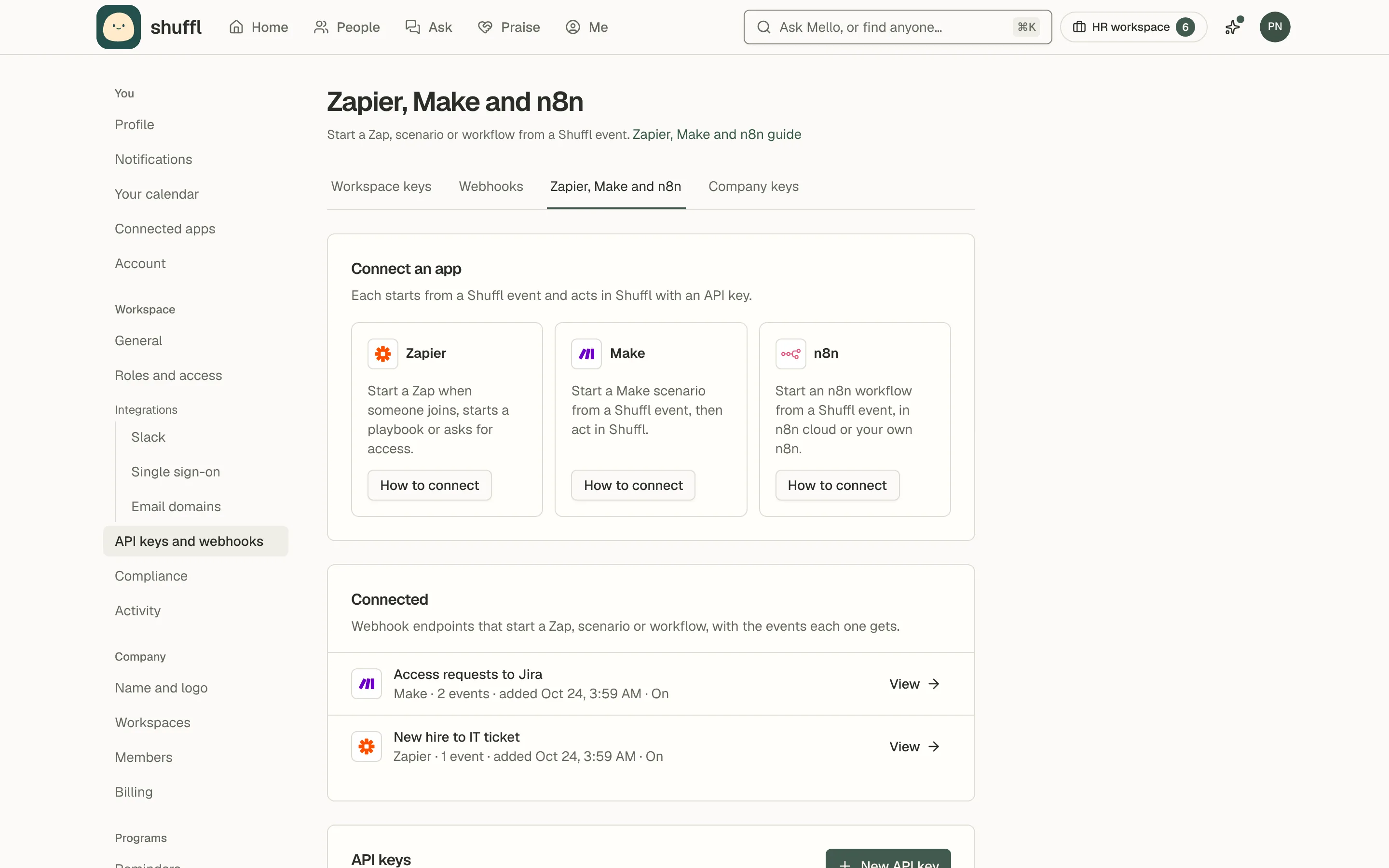
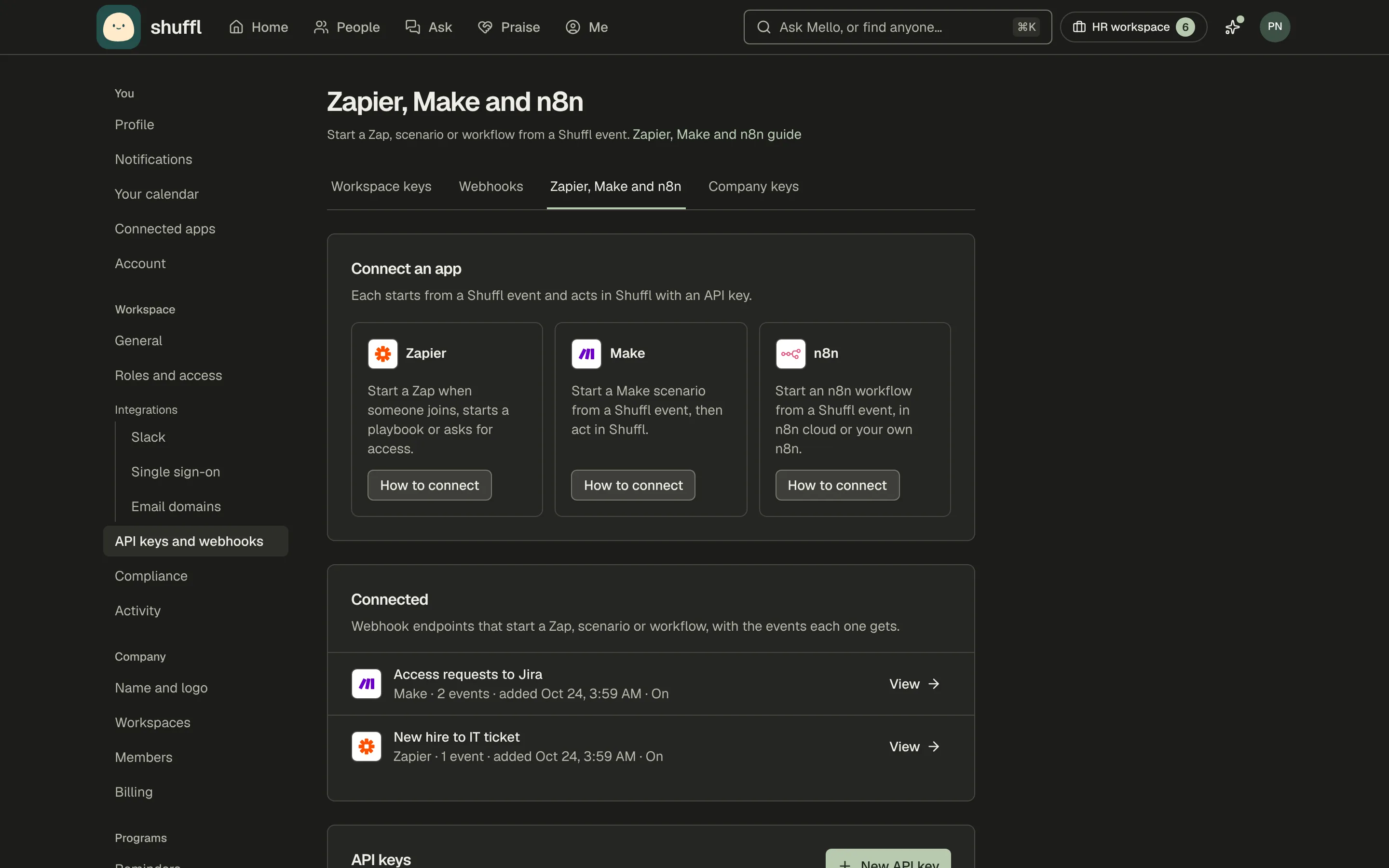
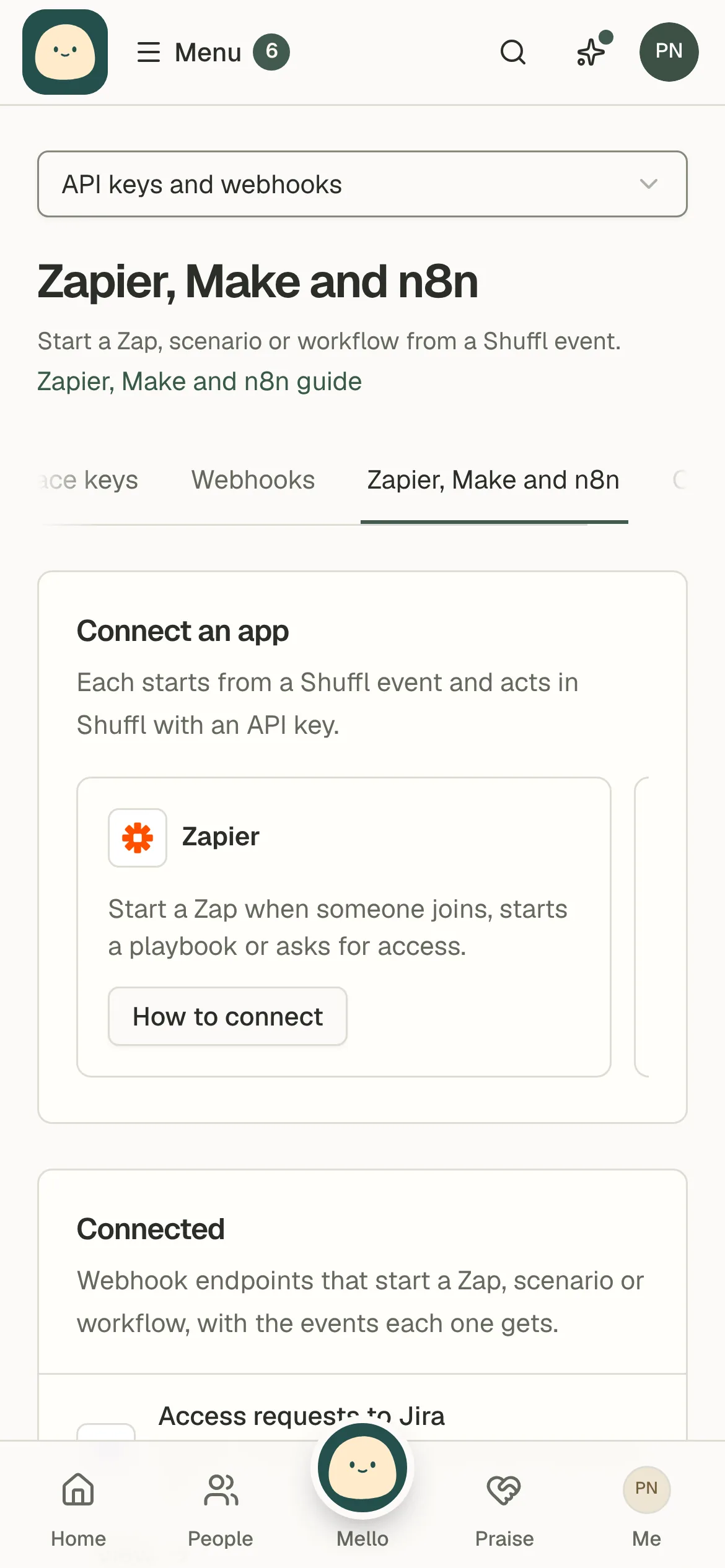
Workspace owners and administrators connect Zapier, Make and n8n in Settings → Zapier, Make and n8n.
Each app works the same way. A signed Shuffl webhook starts the flow, and an API key lets later steps change things in Shuffl.
Subscriptions from these apps count apart from your own webhook endpoints. A workspace can have up to 50.
Connect Zapier
- Create an API key in Settings → Zapier, Make and n8n. It starts with the permissions Zapier needs.
- In Zapier, start a Zap with Webhooks by Zapier → Catch Hook and copy its URL.
- In Settings → Webhooks, add that URL and pick the events that start the Zap.
- To change something in Shuffl, add a Webhooks by Zapier → Custom Request step with the key as a Bearer token.
Start a Zap when someone joins, starts a playbook or asks for access. A Shuffl event starts the Zap; an API key lets it act in Shuffl.
Connect Make
- Create an API key in Settings → Zapier, Make and n8n. It starts with the permissions Make needs.
- In Make, start a scenario with Webhooks → Custom webhook and copy its address.
- In Settings → Webhooks, add that address and pick the events that start the scenario.
- To change something in Shuffl, add HTTP → Make a request with the key as a Bearer token.
Start a Make scenario from a Shuffl event, then act in Shuffl. A Shuffl event starts the scenario; an API key lets it act in Shuffl.
Connect n8n
- Create an API key in Settings → Zapier, Make and n8n. It starts with the permissions n8n needs.
- In n8n, start a workflow with a Webhook node set to POST and copy its production URL.
- In Settings → Webhooks, add that URL and pick the events that start the workflow.
- To change something in Shuffl, add an HTTP Request node with the key as a Bearer token.
Start an n8n workflow from a Shuffl event, in n8n cloud or your own n8n. A Shuffl event starts the workflow; an API key lets it act in Shuffl.
What can start a flow
A flow can start from any webhook event. These are the ones most HR teams use.
Payloads carry ids, never names or emails. Read the person with the API, using users.get, before you write their name anywhere.
Events most flows start from
- New person:
person.created. Triggers when someone is added to the People directory. - Person updated:
person.updated. Triggers when someone’s directory record changes. - Manager changed:
person.manager_changed. Triggers when someone’s manager changes. - Playbook started:
playbooks.enrolled. Triggers when someone starts a playbook, such as onboarding or leaving. - Check-in answered:
playbooks.check_in.answered. Triggers when a new hire answers a check-in. The answer is all_good or need_help. - Buddy assigned:
playbooks.buddy.assigned. Triggers when a buddy is asked to help a new hire. - Knowledge page published:
knowledge.document.published. Triggers when a Knowledge page is published. - Access requested:
access.request.requested. Triggers when someone asks for access to an app. - Access approved:
access.request.approved. Triggers when an access request is approved.
Act in Shuffl
Each change is a POST to /api/v1/manage with confirm set to the operation name and a requestKey.
Use the run’s id as the requestKey. A retried step then makes the change once and returns result: null.
What a flow can do in Shuffl
- Invite a person: Invites someone to the workspace by email. Needs
invitations.create. - Start a playbook: Puts someone on a playbook, such as onboarding, with an optional start date. Needs
reports.overview,playbooks.previewEnrollment,playbooks.enroll. - Give praise: Praises coworkers in a praise channel, as the key’s owner. Needs
praise.composer,praise.send. - Search Knowledge: Searches approved Knowledge and returns the passages with links to cite. Needs
knowledge.search. - Find a person: Finds someone in the People directory by work email. Needs
users.list.
curl -X POST https://shuffl.ai/api/v1/manage/invitations/create \
  -H "Authorization: Bearer $SHUFFL_API_KEY" \
  -H "Content-Type: application/json" \
  -d '{"confirm":"invitations.create","requestKey":"<run id>","email":"sam@example.com","role":"member"}'
Keys and limits
A key made in Settings → Zapier, Make and n8n starts with the permissions the apps need. Remove any your flows don’t use.
API keys last 30 days. Make a new key before then and paste it into the app’s connection.
Turning off a Zap, scenario or workflow doesn’t delete its webhook. Delete it in Settings → Webhooks.