
How-to guide
Laptops and devices
Connect Kandji, Jamf Pro or Microsoft Intune and a shipping partner like Firstbase. New hires get a laptop before day one, leavers get a return kit, and IT locks or wipes a device only when they choose.
For Administrators
Have your agent do thisPaste the prompt into Claude Code, Cursor or another agent. It follows this guide over MCP and asks before it changes anything others will see.Show the promptHide the prompt
Help me with "Laptops and devices" in my Shuffl workspace.

1. Read the guide: https://shuffl.ai/docs/markdown/devices
2. Add Shuffl's MCP server: https://shuffl.ai/api/mcp
   Claude Code: claude mcp add --transport http shuffl https://shuffl.ai/api/mcp
   When the browser opens, choose my workspace and allow the access the guide needs.
3. Work through the steps in order: Connect device management and shipping. Do what you can over MCP and tell me which steps only I can do in the browser or in Slack.

Show me what you will change and who it affects, and wait for my yes before publishing, inviting or sending anything.
On this page
App links open your signed-in workspace. Check the selected workspace before making changes.
How it works
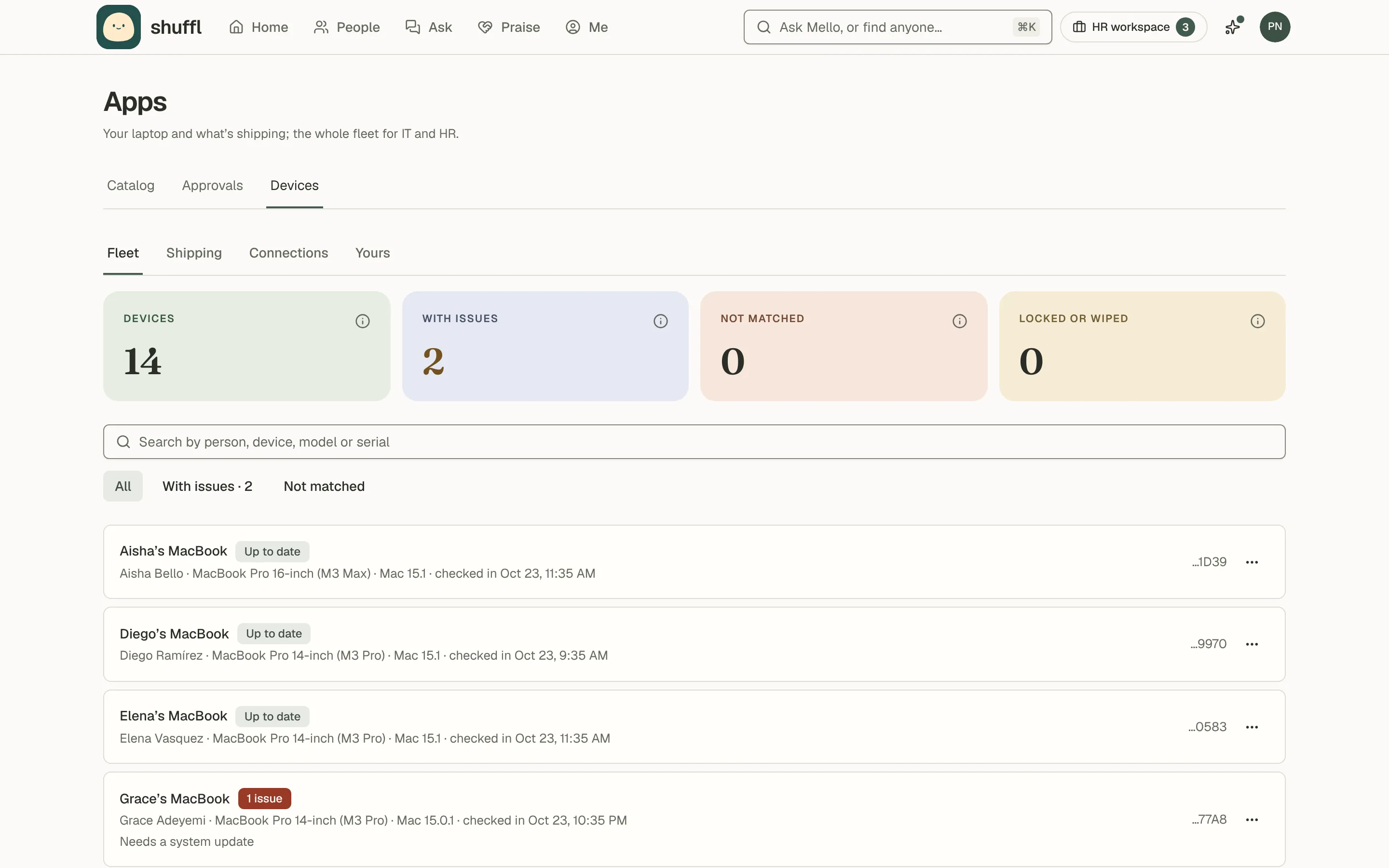
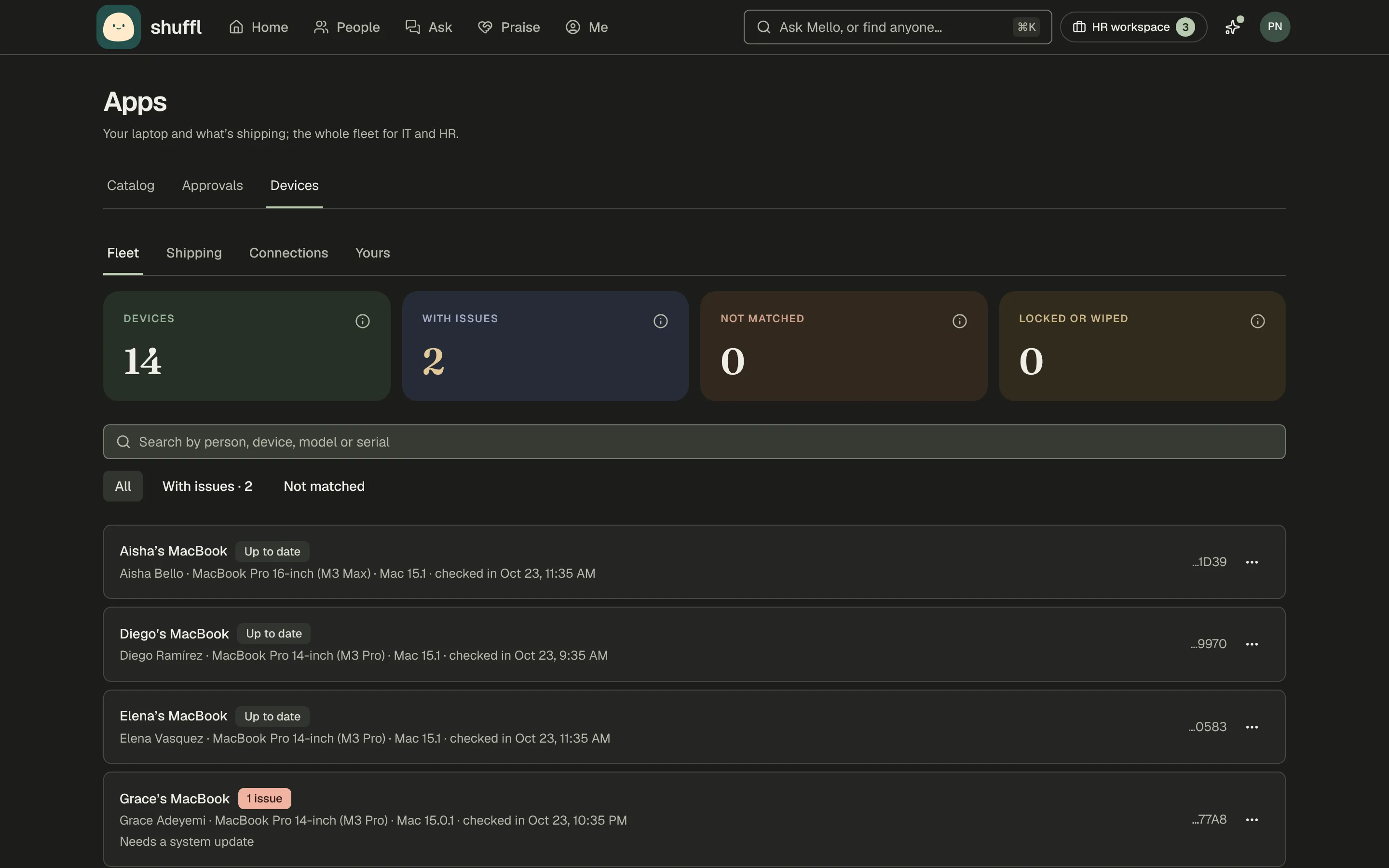
Device management lists every laptop. Shuffl reads it daily and matches each device to People by work email. It flags an OS update, encryption off, a missed check-in, no passcode or the firewall off.
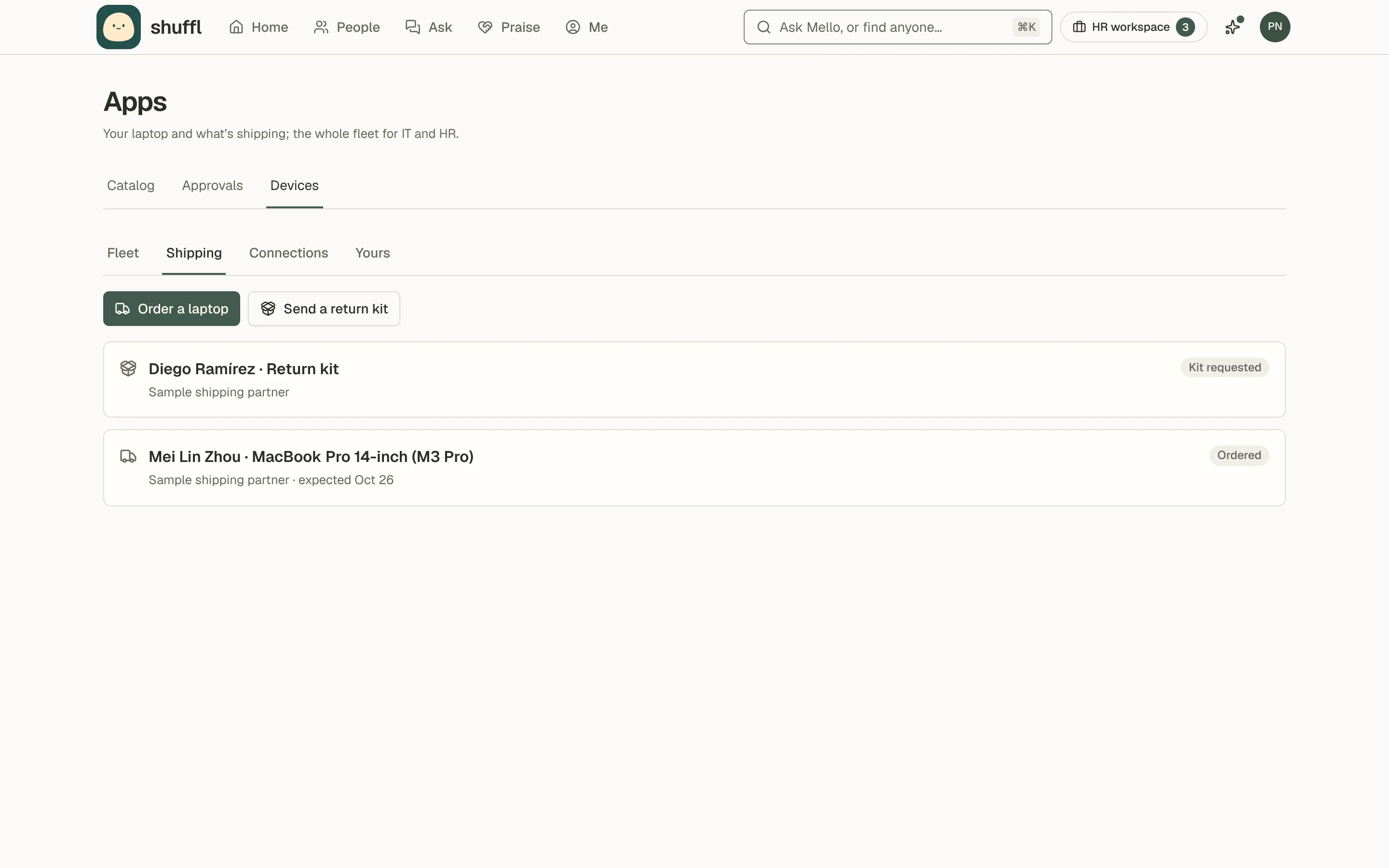
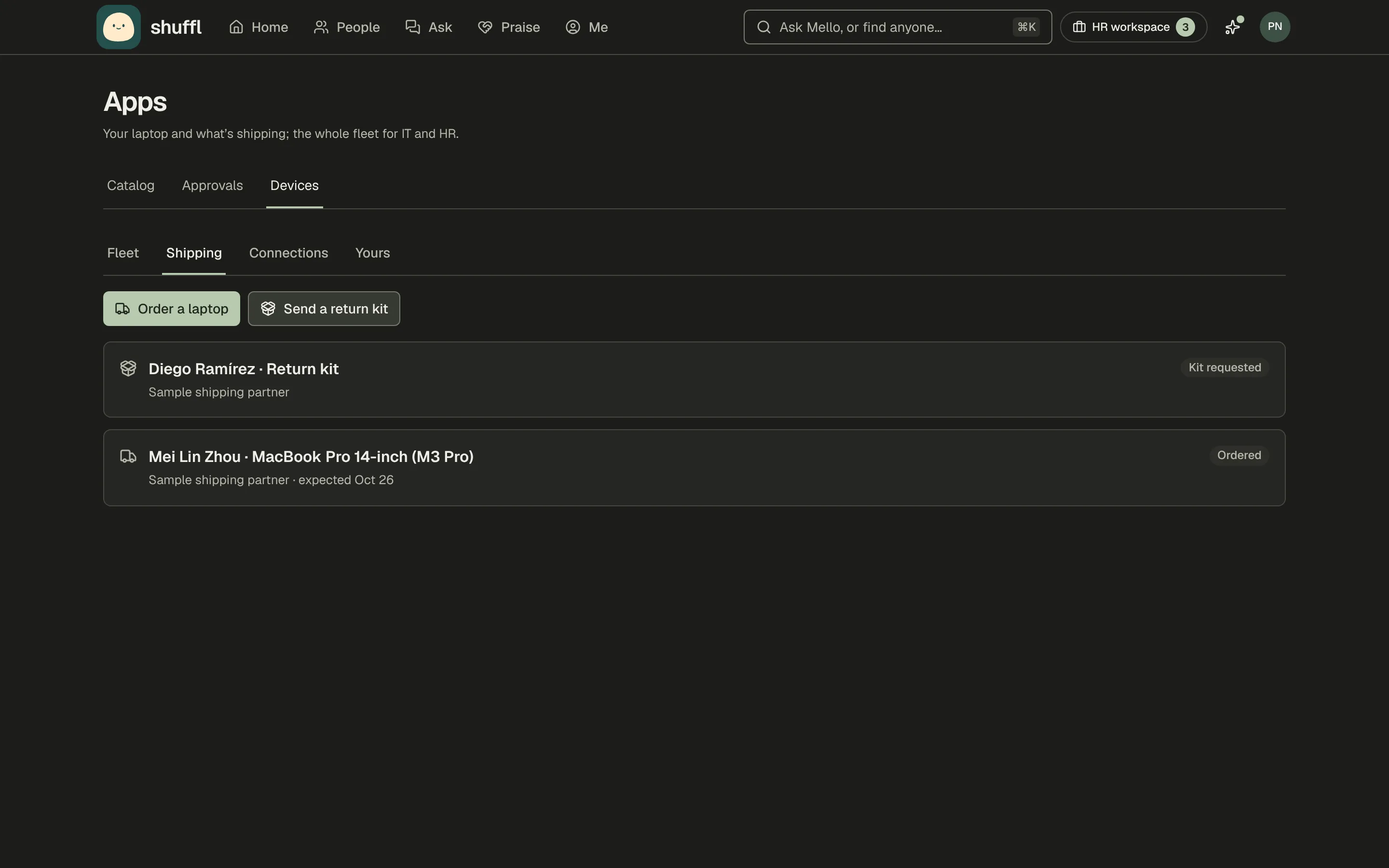
A shipping partner sends laptops and return kits. A playbook step prepares the order or the kit; nothing ships until HR or IT sends it from Devices.
Connect device management and shipping
- Open Apps → Devices and choose Connections.
- Under Device management, choose Kandji, Jamf Pro or Microsoft Intune. Paste what the dialog asks for, as its steps describe, and choose Connect.
- Shuffl checks the credential and reads the fleet straight away. Under Shipping partner, connect Firstbase the same way.
What each one asks for
Kandji: an API token allowed to list devices, lock and erase, and your tenant’s API URL. Jamf Pro: an API client with Read Computers, Send Computer Remote Lock Command and Send Computer Remote Wipe Command, and your jamfcloud.com address.
Microsoft Intune: an app registration with the DeviceManagementManagedDevices.Read.All and PrivilegedOperations.All application permissions. Firstbase: an API key from its admin settings.
Laptops for new hires
Add a form step that asks Where to ship your laptop. The address is sealed, only the shipping partner sees it, and it is deleted once the laptop arrives.
Add a Laptop step to HR a few days later. On its day Shuffl prepares the order and HR gets a card with Review the order. The hire hears when it ships and when it arrives.
Return kits for leavers
The Leaving playbook sends HR a Send a return kit step before the last day. Sending it asks the partner for a box and a prepaid label for the devices listed for them.
Once the laptop is back, lock or wipe it from the fleet. The Hires tab on each playbook shows where every laptop and return kit stands.
Lock or wipe a device
Shuffl never locks or wipes on its own. Choose … on a device, then Lock or Wipe. A lock shows a message on the screen and an unlock PIN once; Shuffl doesn’t keep it.
A wipe erases everything at the next check-in. Type the last four characters of the serial to confirm. Mello can prepare a lock, but a wipe is always run on Devices.
What employees see
Everyone sees their own laptop under Apps → Devices, with anything it needs and how to fix it, and any laptop or return kit on its way. They can ask Mello “Where’s my laptop?” too.