
How-to guide
Compliance evidence
Send joiners, leavers and policy acknowledgements to Vanta or Drata every day, so your HR controls stay evidenced without exports.
For Workspace owners and administrators
Have your agent do thisPaste the prompt into Claude Code, Cursor or another agent. It follows this guide over MCP and asks before it changes anything others will see.Show the promptHide the prompt
Help me with "Compliance evidence" in my Shuffl workspace.

1. Read the guide: https://shuffl.ai/docs/markdown/compliance-evidence
2. Add Shuffl's MCP server: https://shuffl.ai/api/mcp
   Claude Code: claude mcp add --transport http shuffl https://shuffl.ai/api/mcp
   When the browser opens, choose my workspace and allow the access the guide needs.
3. Work through the steps in order: Connect Vanta; Connect Drata; Choose what is sent. Do what you can over MCP and tell me which steps only I can do in the browser or in Slack.

Show me what you will change and who it affects, and wait for my yes before publishing, inviting or sending anything.
On this page
App links open your signed-in workspace. Check the selected workspace before making changes.
What it does
Auditors ask the same HR questions every cycle: who joined, who left, and who confirmed the policies. Shuffl already holds the answers. Connect your compliance platform once and Shuffl sends them there every day, as the evidence set your controls cite.
Only ids, names, work emails, dates, titles and statuses are sent. HR request text, reasons, time-off details and the pages themselves never leave Shuffl, and nothing is read back from the platform.
What leaves Shuffl
- Joiners and leavers: every person in People with name, work email, job title, employment type, start and end dates and status. Each links to their People page.
- Policy acknowledgements: who confirmed which policy version and when, from Knowledge’s read-and-confirm, each linking to the policy.
Connect Vanta
- In Vanta, open Integrations → Custom and add a custom integration named Shuffl with two resource types: people, and policy acknowledgements. Copy each resource type ID.
- Under Settings → Developer console, create an OAuth client for that integration with the connector write scope. Copy the client ID and secret; Vanta shows the secret once.
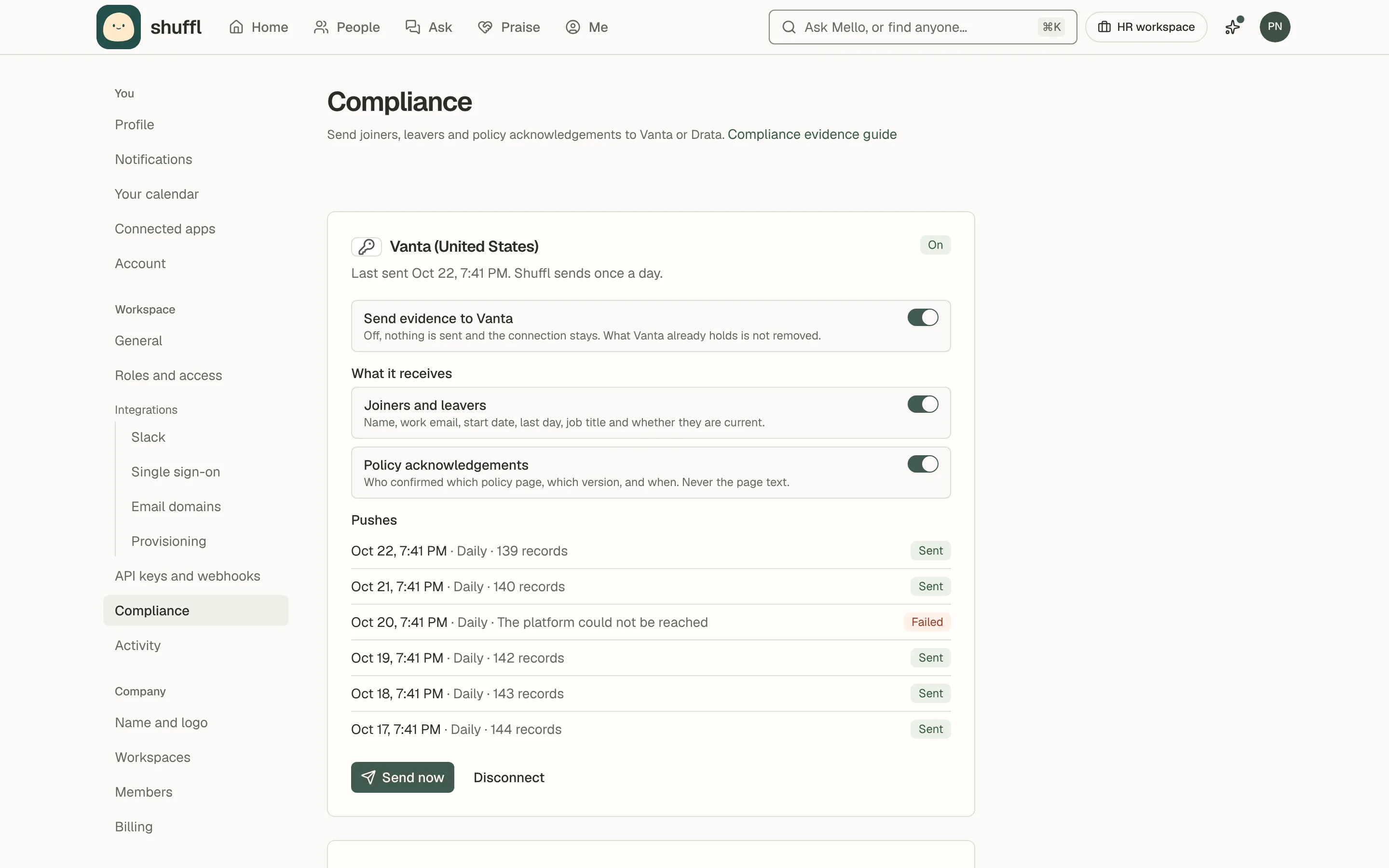
- In Shuffl, open Settings → Compliance and choose Connect Vanta. Paste the client ID, secret, region and resource IDs, then Connect. The first batch goes at once.
- Leave out a resource ID to skip that kind of evidence; you can add it later by reconnecting.
Vanta receives the evidence through a custom integration you own, so nothing waits on a marketplace listing. Shuffl syncs the full set to each resource on every push, so Vanta always holds the current picture.
Connect Drata
- In Drata, open Settings → API keys and create a key with the External Evidence and Personnel permissions. Copy it; Drata shows it once.
- In Shuffl, open Settings → Compliance and choose Connect Drata. Paste the key, pick your region and choose Connect. Shuffl checks the key and sends the first batch at once.
- In Drata, open the two Shuffl evidence items and attach them to your controls. Each new version carries the date it was sent.
Drata receives the evidence as External Evidence: Shuffl keeps one item per kind, named “Shuffl · Joiners and leavers” and “Shuffl · Policy acknowledgements”, and adds a new version on every push. Cite them from the controls your auditor asks about.
Choose what is sent
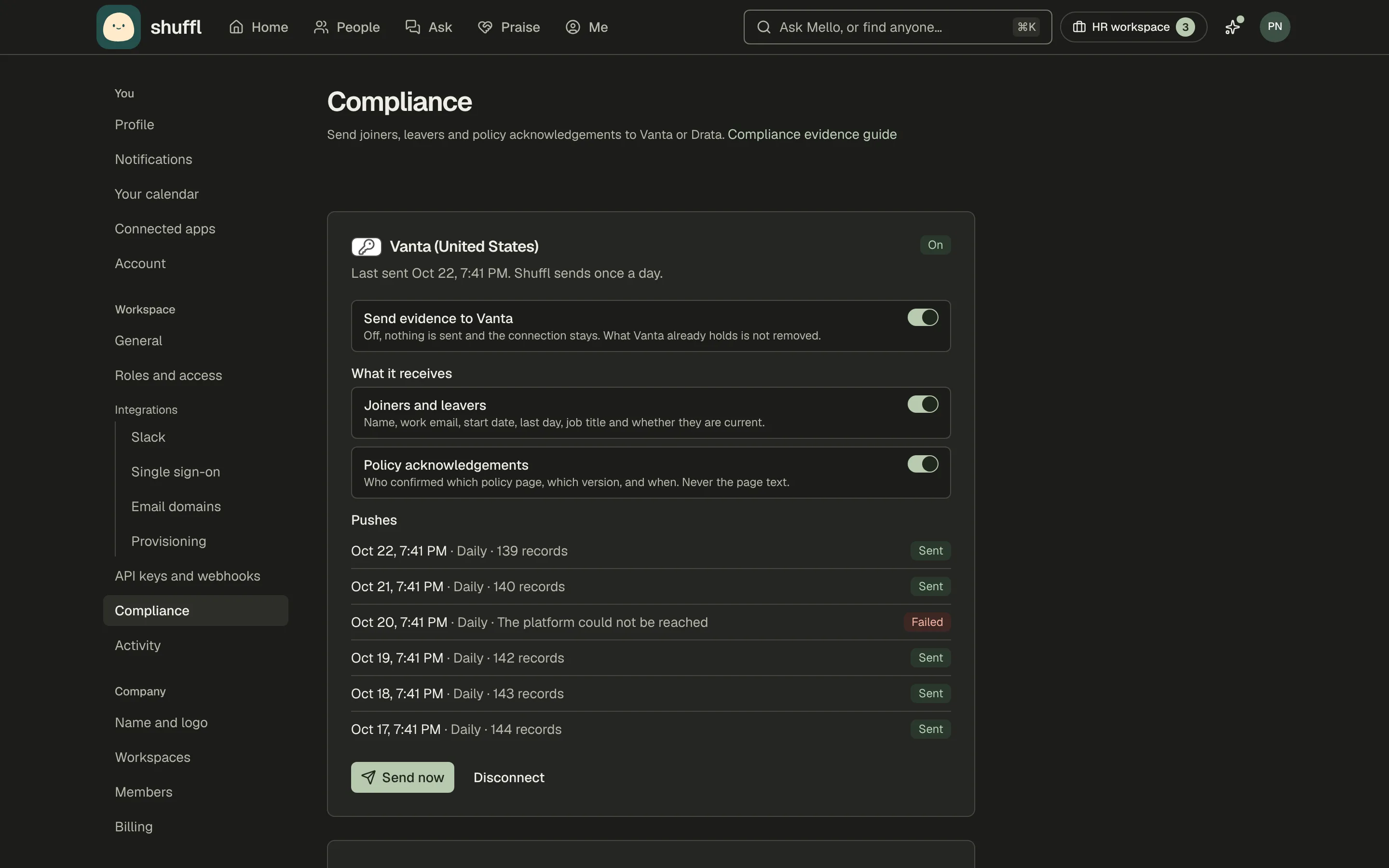
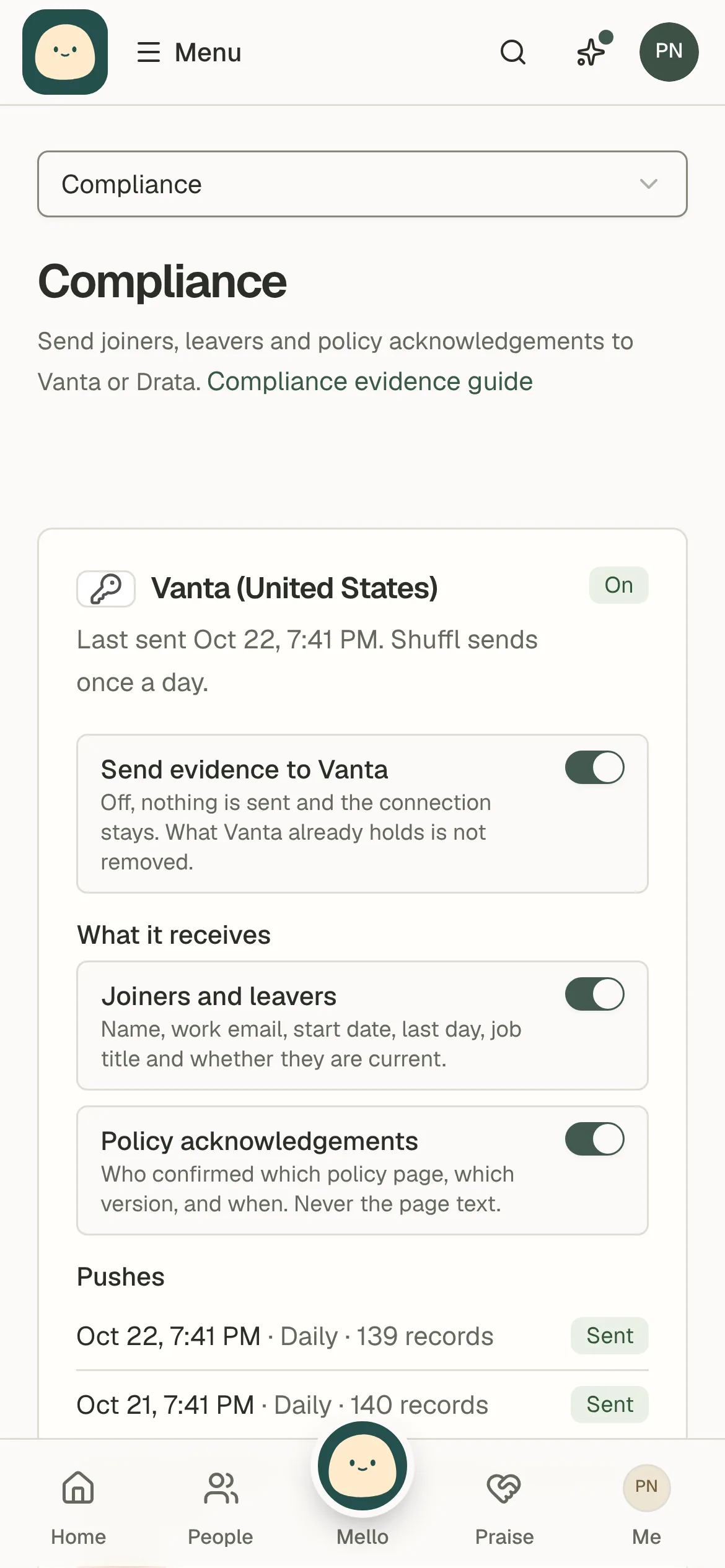
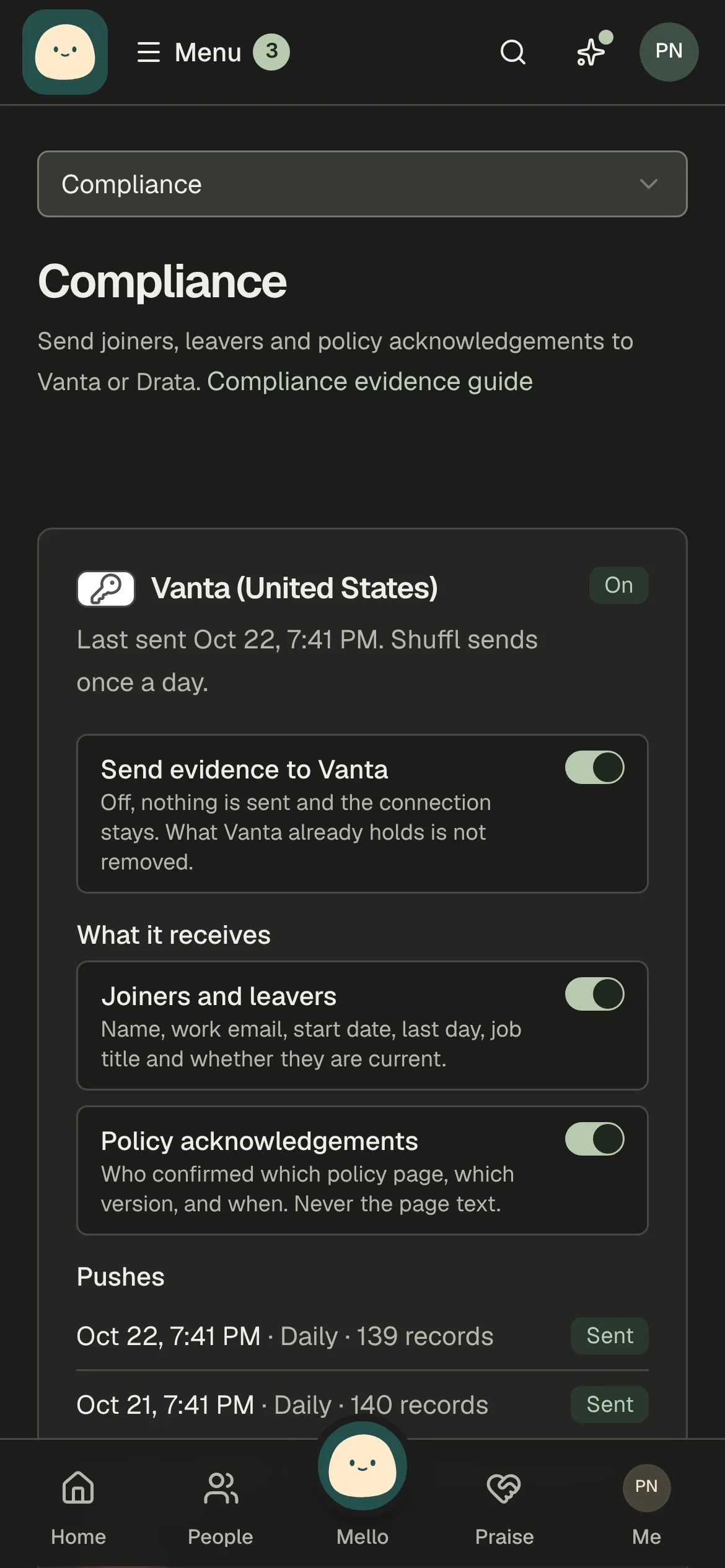
- Under What it receives, turn a kind of evidence off to stop sending it. Shuffl sends the kinds that are on; it never removes what the platform already holds.
- Choose Send now to send a fresh set at once, for example before an audit call.
- Turn Send evidence off to pause: the connection stays, nothing is sent. Turn it on to resume the daily send.
- Choose Disconnect to stop for good. Shuffl forgets the credential at once. What the platform holds stays there.
Shuffl sends once a day. Each push is listed under its connection with its record counts, and a failed push names why in plain words. A refused credential marks the connection Needs attention until you reconnect.
Developers and Mello
The SDK, CLI, MCP and REST API carry the same reads and actions: compliance.current with integrations:read; compliance.setEvidence, compliance.pushNow and compliance.disconnect with integrations:write. Connecting stays in Settings. Mello runs Send now as a card an administrator confirms.