
· Shuffl team
7 best AI HR help desk tools in 2026, and who each suits
Seven AI HR help desk tools, checked on their own pages in October 2026: where employees ask, whether answers cite your policies, and how questions reach HR.
Short answer
The seven AI HR help desk tools worth a look in 2026 are Shuffl, Leena AI, Moveworks, Console, Rippling AI, HiBob’s Bob AI and Guru. They differ in where employees ask, whether answers cite your policies, and what happens when a person in HR needs to step in. Start from the chat tool and HR system you already use.
What does an AI HR help desk do?
It’s the second week of open enrollment, and your Slack messages hold the same question eleven times: when does the new dental plan start? The answer is on page four of the benefits guide. Nobody reads page four.
An AI HR help desk answers those questions for you. Employees ask in chat, the tool answers from your policies and HR systems, and anything that needs a person goes to HR with the question attached.
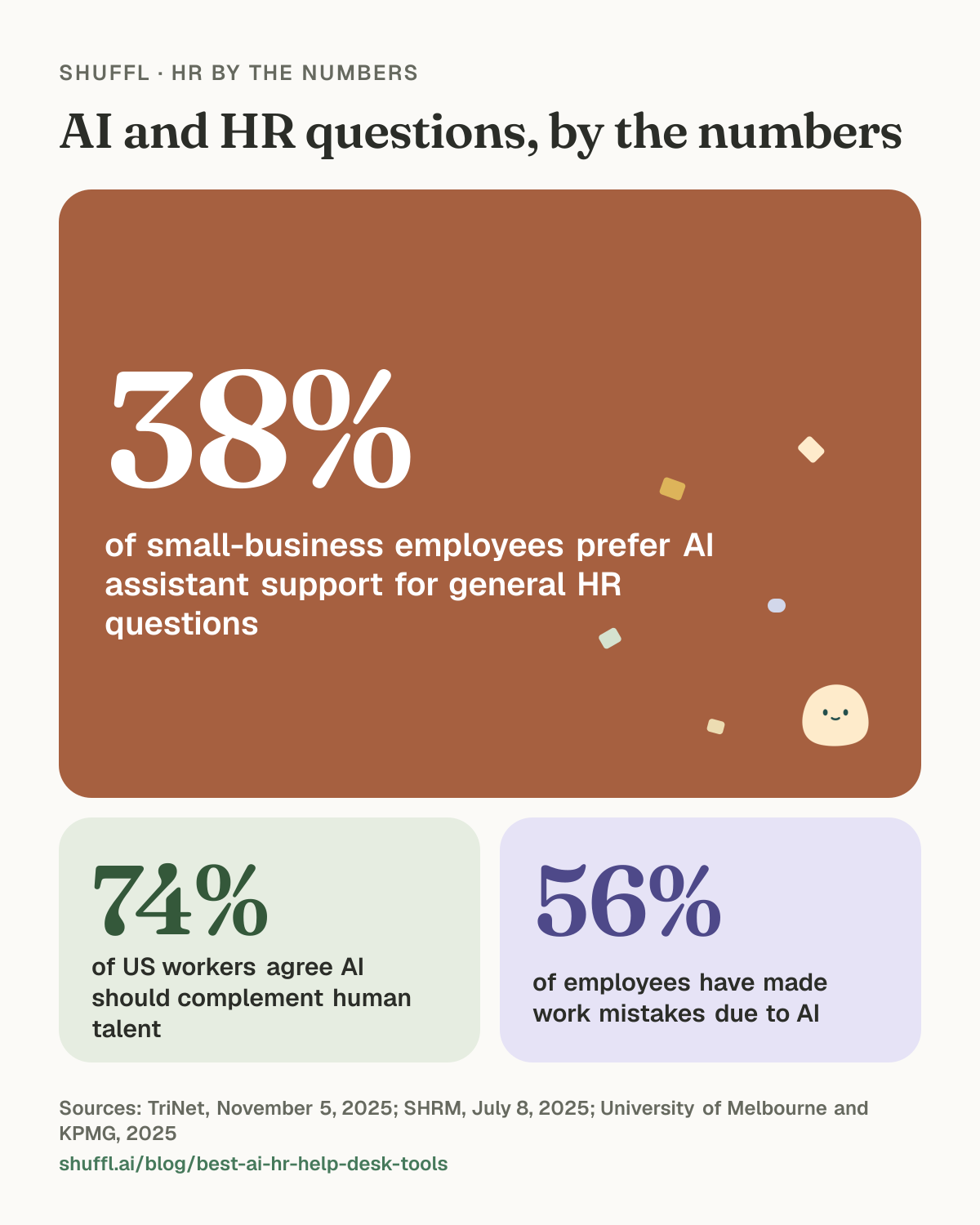
Employees are ready to ask. In TriNet’s research with US small businesses, employees’ preference for AI assistant support in general HR questions rose to 38% in 2025, up from 30% the year before.1 They still want people in the loop. In SHRM’s January 2025 survey of 1,812 US workers, 74% agreed AI should be a complement to human talent.2
Shuffl · HR by the numbers
AI and HR questions, by the numbers

AI and HR questions, by the numbers. 38% of small-business employees prefer AI assistant support for general HR questions (TriNet, November 5, 2025). 74% of US workers agree AI should complement human talent (SHRM, July 8, 2025). 56% of employees have made work mistakes due to AI (University of Melbourne and KPMG, 2025).
What should an AI HR help desk get right?
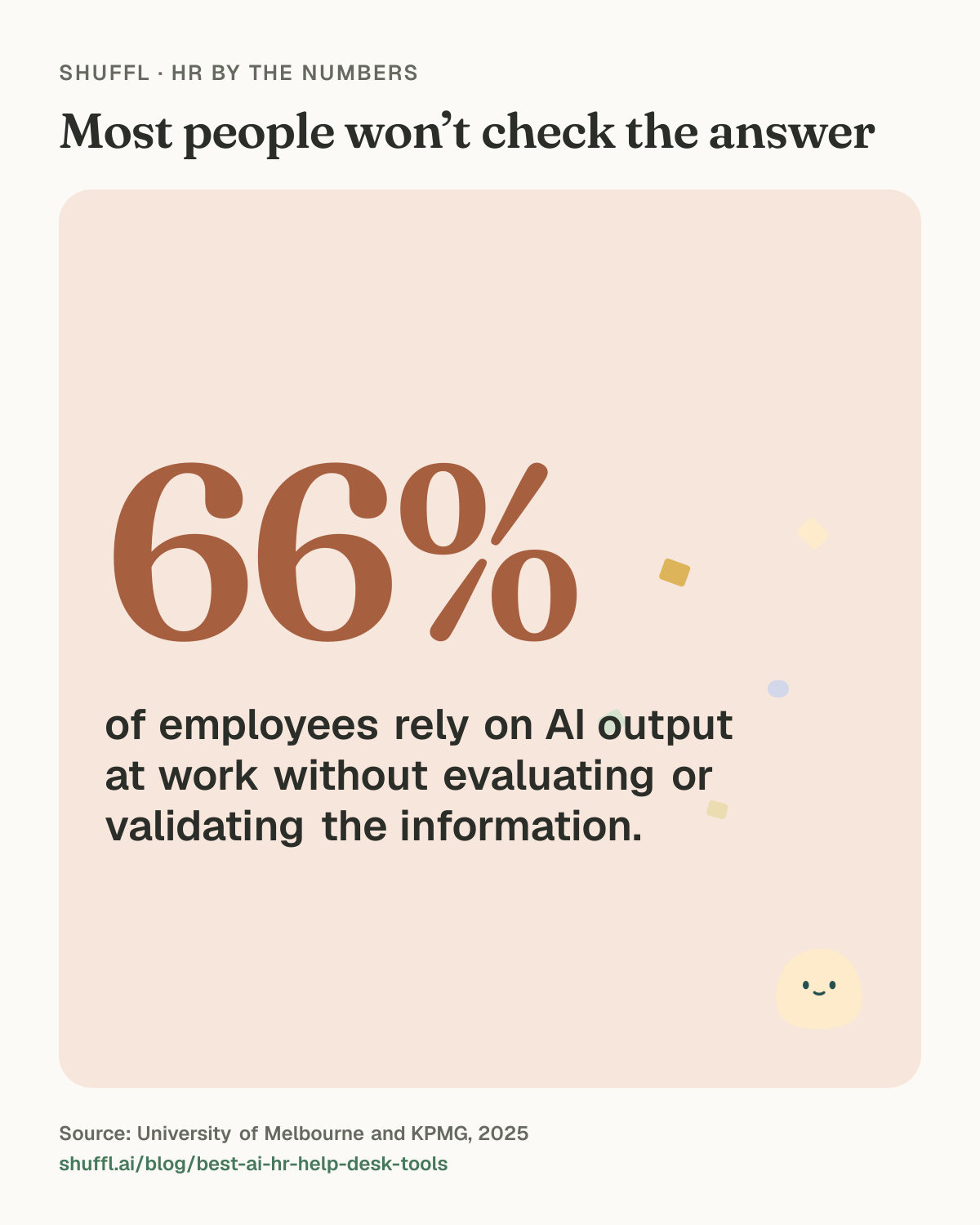
People act on what the assistant tells them. In the University of Melbourne and KPMG study of 48,000 people in 47 countries, 66% of employees rely on AI output at work without evaluating or validating it, and 56% have made work mistakes due to AI.3 An answer about leave or pay has to be right before anyone opens the policy.
We looked at each tool against these questions:
Shuffl · HR by the numbers
Most people won’t check the answer
Most people won’t check the answer: 66% of employees rely on AI output at work without evaluating or validating the information.. Source: University of Melbourne and KPMG, 2025.
- Where employees ask: Slack, Microsoft Teams, a portal or the HR system itself.
- Whether answers come from your own policies, with the source shown.
- Whether each person sees only what they are allowed to see.
- What happens when the AI can’t answer, and how the question reaches a person in HR.
- How it fits the HR system and service desk you already run.
How did we pick these seven?
Every tool here is built for employee questions and can answer from company content. Each fact about another product comes from that vendor’s own public pages, read in October 2026. Where a page doesn’t say something, we don’t claim it either way.
Shuffl is on the list because it’s our product, and we hold it to the same rule: what ships today, and where it falls short. We left prices out, so check each vendor’s pricing page.
1. Shuffl: cited answers and a private hand-off in Slack
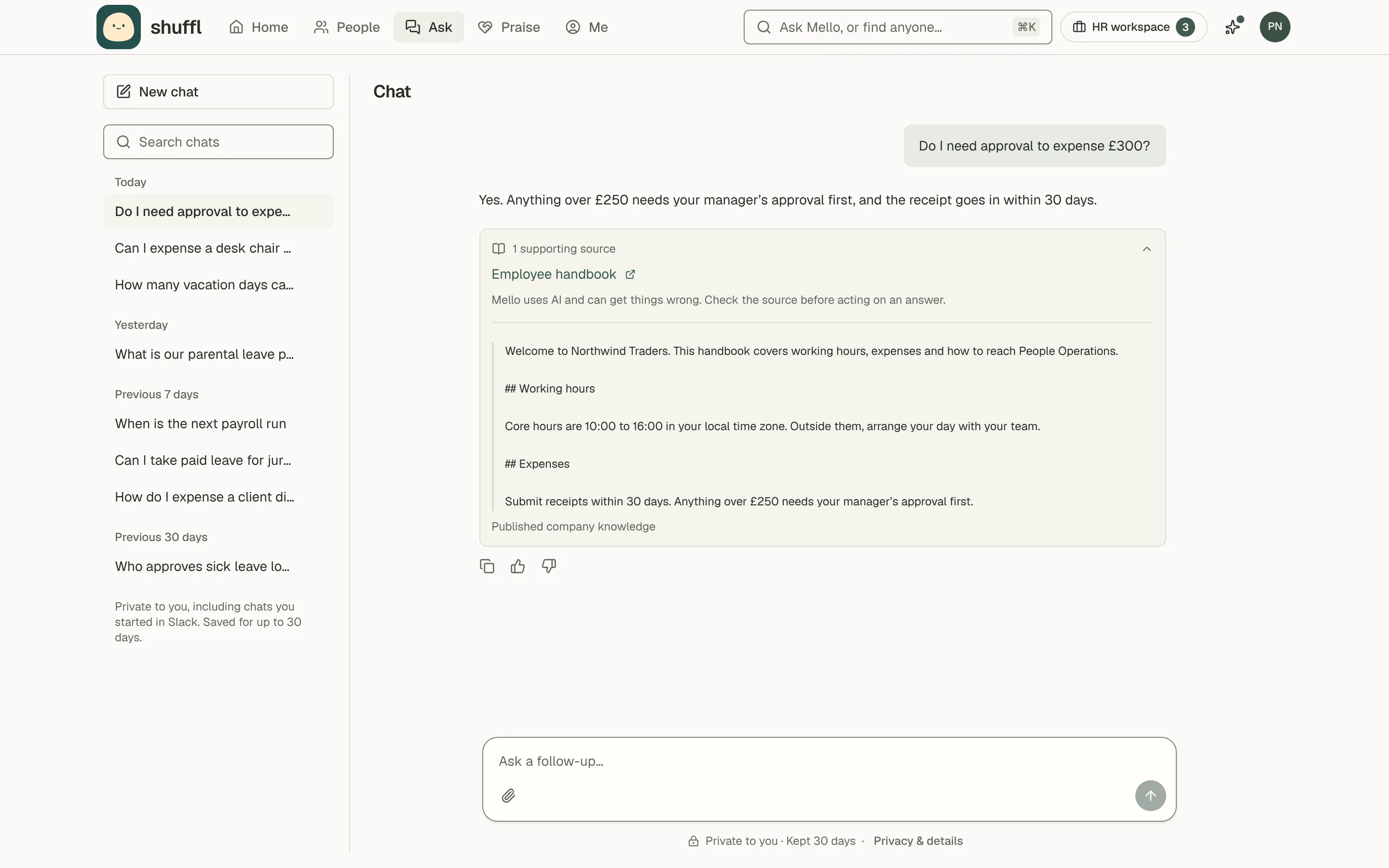
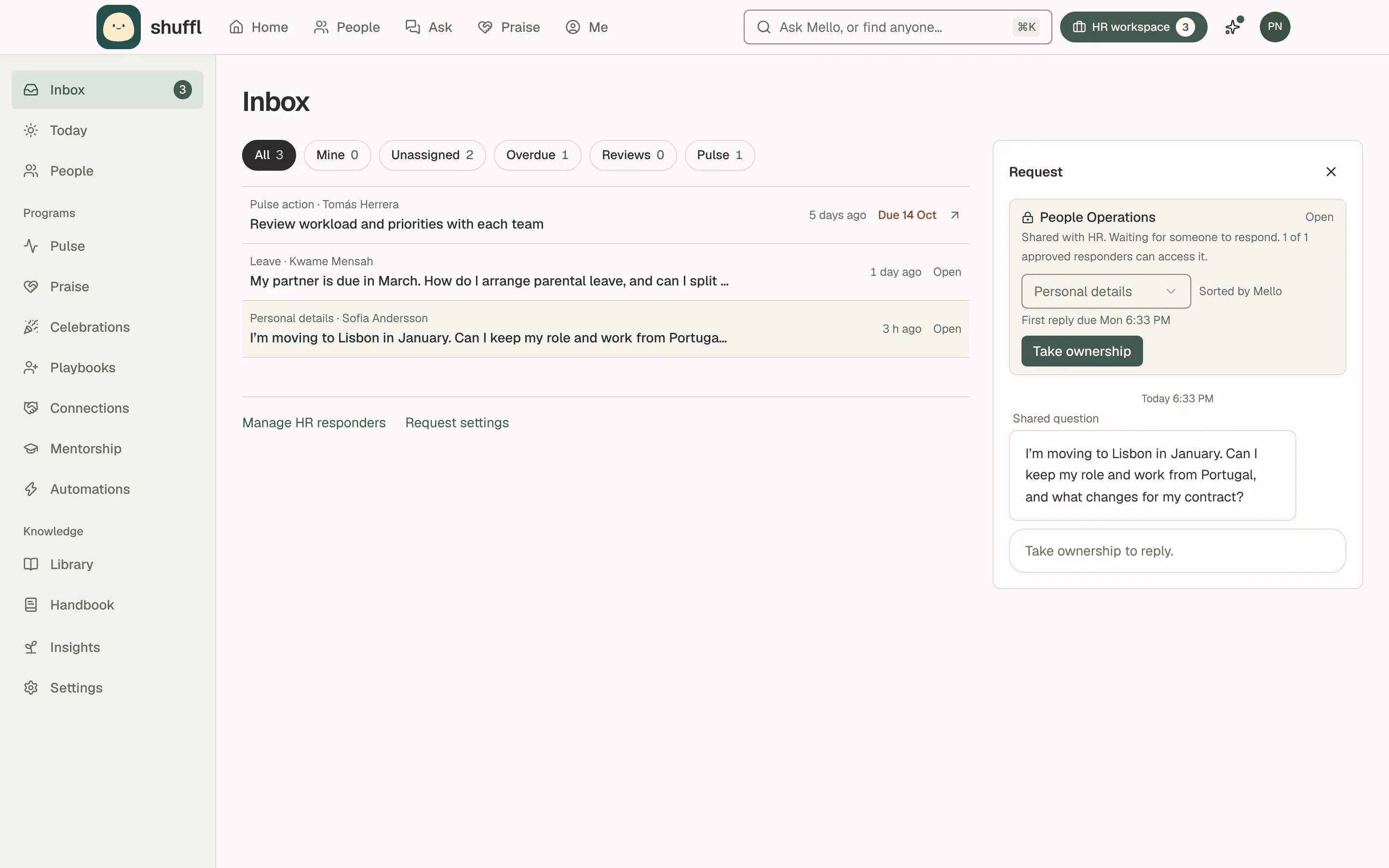
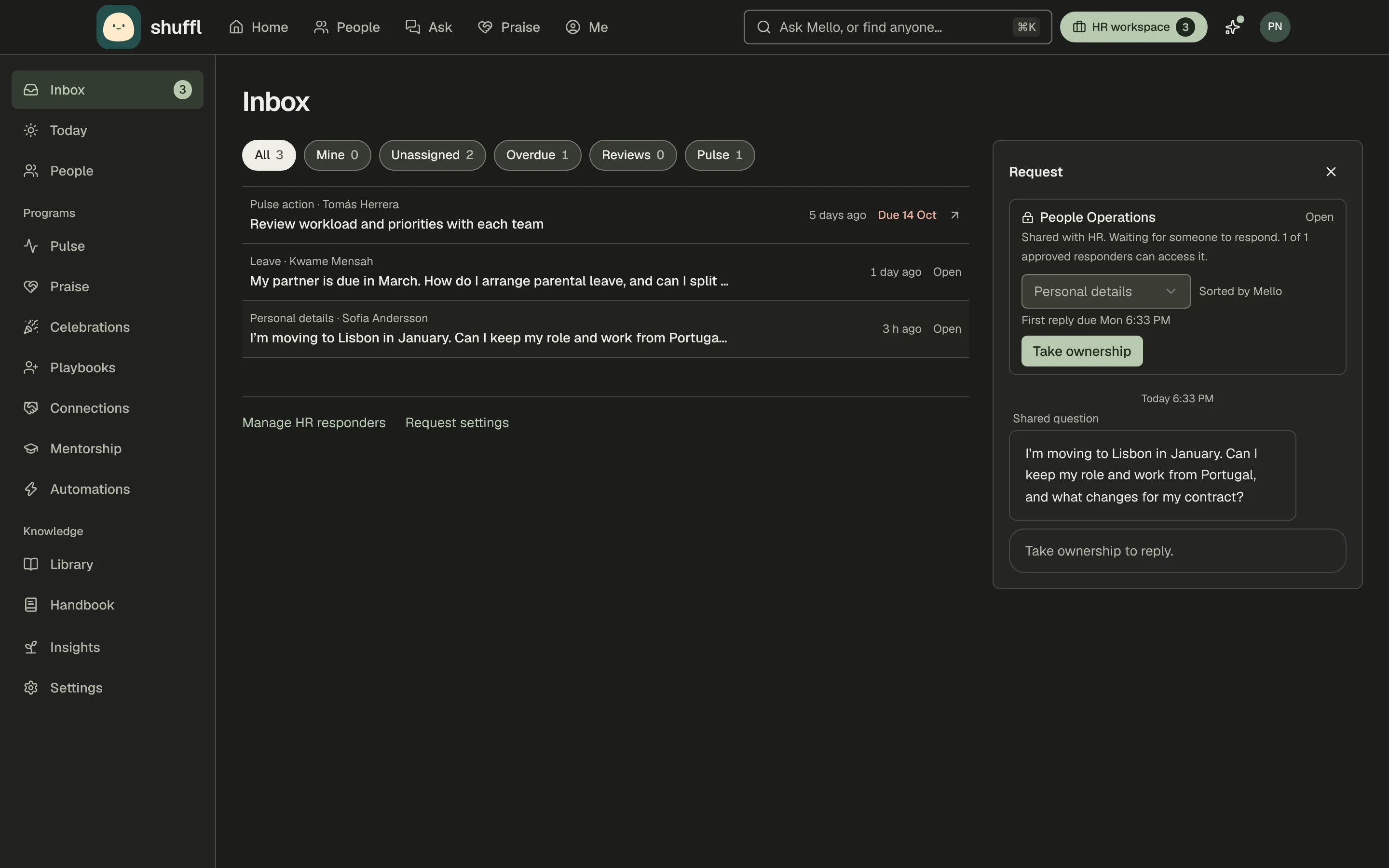
Employees ask Mello, Shuffl’s assistant, on the web or in a Slack direct message. Mello answers only from Knowledge your HR team published to an audience that includes the person, between its effective and review dates, and cites the passages it used. In private chats it also reads the person’s record in People, such as location and employment type, to answer the case that applies to them.
When nothing published covers the question, Mello says so and prepares a short message for HR, showing who would receive it. Nothing is sent until the employee chooses Share with HR on the web or Send to HR in Slack, and HR gets that message, never the whole chat. A sensitive category, such as complaints or medical leave, opens only for the people you name. When HR resolves a request as Needs an article, Shuffl can start a draft from the reply.
Best for: HR teams on Slack that want answers only from policies HR approved, and a private way to reach HR. Limitation: employees ask in Slack or on the web; Shuffl has no Microsoft Teams or WhatsApp app.
ShufflAPP
2. Leena AI: one assistant for HR, IT and finance
Leena AI describes itself as an agentic AI platform with pre-built AI colleagues for the back office, with separate assistants for HR, IT and finance. Its query management page says the assistant responds to routine and policy questions, names Microsoft Teams, Slack and WhatsApp as places to use it, and supports 100+ languages.
When a person is needed, its case management page says Leena AI prompts the employee to raise a ticket and triages it to the right HR agent.
Best for: large enterprises that want one assistant and ticketing across HR, IT and finance. Limitation: its home page speaks to enterprises, citing 20M+ employees across 500+ of them, so a small HR team may get more platform than it needs.
3. Moveworks: IT and HR support for ServiceNow shops
Moveworks, which its site says ServiceNow has acquired, answers employees in Slack, Teams, a portal, intranet or web. Its HR page says the assistant searches across your systems, policies and knowledge bases, gives answers with source citations, and can submit and track HR cases.
Its docs list four ways to hand someone to a live agent, such as relaying messages through ServiceNow or Genesys Cloud, or posting the request in a Slack or Teams channel for an agent to pick up.
Best for: companies on ServiceNow that want one assistant for IT and HR support. Limitation: the hand-off options are built around live agent platforms, so it fits best where someone already staffs a support queue.
4. Console: HR questions in an IT service desk
Console calls itself the AI-native platform for IT service management, and lists HR among the teams it serves. A banner on its home page announces that Console joins Palo Alto Networks. Its HR page says Console answers questions about parental leave, PTO accrual and remote work policy from a synced knowledge base.
Employees message Console in Teams or Slack. When a request can’t be resolved automatically, a button such as Talk to IT creates a ticket and keeps it in sync with the Slack or Teams thread.
Best for: companies where IT already runs the service desk and HR wants to share it. Limitation: IT service management comes first, and its HR page doesn’t mention citations or how confidential HR questions stay private.
5. Rippling AI: answers from your payroll and HR data
Rippling AI answers employees in Slack about their pay, PTO, benefits, apps, expenses and forms. It works from live Rippling data and Rippling Help Center content, and admins can upload documents for company-specific answers. Rippling says every answer links to the source record, and it runs on your existing permissions.
Best for: Rippling customers who want personal pay and benefits answers from the system that holds the data. Limitation: it comes with Rippling, and its AI page doesn’t describe a hand-off to a person in HR. Shuffl can sit alongside it: with Rippling connected, Mello reads time-off balances from there.
6. HiBob: policy answers inside your HR system
Bob AI works inside HiBob’s HR platform. Its AI page lists answering HR policy questions instantly and surfacing company guidelines on demand, and says Bob AI operates within your permissions. In June 2026 HiBob announced that employees can ask Slackbot questions about people, teams and HR processes.
Best for: HiBob customers who want answers next to their people data. Limitation: it’s for companies on HiBob, and its AI page doesn’t describe how a question reaches a person in HR.
7. Guru: a verified knowledge base with answers in Slack
Guru is a company knowledge platform with a page for HR teams. In Slack, its Knowledge Agent replies in the thread with cited, permission-aware answers. Useful threads can become knowledge, routed to subject matter experts for verification before it’s published, and its AI Agent Center helps HR track questions and fill gaps.
Best for: companies that want HR to share one verified knowledge base with other teams. Limitation: its HR page doesn’t describe a hand-off or a private request to HR. Shuffl can import Guru cards into Knowledge as drafts to review.
How do you choose an AI HR help desk?
Start from where your people already ask. A company on Teams can rule out tools that run only in Slack, and the other way round. Then look at your system of record. Rippling AI and Bob AI make most sense if that’s already your HR system, and Moveworks or Console if IT runs a service desk HR can share.
Then run the same test on every shortlisted tool:
Shuffl · HR by the numbers
Chatbot or HR help desk?
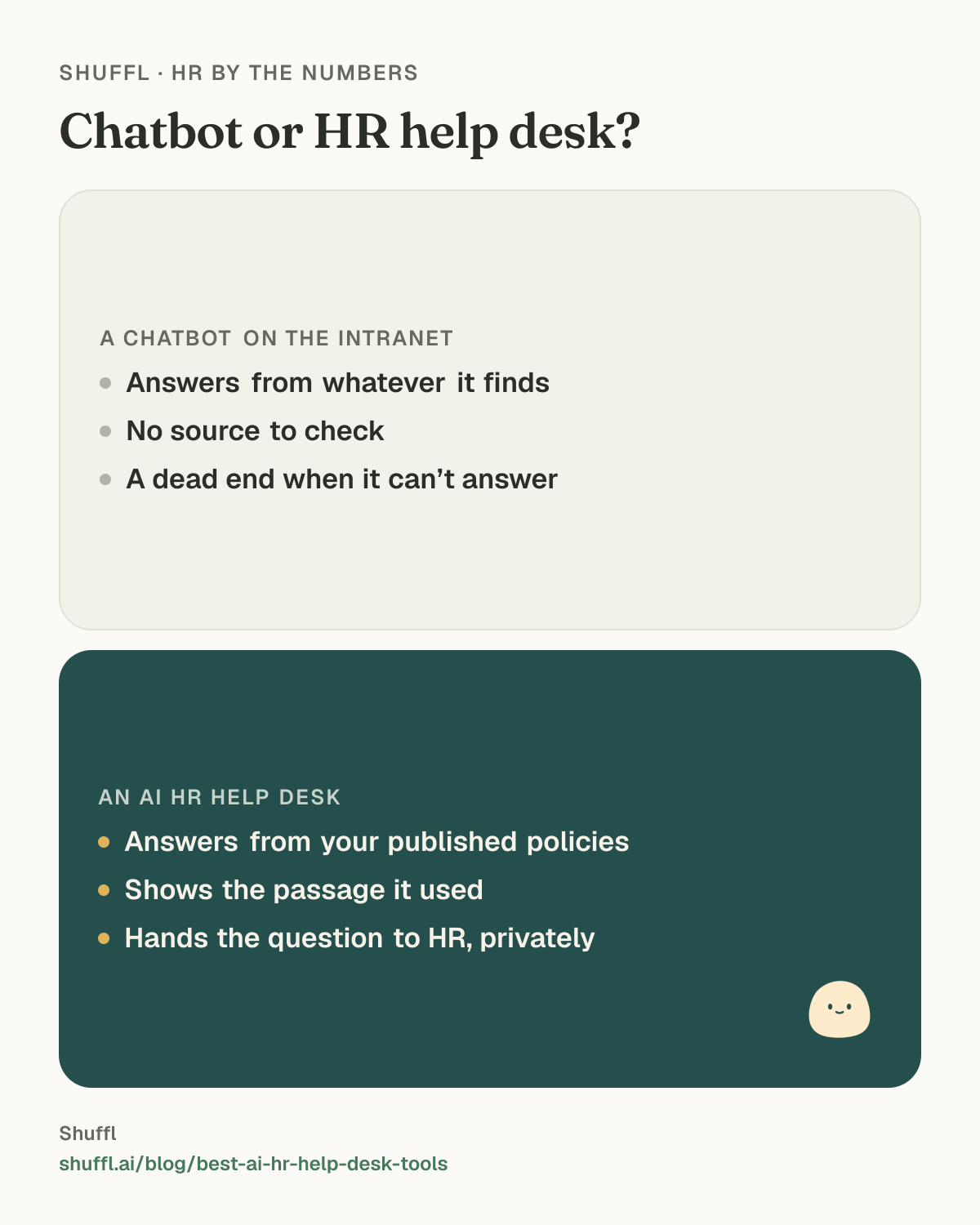
Chatbot or HR help desk?. A chatbot on the intranet: Answers from whatever it finds; No source to check; A dead end when it can’t answer. An AI HR help desk: Answers from your published policies; Shows the passage it used; Hands the question to HR, privately.
- Write down the ten questions HR hears most, in your employees’ words.
- Ask each one as an employee would, in the channel they would use.
- Open every source and check the answer says what the policy says.
- Ask as a contractor or someone in another country, and check the answer changes where your policy does.
- Ask something your handbook doesn’t cover and see what happens next.
- Follow one question through to HR and read exactly what HR receives.
Where do you start?
Any of these tools answers only as well as the policies under it. Before a trial, make sure your ten most-asked questions each have a current written answer, and decide who in HR picks up what the assistant can’t.
Shuffl, Mello included, is free for every team at any size.
Shuffl · Worth quoting
On AI HR help desks
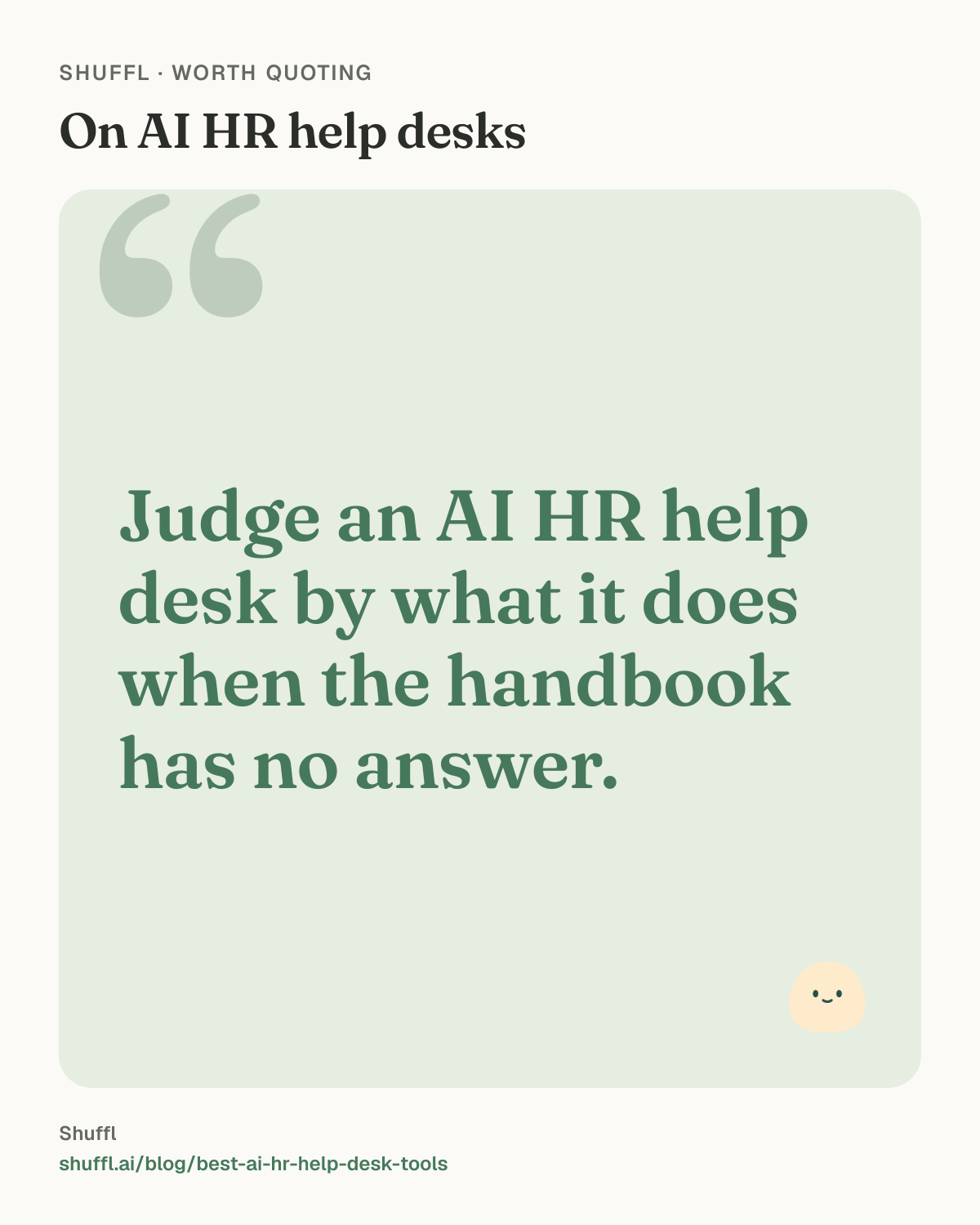
On AI HR help desks: “Judge an AI HR help desk by what it does when the handbook has no answer.”
Judge an AI HR help desk by what it does when the handbook has no answer.
Frequently asked questions
What is an AI HR help desk?
It is a tool where employees ask HR questions in chat and get answers drawn from the company’s policies and HR systems. Questions it can’t answer go to a person in HR, with the context attached.
Is an AI HR help desk the same as an HR chatbot?
A help desk adds the hand-off. When the AI can’t answer, the question goes to the right person in HR and stays tracked until someone replies.
Can an AI HR help desk handle confidential questions?
Check before you roll one out. Look for a private route to HR, a way to limit who in HR can open sensitive topics, and whether HR sees the whole chat or only what the employee chose to share.
Which AI HR help desk tools work in Microsoft Teams?
Leena AI, Moveworks and Console name Microsoft Teams on their own pages, as of October 2026. Shuffl works in Slack and on the web.
How much does AI HR help desk software cost?
It depends on the vendor, so check each one’s pricing page. Shuffl, Mello included, is free for every team at any size.
Sources
- TriNet, AI Use in the Workplace Is Way Up Among US Employees, November 5, 2025. TriNet State of the Workplace 2025 report, survey data from over 1,000 participants in the US small business community.
- SHRM, SHRM Report Warns of Widening Skills Gap as AI Adoption Reaches Nearly Half of U.S. Workforce, July 8, 2025. A sample of 1,812 US-based workers surveyed on January 10, 2025, using a third-party online panel; data unweighted. From the report From Adoption to Empowerment: Shaping the AI-Driven Workforce of Tomorrow.
- University of Melbourne and KPMG, Trust, attitudes and use of artificial intelligence: A global study 2025, 2025. Survey of 48,000 people across 47 countries, collected November 2024 to mid-January 2025. Executive summary of the global report.