· Shuffl team
7 steps to an AI-ready employee handbook in 2026
A field guide for HR: seven steps and a checklist to turn your employee handbook into pages an AI assistant can answer from correctly, whatever tool you use.
Short answer
To build an employee handbook AI can answer from, split it into one page per policy, open each page with the answer and its numbers, give every country or contract its own heading, and label each page with an owner, audience and review date. Then keep one version of each rule and test with real questions.
Why does the handbook decide what an AI assistant says?
Your new HR assistant goes live on Monday. By Tuesday someone in the Madrid office has asked how many sick days they get, and it answered with the UK figure. The UK figure was on page 41 of the handbook PDF, and the Spain section sat two pages later under a heading in bold text that the import never picked up.
Nothing was wrong with the assistant’s reading. The handbook was written for people who read it from the top, and an assistant reads it one passage at a time.
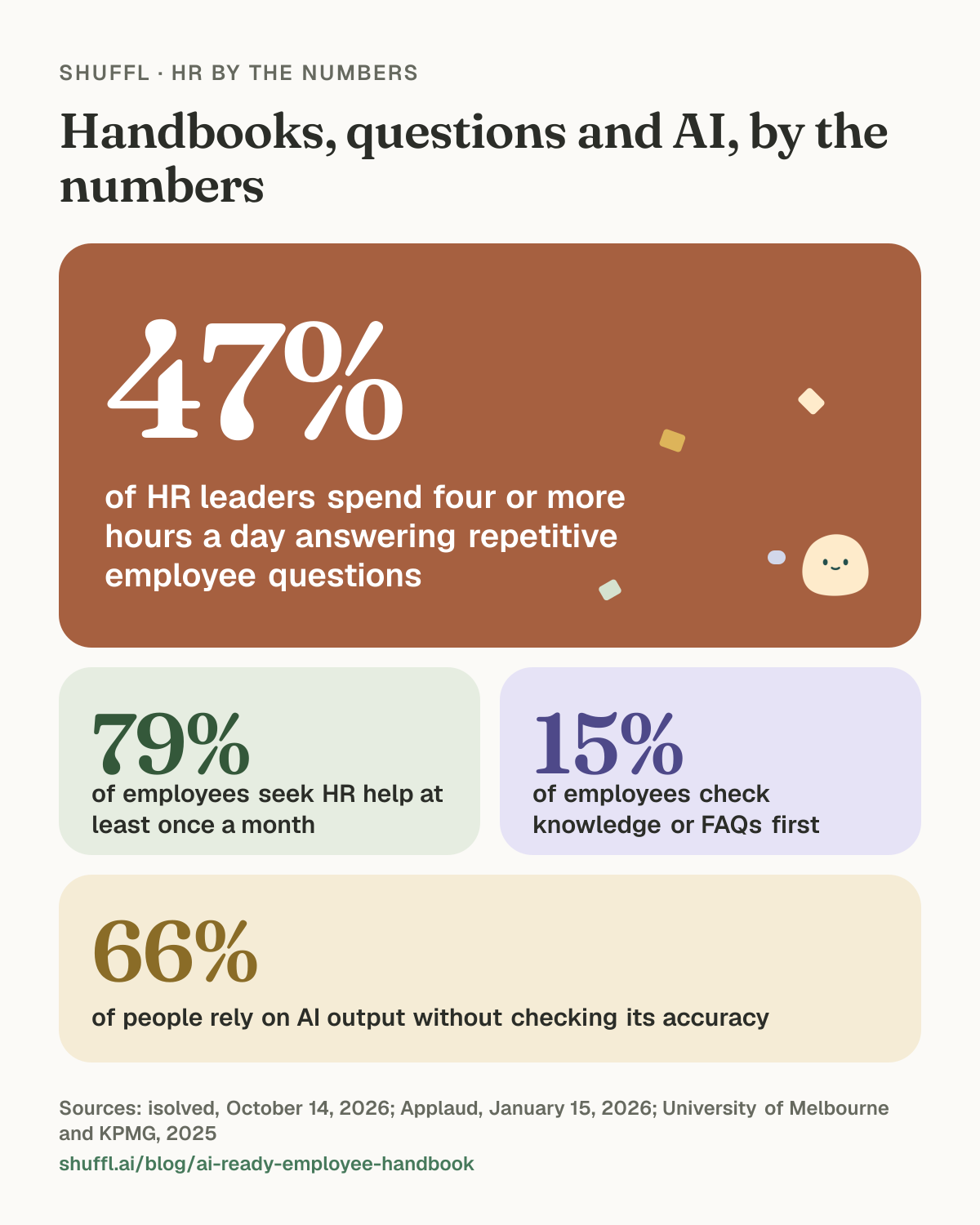
The questions won’t wait for a rewrite. In Applaud’s survey of 1,000 UK employees at organizations with 2,000+ staff, 79% seek HR help at least once a month, and just 15% use knowledge or FAQs first.2 In isolved’s 2026 survey of 1,005 US HR decision makers, 47% spend four or more hours a day answering repetitive employee questions.1
Shuffl · HR by the numbers
Handbooks, questions and AI, by the numbers
Handbooks, questions and AI, by the numbers. 47% of HR leaders spend four or more hours a day answering repetitive employee questions (isolved, October 14, 2026). 79% of employees seek HR help at least once a month (Applaud, January 15, 2026). 15% of employees check knowledge or FAQs first (Applaud, January 15, 2026). 66% of people rely on AI output without checking its accuracy (University of Melbourne and KPMG, 2025).
What makes an employee handbook AI-ready?
An AI-ready employee handbook is one an assistant can answer from without filling gaps. When someone asks a question, the assistant searches for a few passages that match, often a few paragraphs each, and writes its answer from those alone. It rarely sees the page before or the chapter title above.
So every passage has to make sense on its own: what the rule is, who it covers and from when. A passage that says “see above” or “the usual notice period” leaves the assistant to guess.
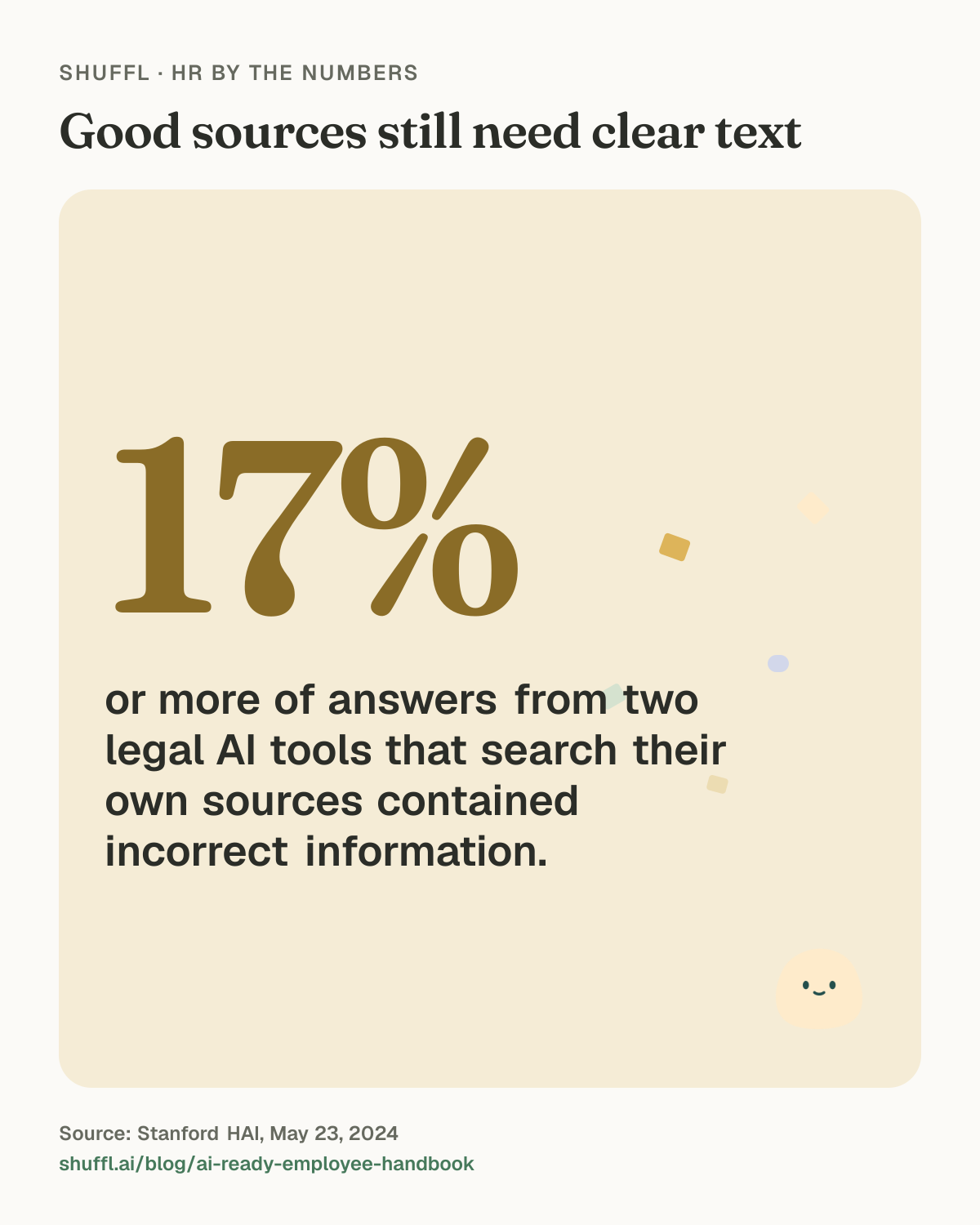
Good sources don’t fix unclear text. Stanford researchers ran over 200 legal questions through AI tools that answer from their own case law databases. Lexis+ AI and Ask Practical Law AI produced incorrect information more than 17% of the time.3 And people rarely check: in the University of Melbourne and KPMG study of more than 48,000 people in 47 countries, 66% rely on AI output without evaluating its accuracy.4
Shuffl · HR by the numbers
Good sources still need clear text
Good sources still need clear text: 17% or more of answers from two legal AI tools that search their own sources contained incorrect information.. Source: Stanford HAI, May 23, 2024.
How do you build an AI-ready employee handbook?
These steps work with any assistant, and with no assistant at all. Start with the ten policies people ask about most.
Shuffl · HR by the numbers
An AI-ready handbook in seven steps
An AI-ready handbook in seven steps. 1. List the questions: The top 20, in employees’ words 2. One topic per page: With headings people search for 3. Answer first: A number, its unit, who and when 4. A heading per variant: Country, contract or tenure 5. Label every page: Owner, audience, review date 6. One version per rule: Retire every copy 7. Test like an employee: Ask, check, fix, repeat
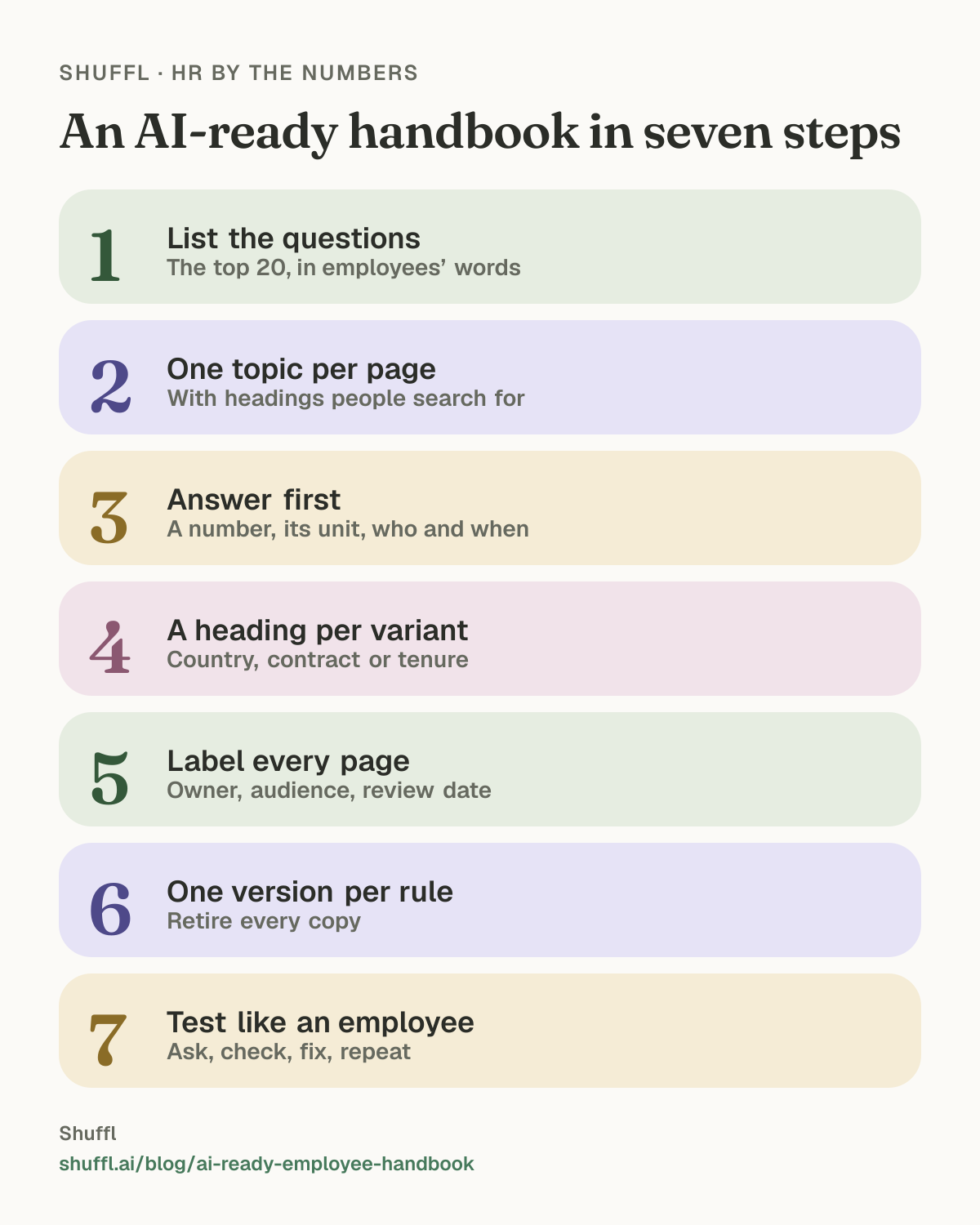
- List the questions. Pull three months of questions from Slack, email and tickets, group them and count. Keep the top 20 in the words employees used, like “how many days off do I get?”, since that’s how they will ask the assistant.
- Split the handbook into one topic per page. Paid time off, Sick leave and Expenses become three pages, not one Leave and benefits chapter. Use headings people would search for, such as How to request time off, and real heading styles, not bold text.
- Put the answer first. Open each page with the rule as a number and its unit, then who it covers and from when: “You get 25 days of paid time off a year, from your first day.” Steps, exceptions and background come after.
- Give each variant its own heading. When a rule differs by country, contract type or length of service, write a heading for each case, such as In Spain or Part-time employees. Never leave a variant buried in a sentence about the main rule.
- Label every page with an owner, an audience and a review date. The owner keeps it right. The audience says who may read it, so a guide for managers never answers an intern. The review date says when someone must check it again.
- Keep one version of each rule. Search the intranet, shared drives and old onboarding decks for copies, and retire them. When a policy changes, take the old page down the day the new one goes up.
- Test it the way employees ask. Ask each of your 20 questions as an employee would, open the source behind every answer, and fix the page until the answer is right. Then keep a weekly list of the questions nothing answered, and write those next.
What does an AI-ready policy page look like?
Most handbook text was written to be legally safe and read once. Here is the same holiday rule twice. An assistant can only repeat the first version, with its references to a contract and conditions it never sees. It can answer from the second.
The second version also helps the people who still read the handbook. Use the words employees use, so add “vacation” next to “paid time off”. Put any link or email address people need in the text itself, so the assistant never has to invent a contact.
- Before: “Holiday entitlement is in line with statutory requirements plus additional days as set out in your contract, subject to the conditions above.”
- After: “Full-time employees get 25 days of paid holiday a year, plus public holidays. Part-time employees get the same, pro rata. Ask your manager at least two weeks ahead.”
What should the handbook leave to a person?
Some questions need a person whatever the handbook says: a complaint about a manager, medical leave, an accommodation, a pay mistake. Still write the policy for those topics, such as Raising a concern, and say plainly how to reach someone and who will read the message.
Leave names and individual cases out of the handbook entirely. Everyone who can read a page can read all of it, and an assistant will quote whatever is there.
Shuffl · Worth quoting
On AI-ready handbooks
On AI-ready handbooks: “An AI reads your handbook one passage at a time, so every passage has to make sense on its own.”
An AI reads your handbook one passage at a time, so every passage has to make sense on its own.
The AI-ready handbook checklist
Run through this before you switch on any assistant, and again each quarter:
- The 20 most-asked questions are written down, in employees’ words.
- Each policy has its own page, with plain headings in real heading styles.
- Each page opens with the answer: a number, its unit, who it covers and from when.
- Every variant by country, contract or tenure sits under its own heading.
- No passage relies on “see above”, a contract the reader can’t see, or an unwritten notice period.
- Every page has an owner, an audience and a review date.
- Old copies on the intranet, drives and onboarding decks are retired.
- Sensitive topics say how to reach a person and who reads the message.
- Policies people must read, like the code of conduct, record who confirmed which version.
- Someone asks the top 20 questions every month and opens every source.
How does Shuffl handle an AI-ready handbook?
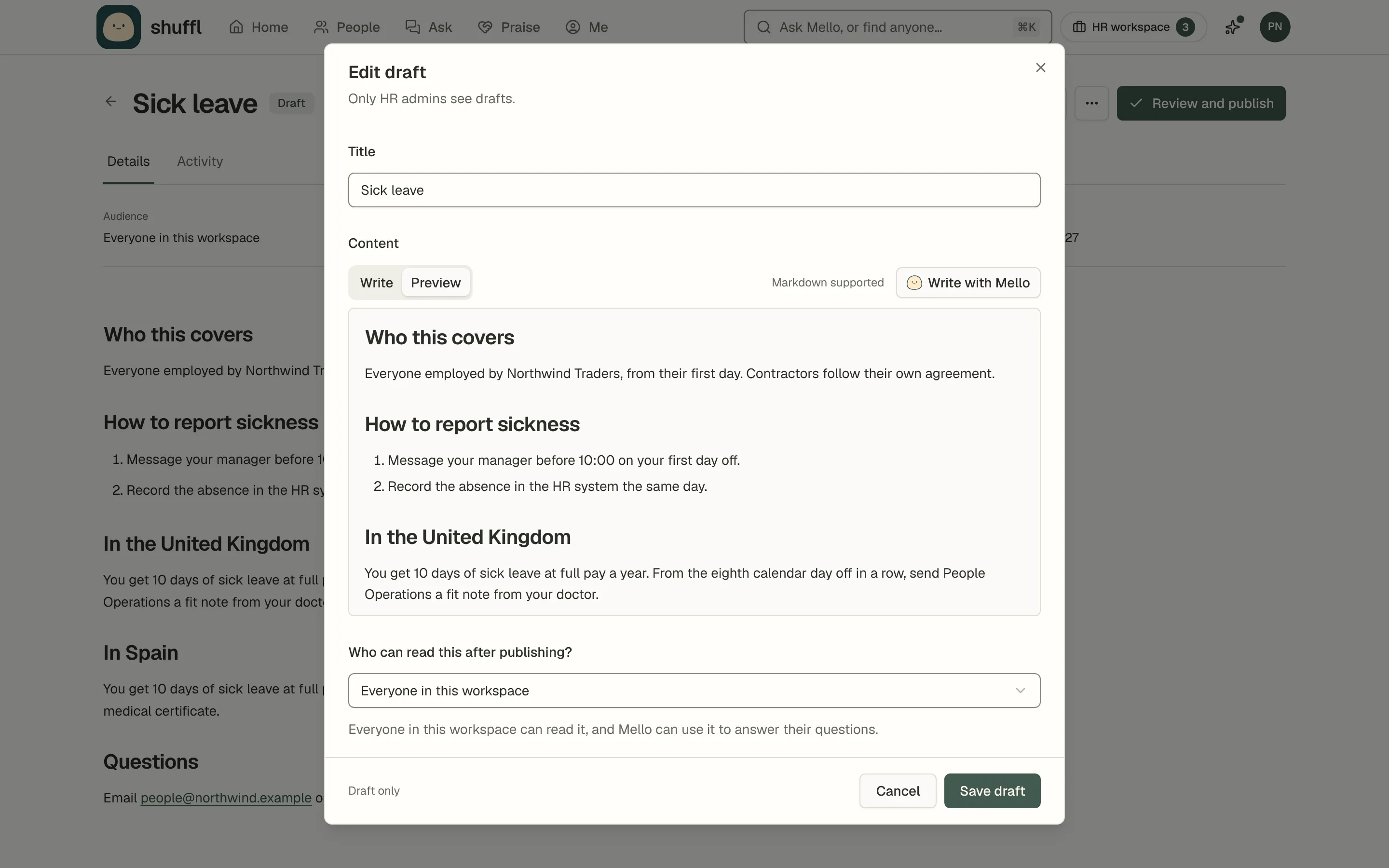
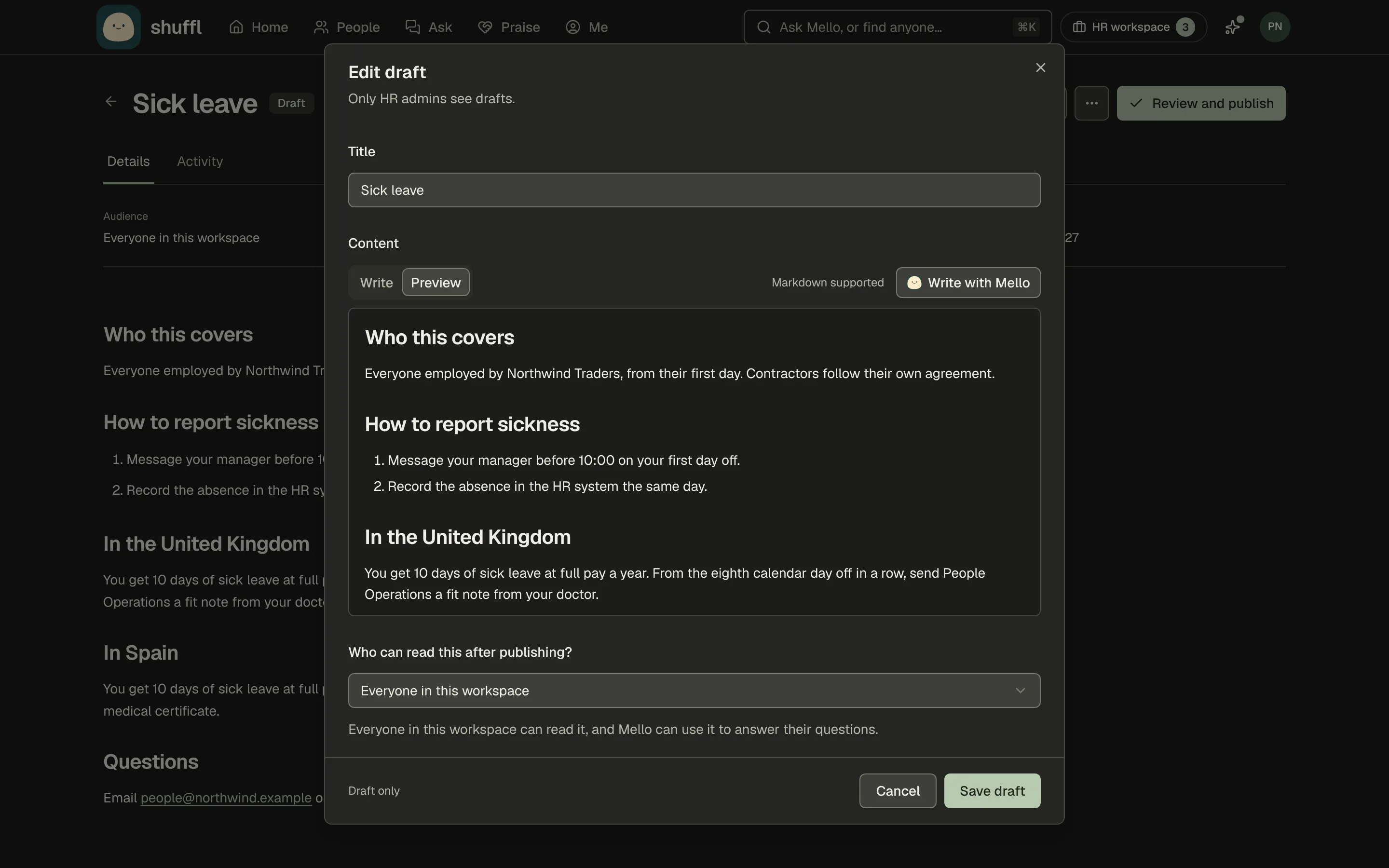
In Shuffl, each handbook page is a source in Knowledge, with an audience, an effective date and a review date. Mello, Shuffl’s assistant, answers employees only from sources HR published to them, between those dates, and cites the passage it used. Once a review date passes, Mello stops answering from that source until someone in HR publishes it with new dates.
Shuffl stores each source as passages of up to about 1,600 characters, labelled with the source title, the nearest heading and the effective date. Import a long Word file and it splits into one draft per section by its Heading 1, 2 and 3 styles; a PDF splits by its bookmarks or its largest headings. When a policy has a heading per country, Mello reads the asker’s record in People and answers the case that applies, or asks first when the record doesn’t say.
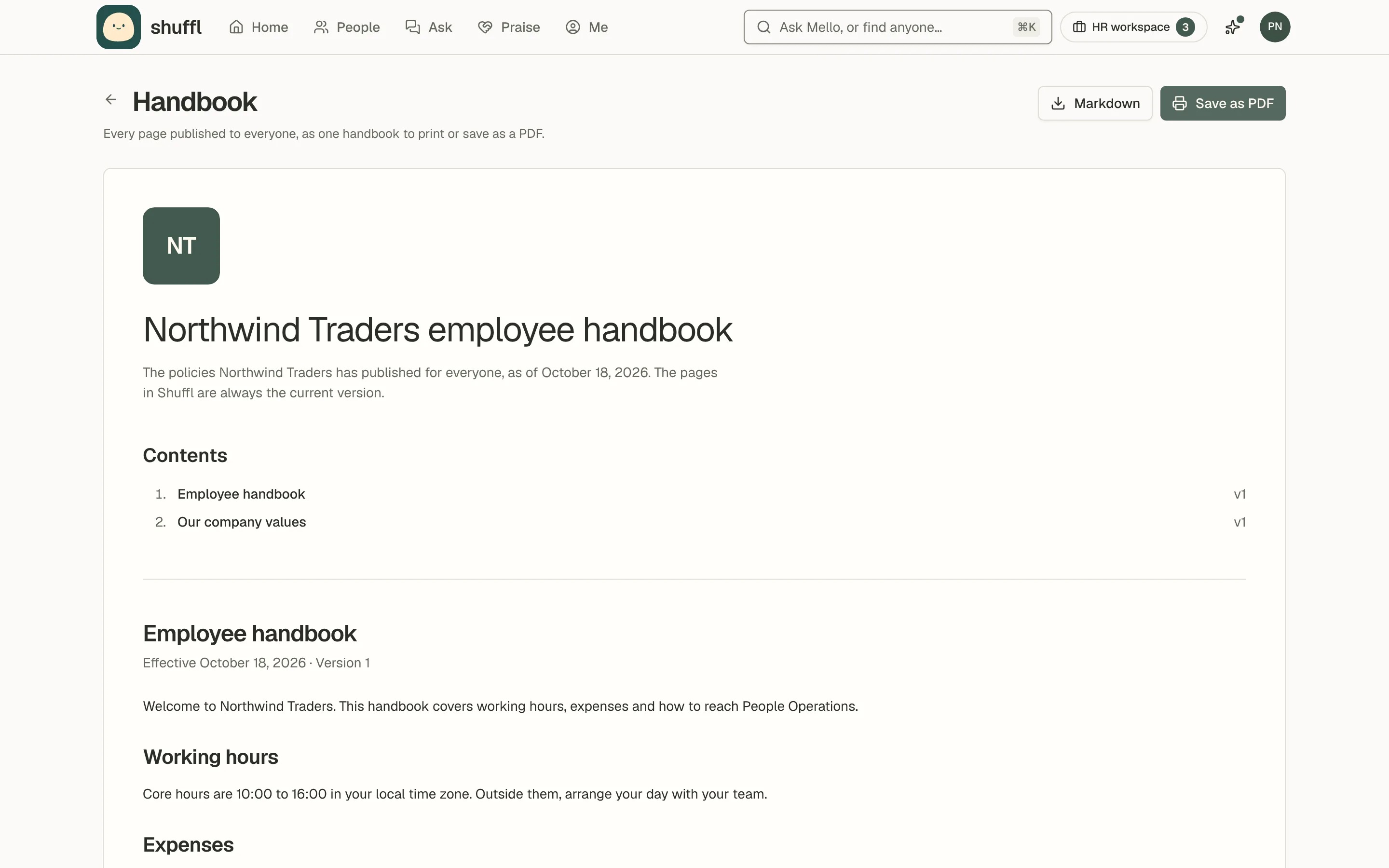
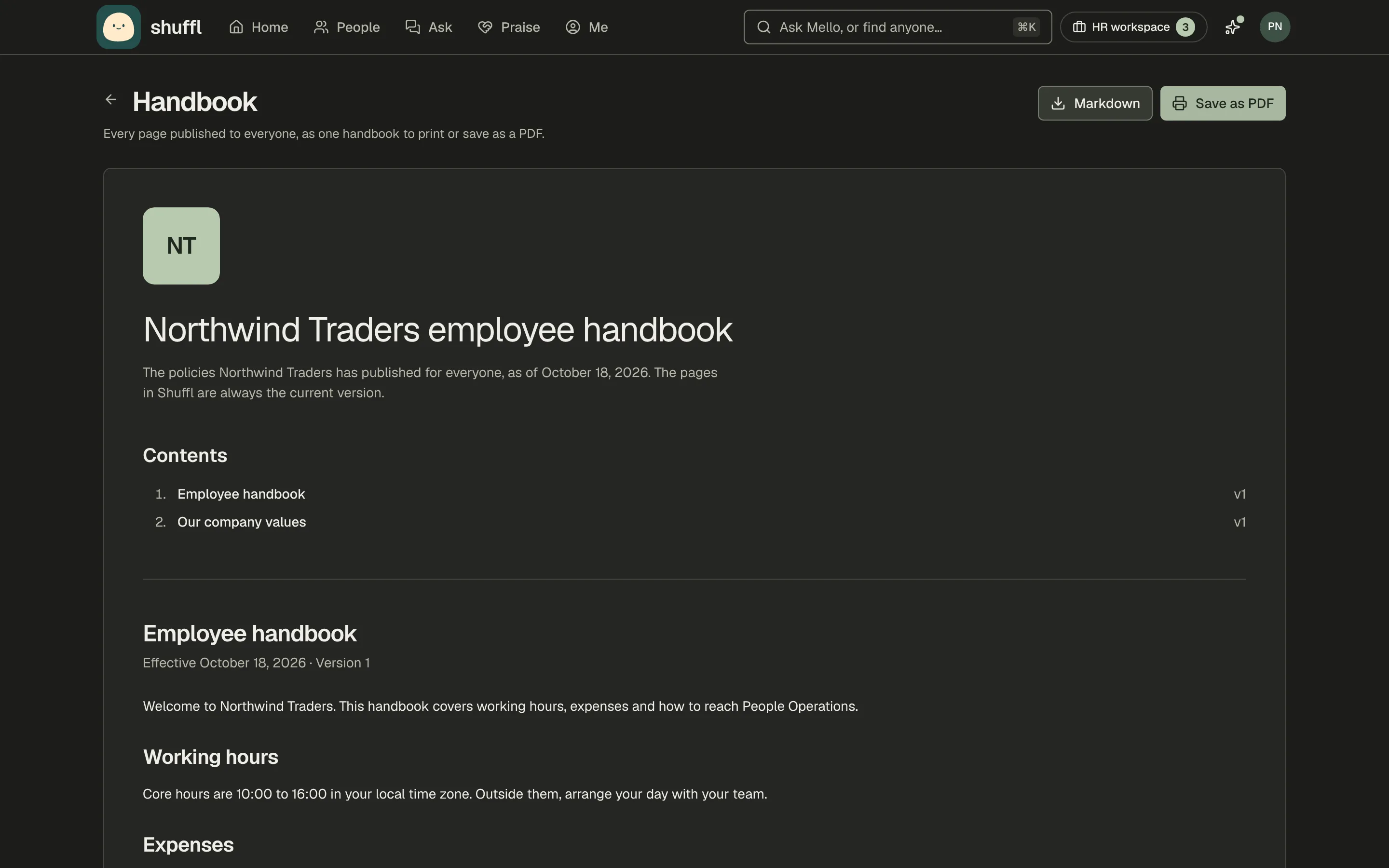
When two sources disagree, Mello points out the conflict instead of choosing one. For a policy people must read, Ask to confirm records who confirmed which version and when. Handbook gathers every page published to everyone into one document to save as a PDF, and Knowledge → Insights lists Missing guidance, the questions Mello found nothing to cite for.
Where do you start?
Pick the five questions you answered most last month. Give each its own page with the answer in the first line, a heading for every variant and a review date, then ask each question as an employee would and read the source behind the answer.
Shuffl, Mello included, is free for every team at any size.
Frequently asked questions
What is an AI-ready employee handbook?
One an assistant can answer from without guessing: one topic per page, the answer first with its numbers, each variant under its own heading, and an owner, audience and review date on every page.
Can AI answer from a PDF employee handbook?
Most assistants can import a PDF, but they split it into passages and read those, not the whole file. A PDF with real headings and a text layer splits cleanly. A scan or a file styled with bold text instead of headings often doesn’t.
How often should you review handbook policies?
Give each policy its own review date, set to when it really changes: benefits before open enrollment, holidays before the new year, leave when the law changes. An assistant should stop answering from a page once its date passes.
Do you still need a handbook as one document?
Yes, for paperwork, auditors and anyone who wants to read it end to end. Build that document from the same pages the assistant answers from, so there is only one version to keep current.
Sources
- isolved, isolved Study: HR Leads with AI as Strategic Expectations Outpace Capacity, October 14, 2026. Survey by a third-party research firm in the second quarter of 2026 of 1,005 US-based HR decision makers in management roles or higher, for the report The Workforce Decisions Defining HR.
- Applaud, New Research: 79% of Employees Seek HR Help Monthly, But Only 6% Get Instant Support, January 15, 2026. Press release for the 2026 State of HR Service Report: first-party research with Censuswide among 1,000 UK employees at organizations with 2,000+ staff.
- Stanford HAI, AI on Trial: Legal Models Hallucinate in 1 out of 6 (or More) Benchmarking Queries, May 23, 2024. Pre-registered dataset of over 200 open-ended legal queries run on commercial legal AI research tools. Updated May 30, 2024.
- University of Melbourne and KPMG, Trust, attitudes and use of artificial intelligence: A global study 2025, 2025. Online survey of representative panels of more than 48,000 people across 47 countries, collected November 2024 to mid-January 2025.