
· Shuffl team
Introducing policy read-and-confirm: proof of who read it
Ask everyone a policy covers to confirm they read it. Shuffl records who confirmed which version and when, reminds the rest, and asks again after an update.
Short answer
Policy read-and-confirm asks everyone a published policy covers to confirm they read it, with one click at the end of the page. Shuffl records who confirmed which version and when, shows who hasn’t, reminds them at most once a day, and keeps earlier confirmations when you publish a new version and ask again.
Can you prove who read the policy?
A manager forwards you a complaint: someone on their team pasted customer data into a public AI chatbot. The first question in the room is whether he ever saw the AI use policy. You know it went out in an all-staff email in March. You don’t know whether he opened it, or which version was attached.
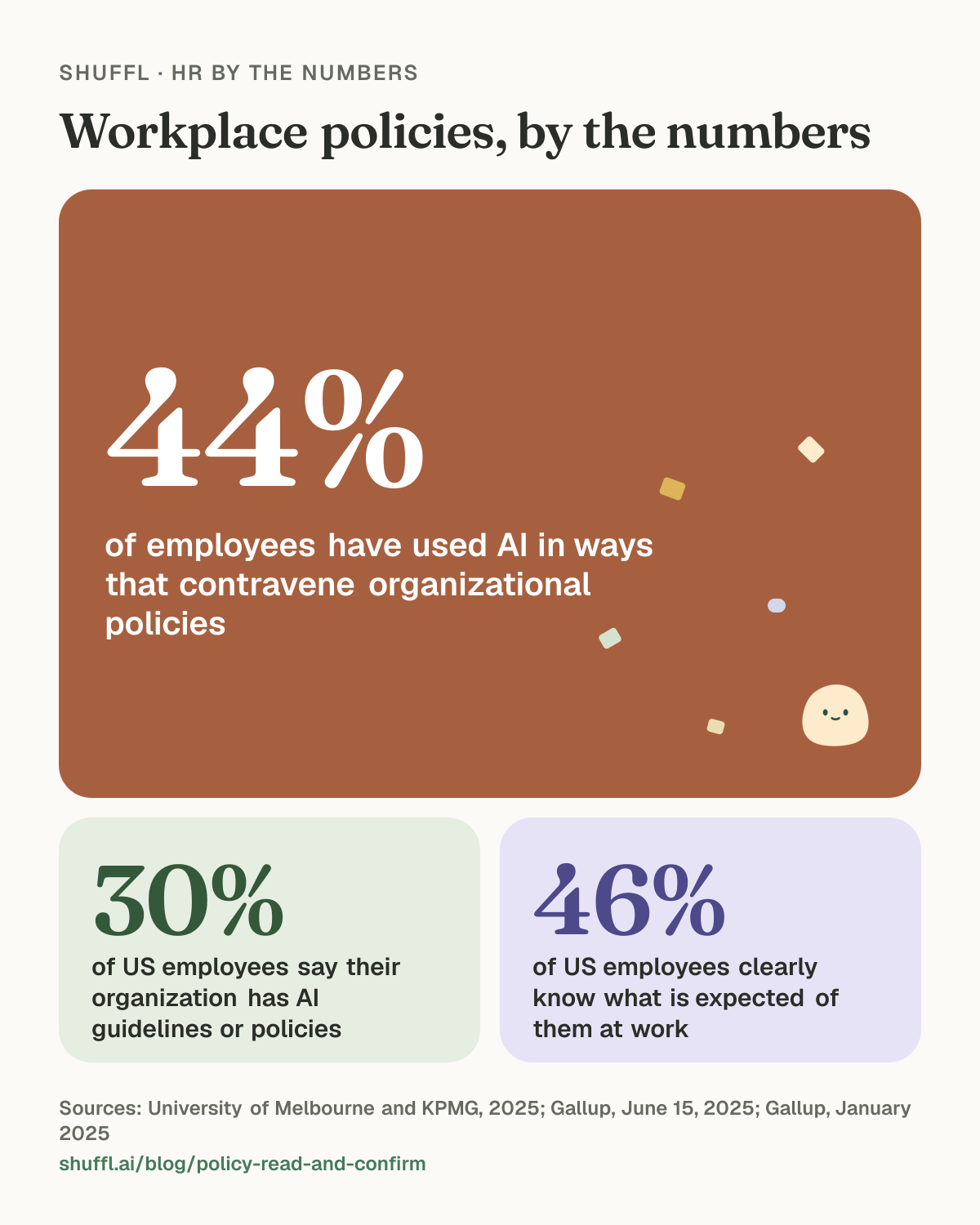
Plenty of HR teams are in the same spot. In the University of Melbourne and KPMG study of more than 48,000 people in 47 countries, 44% of employees have used AI in ways that contravene organizational policies.1 In the US, Gallup found that 30% of employees say their organization has either general guidelines or formal policies for using AI at work.2 Many of those policies are new, and HR has to show they reached the people they cover.
Policy acknowledgement tracking fills that gap. It is a record of who was asked to read a policy, who confirmed it, which version they confirmed and when, and who hasn’t confirmed yet.
Shuffl · HR by the numbers
Workplace policies, by the numbers

Workplace policies, by the numbers. 44% of employees have used AI in ways that contravene organizational policies (University of Melbourne and KPMG, 2025). 30% of US employees say their organization has AI guidelines or policies (Gallup, June 15, 2025). 46% of US employees clearly know what is expected of them at work (Gallup, January 2025).
Why isn’t sending the policy enough?
An email proves you sent something. It can’t tell you whether the person read it, and if the policy changed in between, it can’t tell you which version they saw.
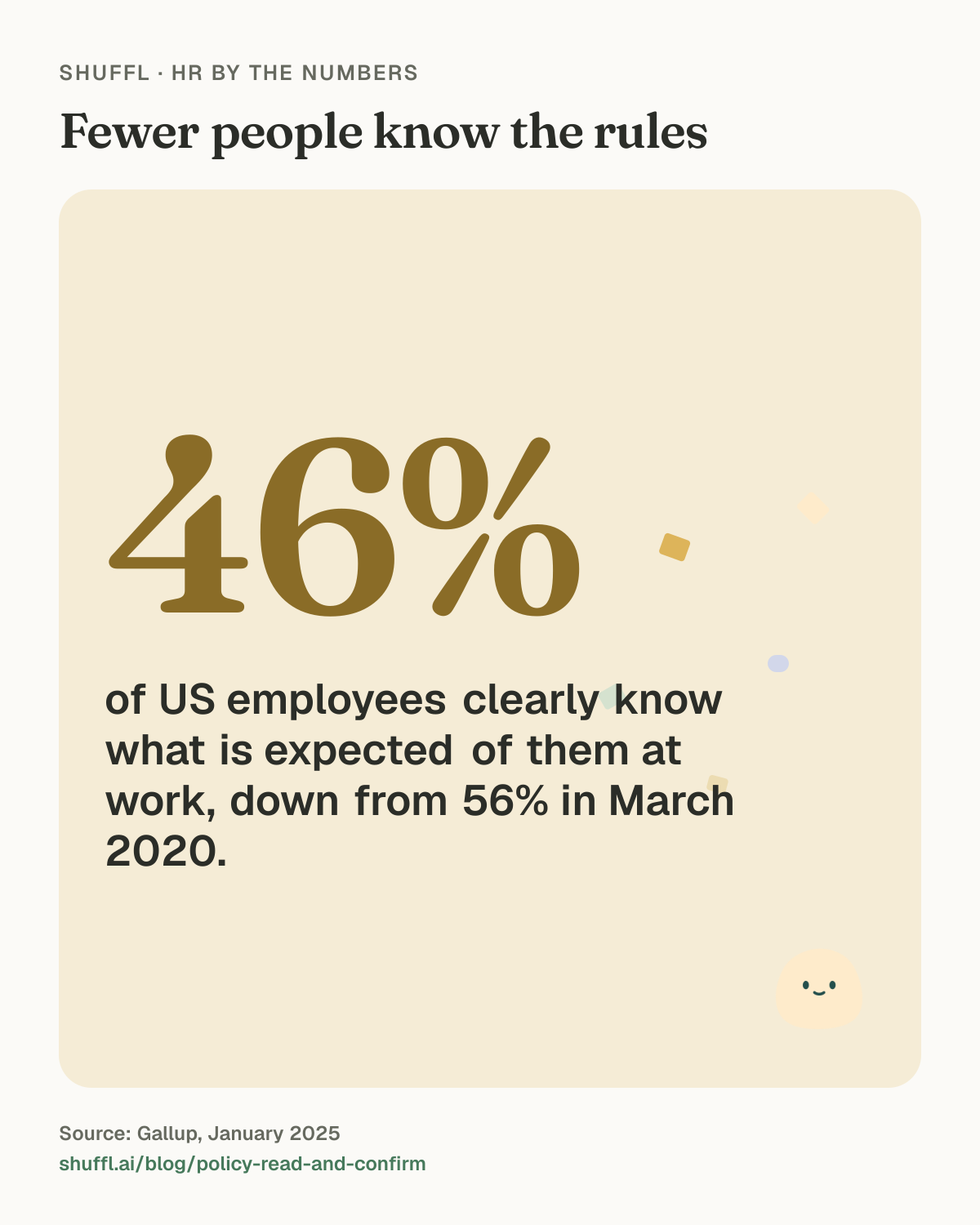
Expectations are getting less clear at work. Gallup’s 2024 data from 79,087 US employees found that just 46% clearly know what is expected of them at work, down 10 points from a high of 56% in March 2020.3 An unread policy adds to that.
A short request with one button at the end of the page asks for a few minutes and a click. What comes back is something HR can use: the names of the people still to read it.
Shuffl · HR by the numbers
Fewer people know the rules
Fewer people know the rules: 46% of US employees clearly know what is expected of them at work, down from 56% in March 2020.. Source: Gallup, January 2025.
How does policy read-and-confirm work in Shuffl?
Read-and-confirm works on any page you publish in Knowledge, Shuffl’s library of HR policies and guides. It asks the people the page is published to: everyone in the workspace, or the departments, groups or roles you chose. A page only HR admins can read asks nobody.
Shuffl · HR by the numbers
Read-and-confirm in four steps
Read-and-confirm in four steps. 1. Publish the policy: To the people it covers 2. Ask to confirm: One message each, in Slack or by email 3. They confirm: One click at the end of the page 4. Remind the rest: Only the people still to confirm, once a day at most
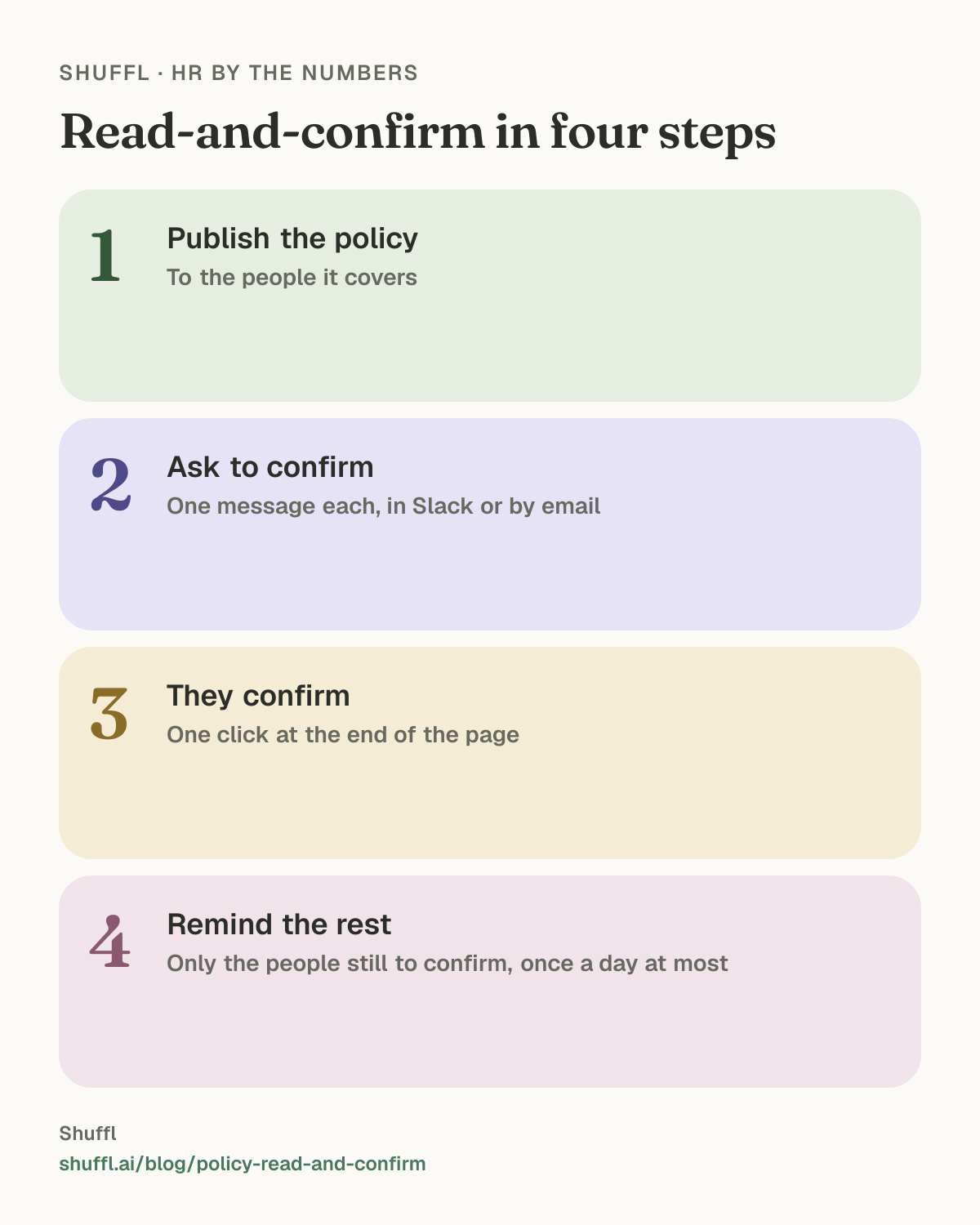
- Publish the policy in Knowledge to the people who must follow it.
- Open it and choose Ask to confirm. Leave Message them now on to send each person a message in Slack or by email, on the channels they chose for Shuffl messages.
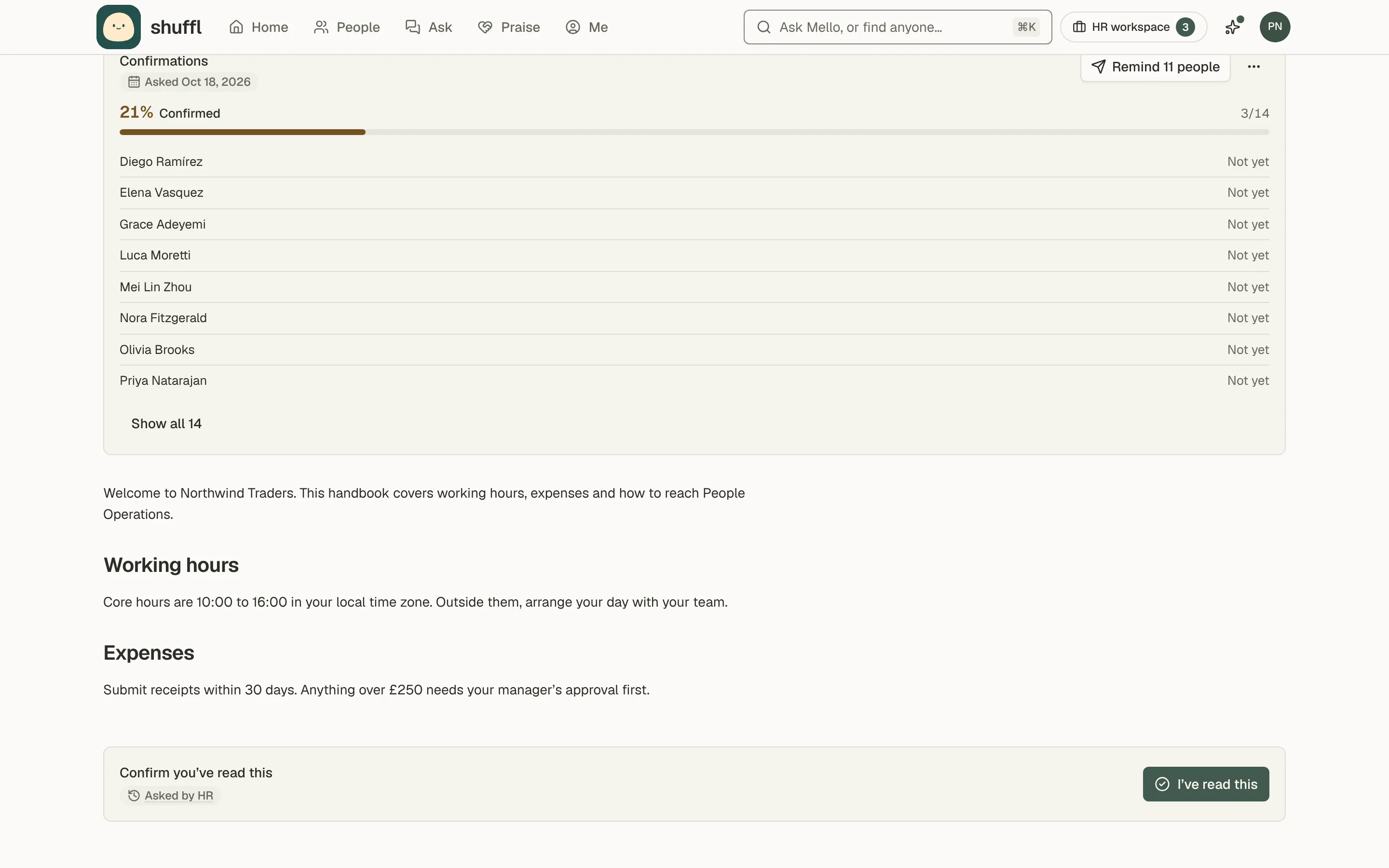
- People open the page from that message, or from Please confirm on their Home, and choose I’ve read this at the end.
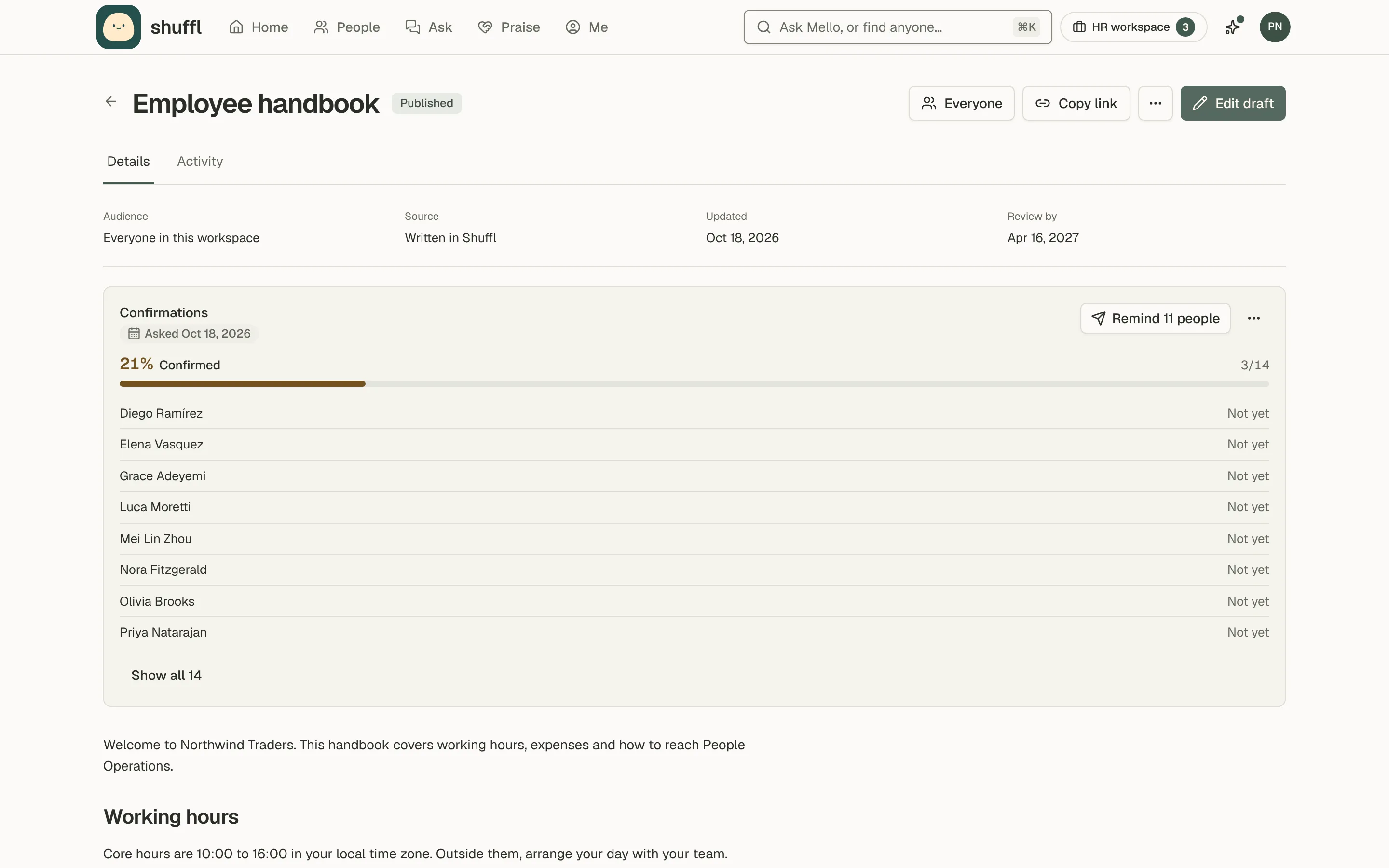
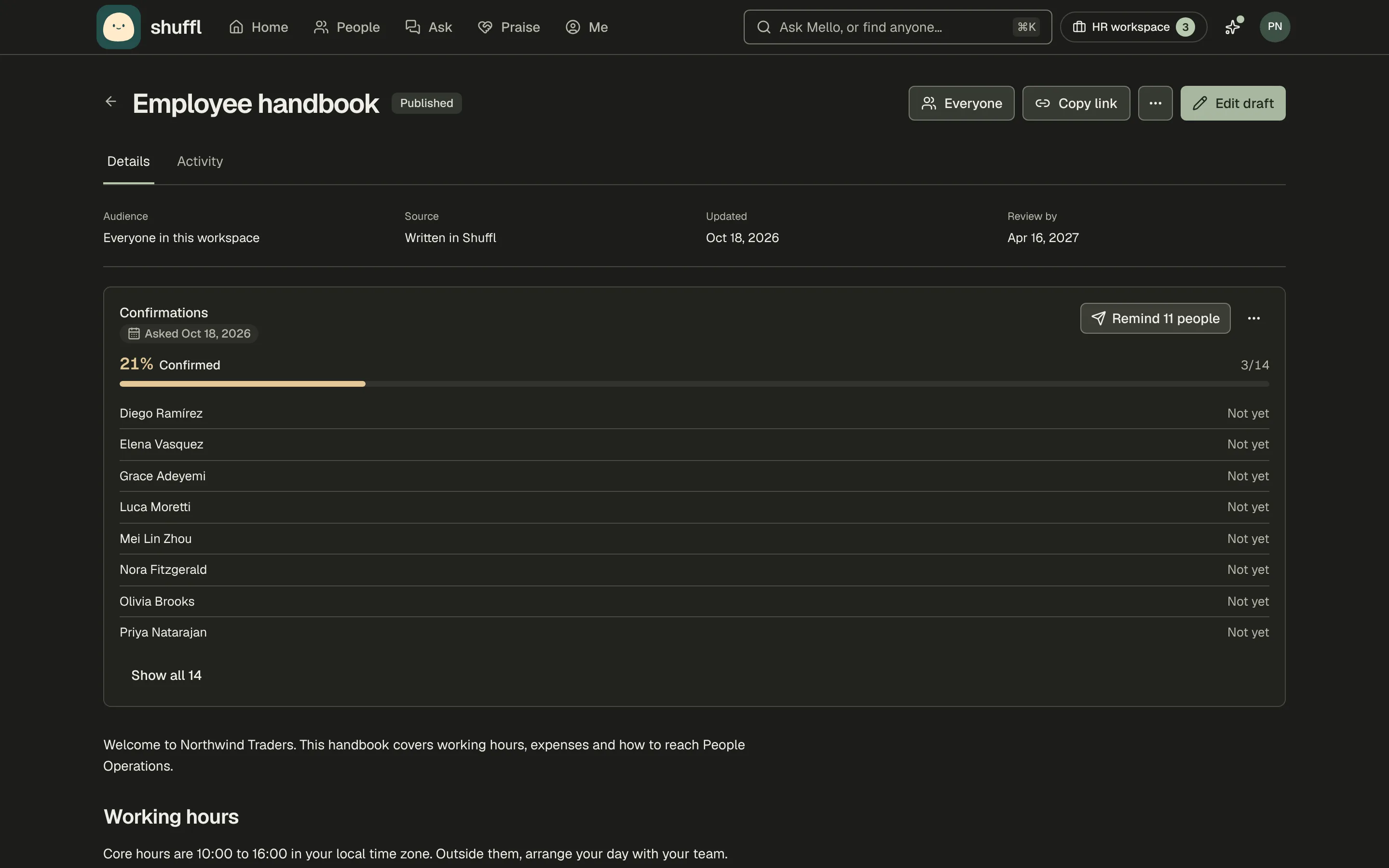
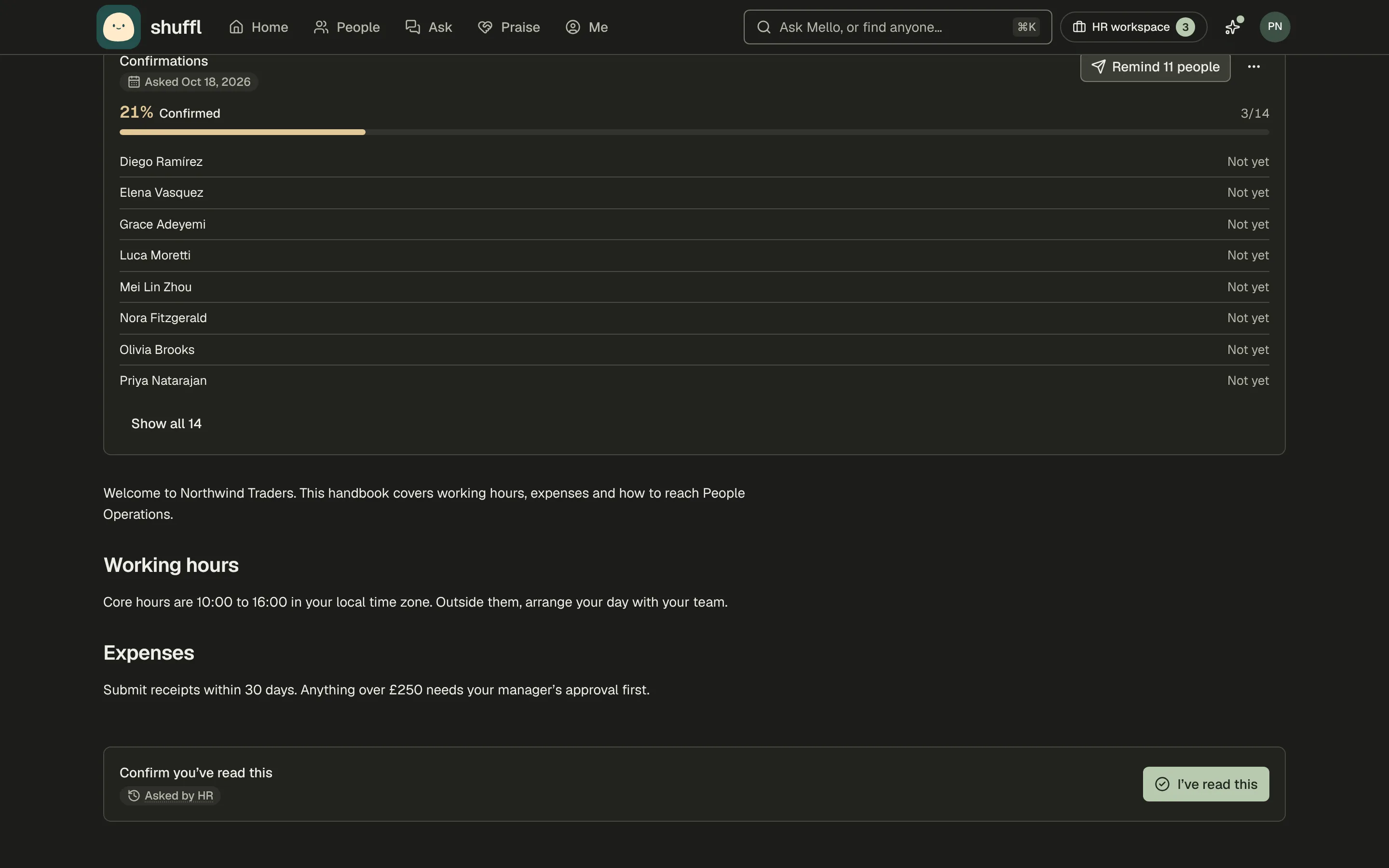
- Confirmations, above the page, shows the share who confirmed, the date each person did, and who hasn’t yet.
- Remind messages only the people still to confirm, at most once a day.
- When you no longer need answers, Stop asking ends the request. Confirmations already given stay on the record.
ShufflAPP
What happens when the policy changes?
When you publish a new version, nothing already on the record moves. Someone who confirmed the old version shows as Confirmed an earlier version, so you can see who has read what.
Choose Ask again to ask everyone to confirm the new version. Shuffl checks the version at the moment someone confirms. If the page changed while they were reading, it asks them to read the current version first.
Only the person can confirm, in the app. An API key or an agent can’t confirm for anyone, and Shuffl never edits or deletes a confirmation. If someone confirms twice, the first record stands.
Shuffl · Worth quoting
On policy acknowledgement
On policy acknowledgement: “Proof that someone read a policy comes down to three things: their name, the date and the version they read.”
Proof that someone read a policy comes down to three things: their name, the date and the version they read.
How do you ask new hires to read the handbook?
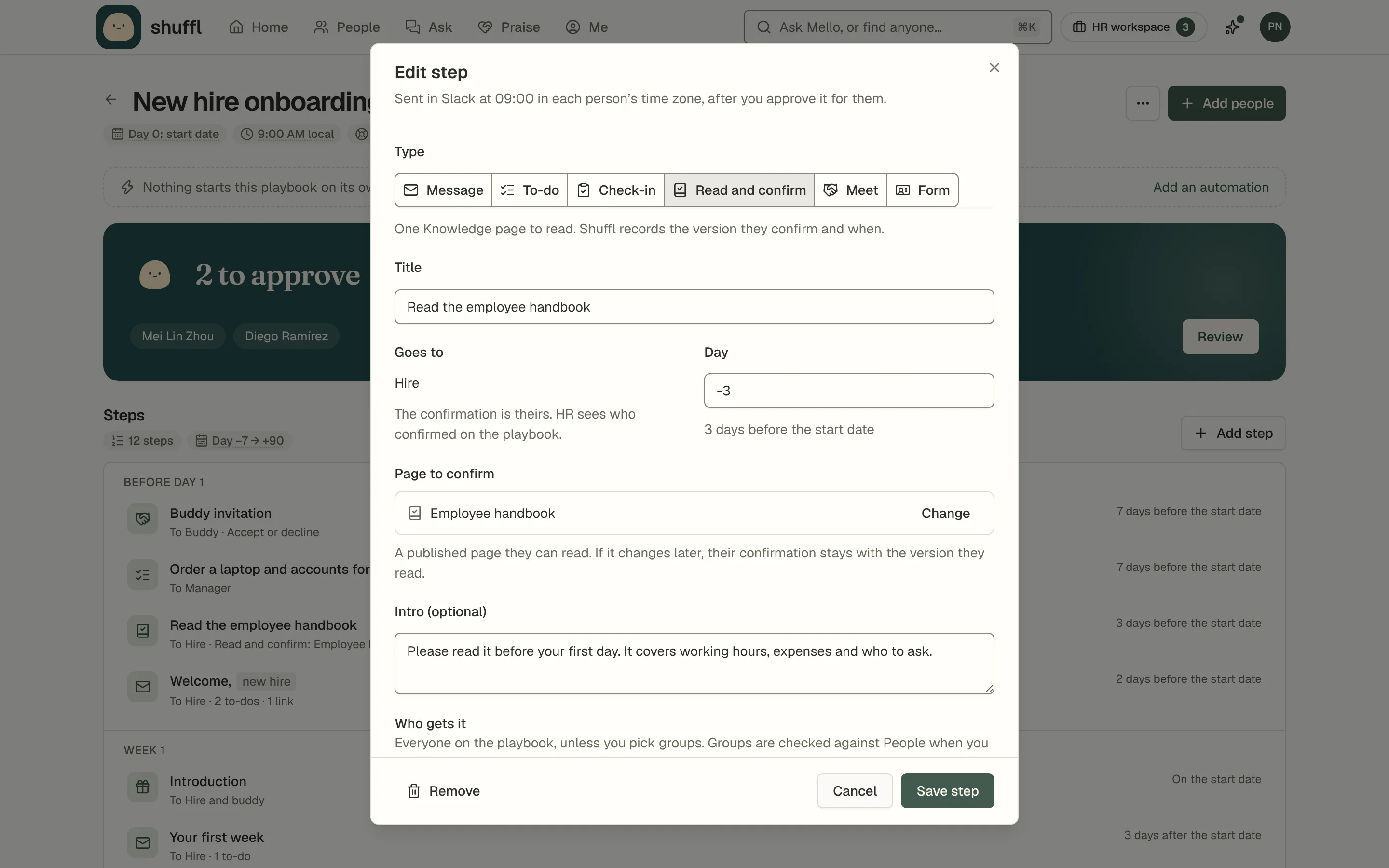
Asking the whole company suits a new policy. For the handbook, you usually want each new hire to confirm it once, in their first days. In Shuffl that is a Read and confirm step in a playbook, the plan a new hire follows from before day one.
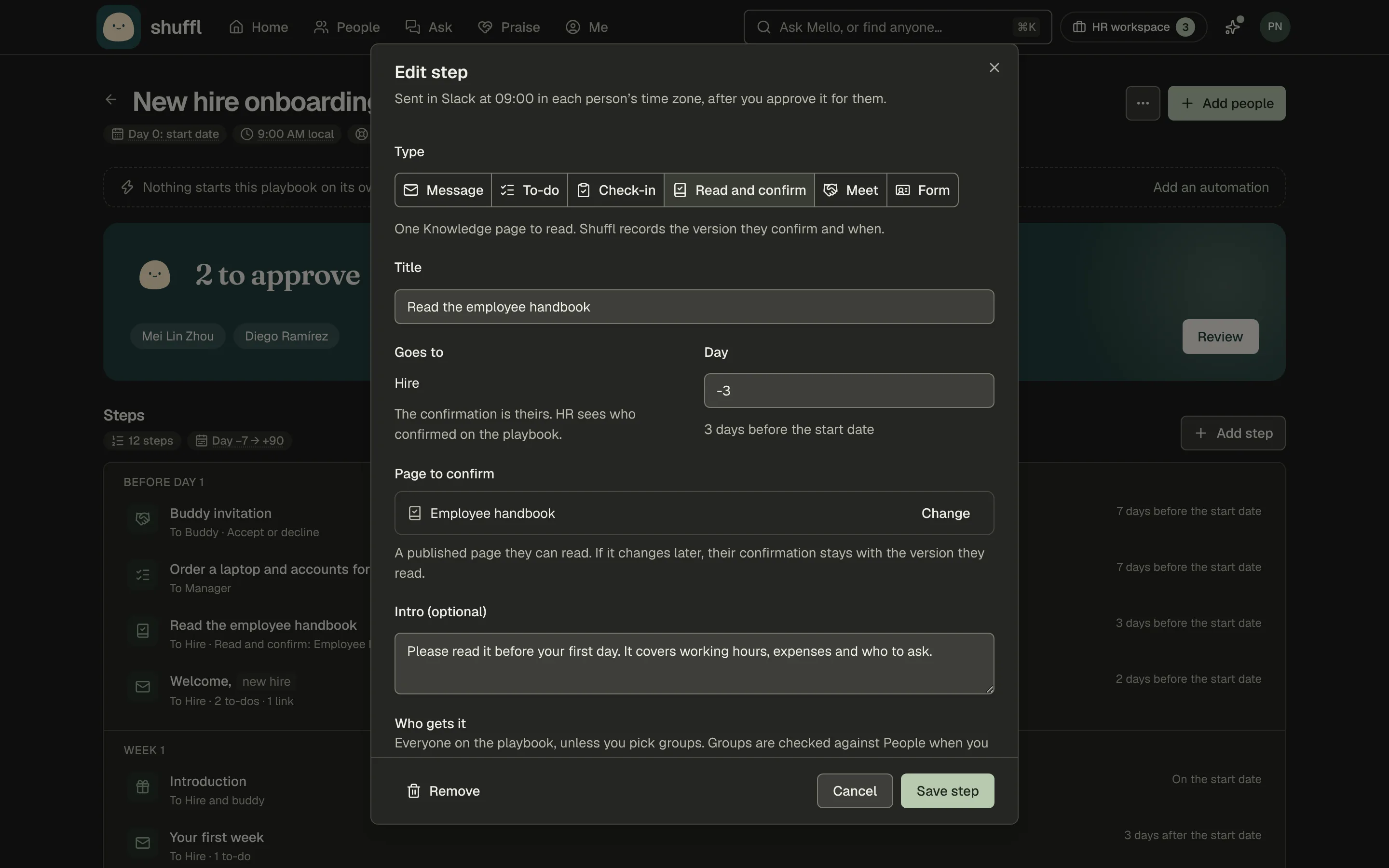
Add the step, pick the published page and the day, and approve each person’s steps as usual. On the day, the hire gets a Slack message whose Read and confirm button opens the page. The step keeps the same record as any other confirmation: who, which version and when.
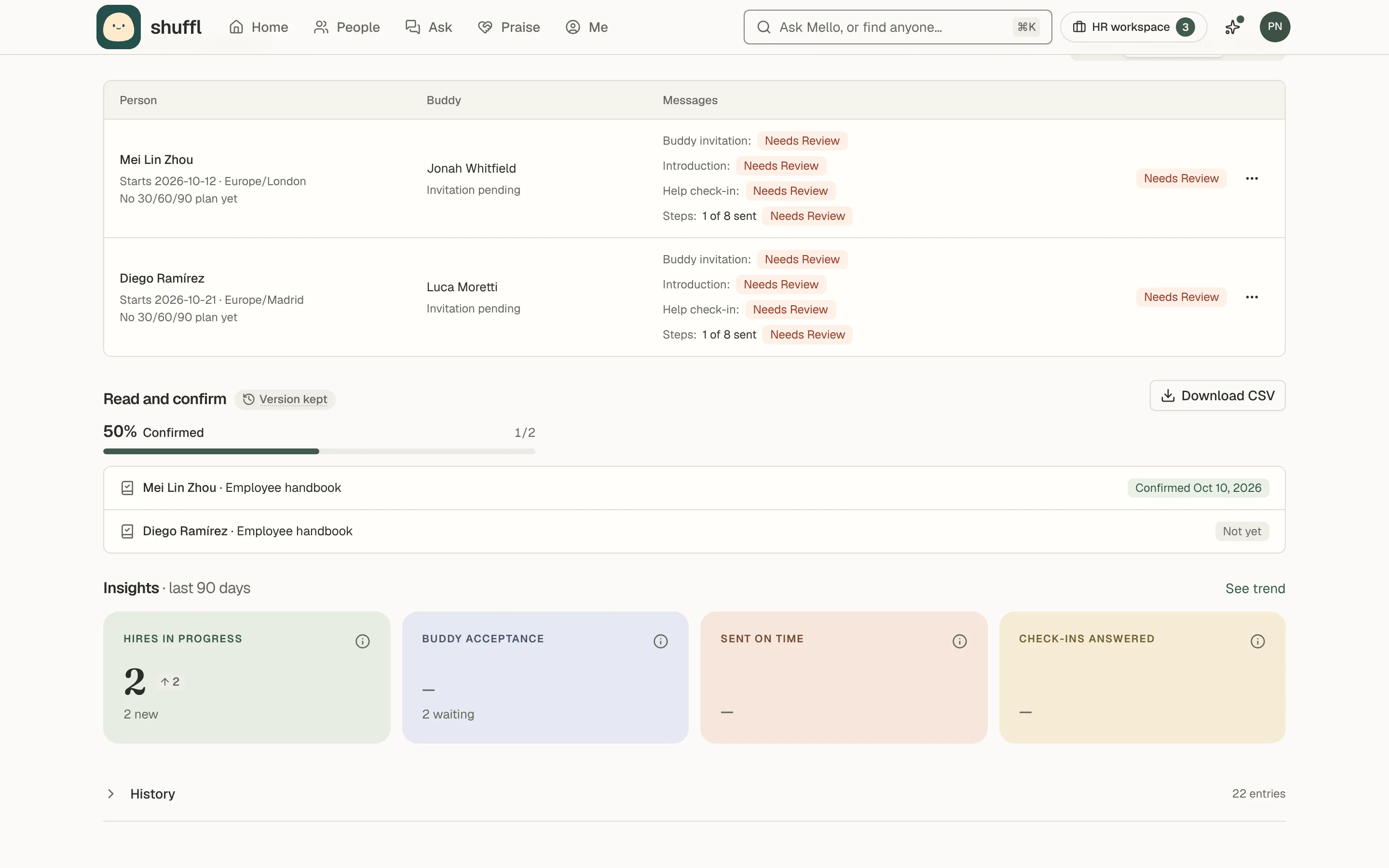
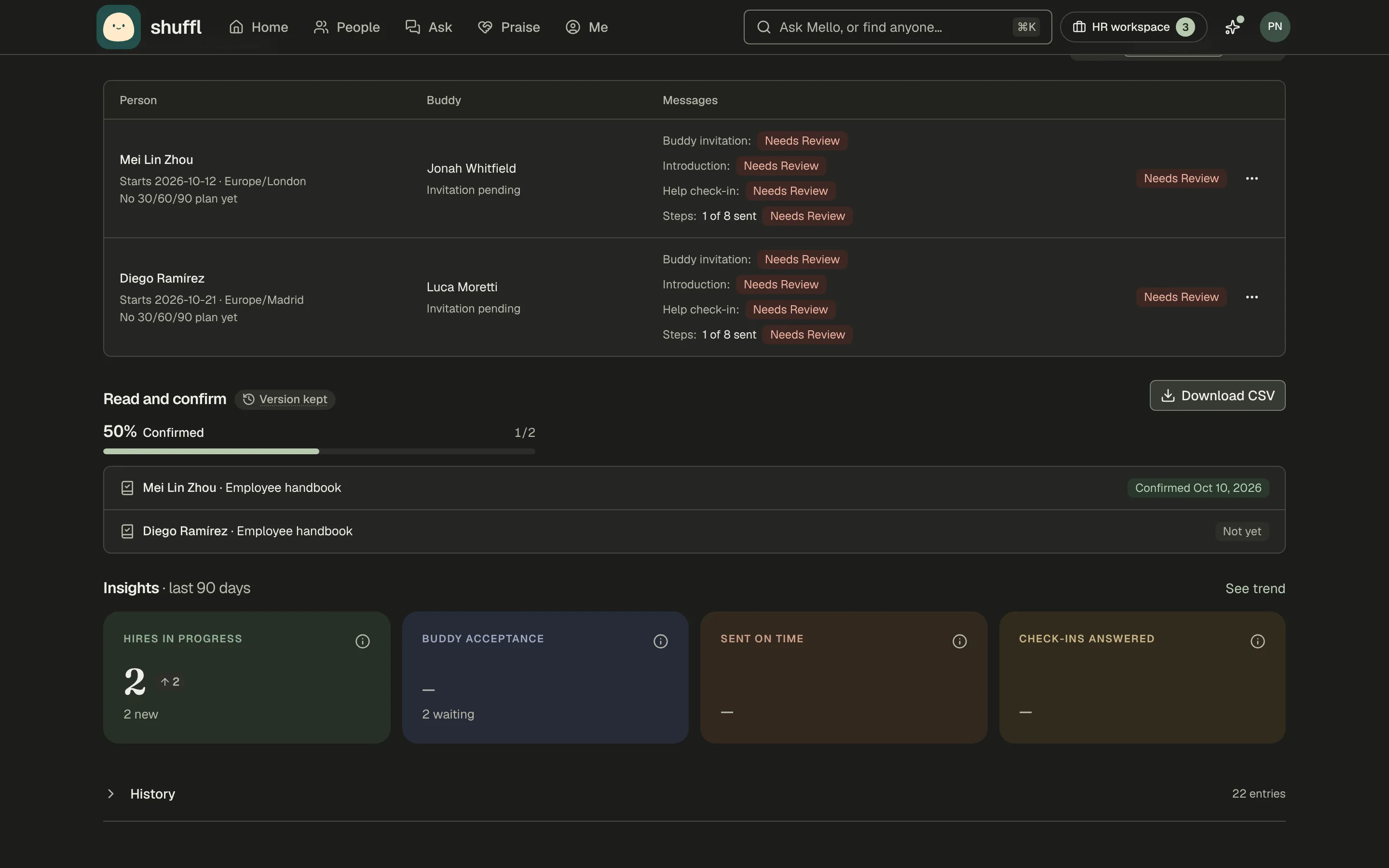
Read and confirm on the playbook’s page shows who has confirmed, and Download CSV gives each person, page, status, date and version for your records. The Hires tab flags pages still unconfirmed after three days. If the page changes after a hire confirmed it, their confirmation stays with the version they read, and the step doesn’t ask again.
Mello, the assistant in Shuffl, can draft a playbook from your handbook, with Read and confirm steps on the days the pages give. Nothing is saved, sent or started until you check, save and approve it.
What if the policy isn’t written yet?
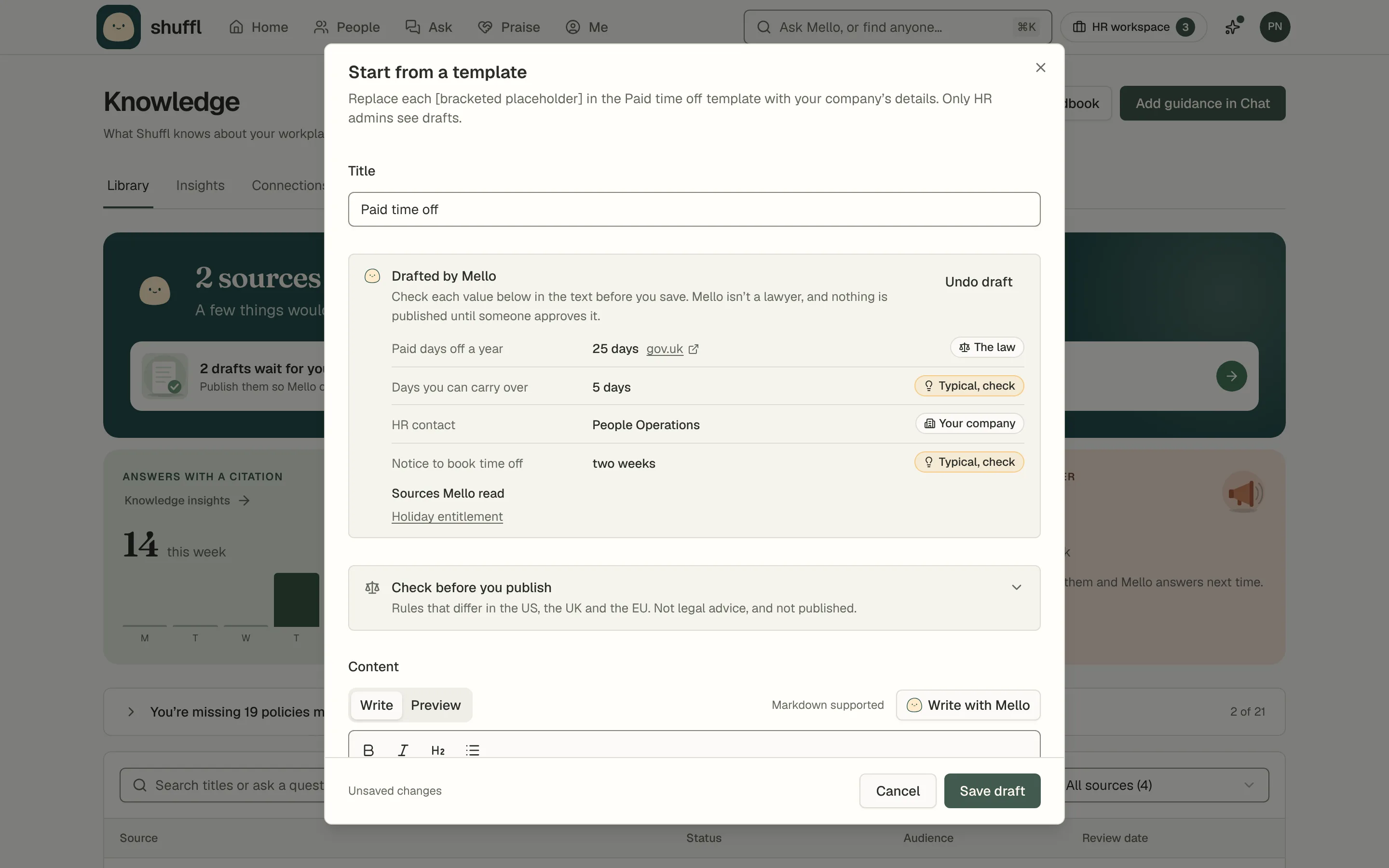
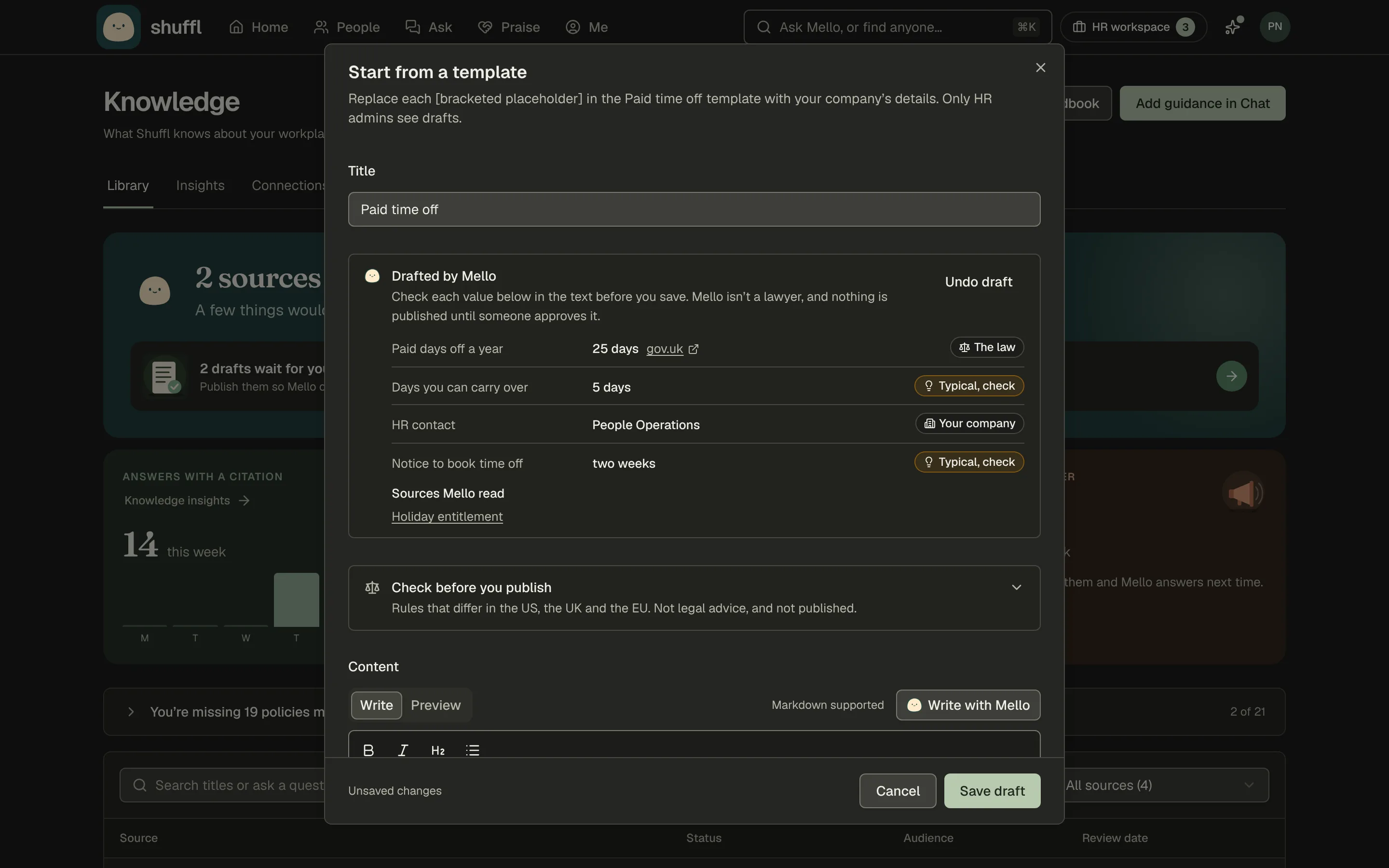
Knowledge has over twenty policy templates, such as paid time off, expenses and code of conduct. Each arrives with what Shuffl already knows filled in, like your company name and HR contact, listed so you can check it.
Draft with Mello fills the remaining blanks from your Knowledge and from official sources for the places your people work, and marks each value Your company, The law or Typical, check. Check every one before you publish. Mello is not a lawyer and the draft is not legal advice, so have someone qualified review the policy.
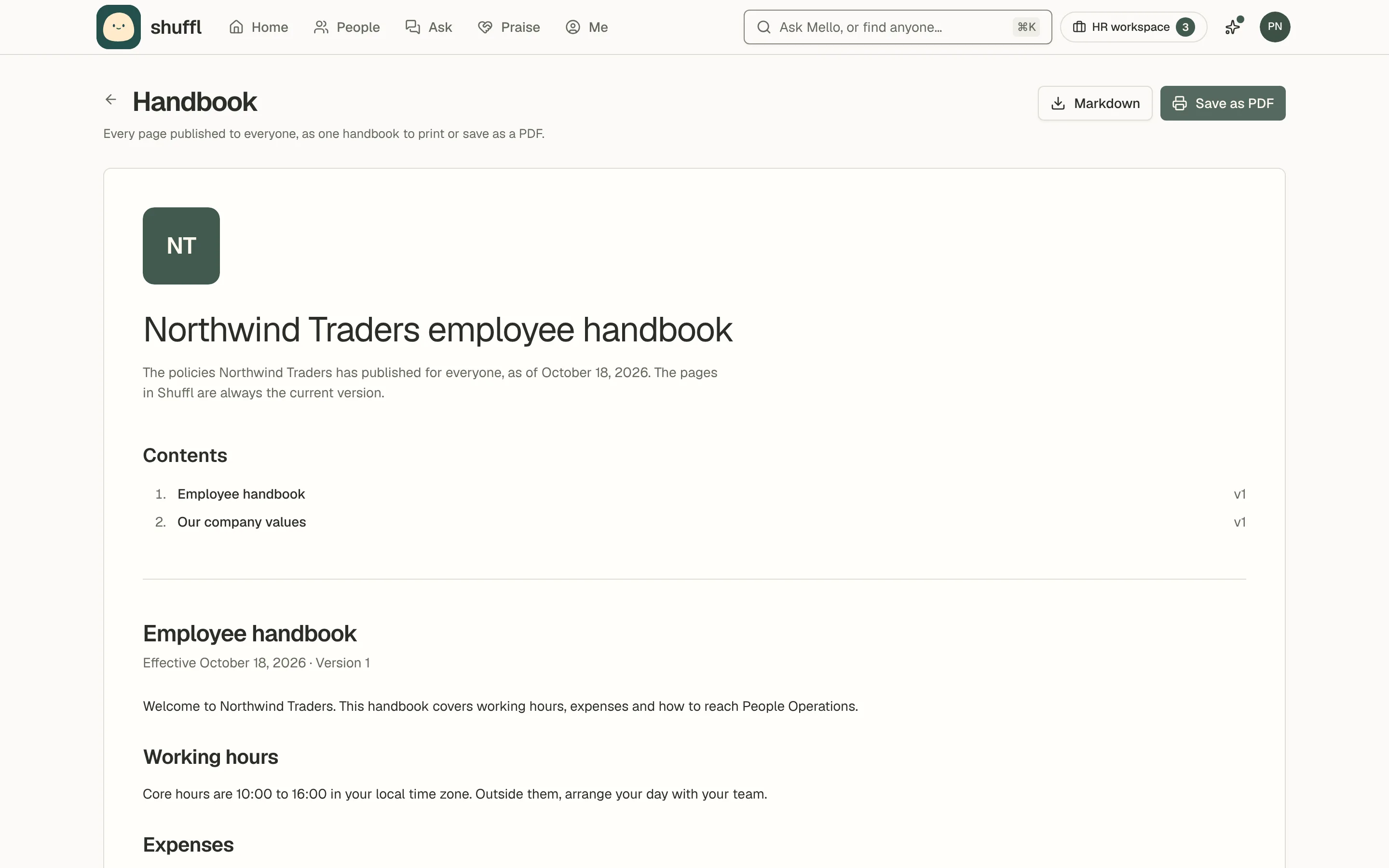
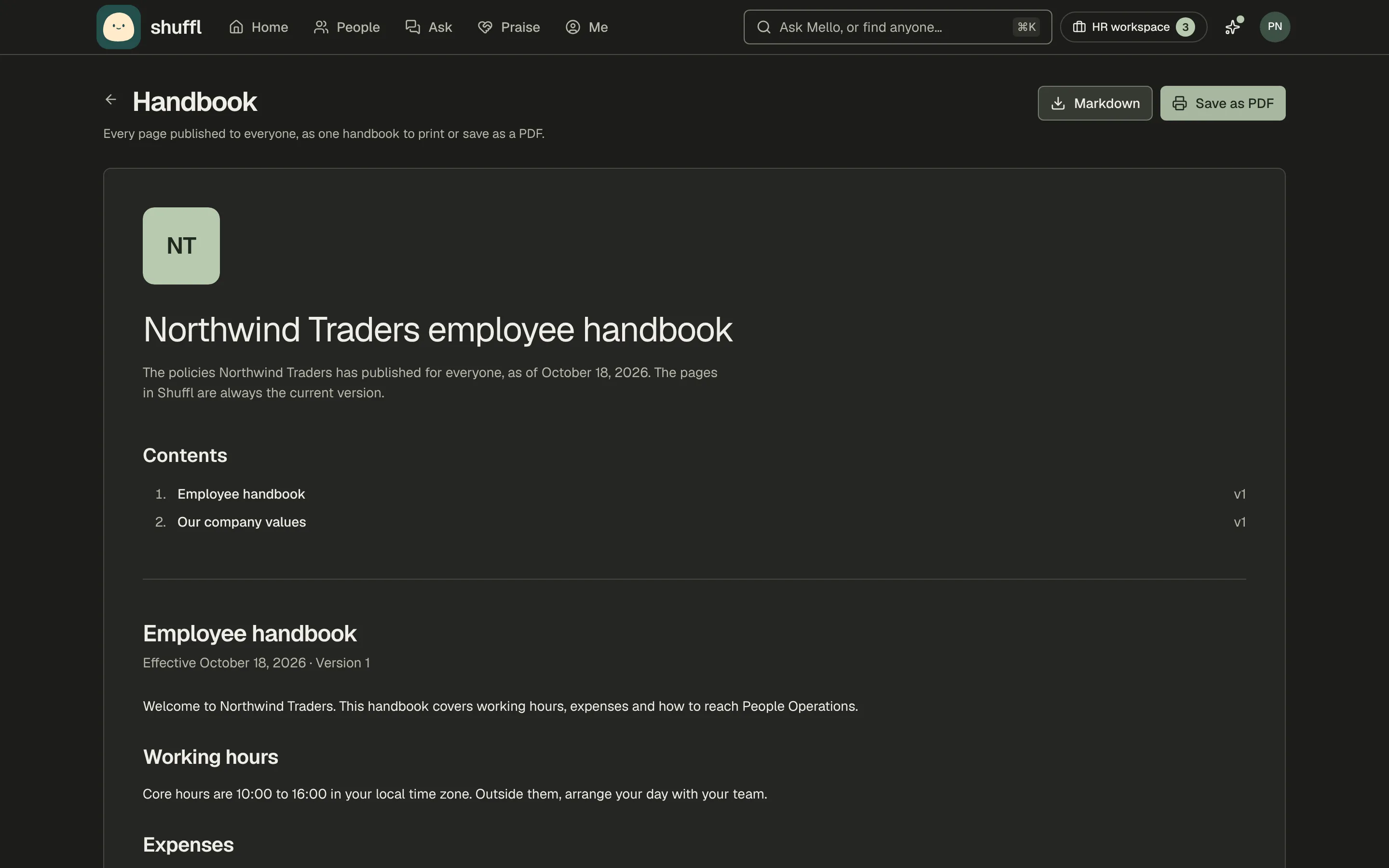
When someone needs the whole handbook as one document, Handbook in Knowledge gathers every page published to everyone, with each policy’s effective date and version number, as a PDF or a Markdown file. Pages for particular groups are left out, and the page says how many.
Which policies should employees confirm?
Ask sparingly. When every page wants a click, people stop reading and just click. Save confirmations for the policies where you would need to show that someone saw the rule.
- The code of conduct and anti-harassment policy, when they change and on a regular cycle.
- An AI use policy, especially while it is new and still changing.
- Information security and data handling rules.
- The employee handbook, for each new hire in their first week.
- Health and safety rules, for the sites and teams they cover.
Where do you start?
Start with the one policy you would most need to show was read. Keep the page short enough to read in one sitting, with the rule near the top.
Publish it only to the people it applies to, so you aren’t chasing confirmations from people it doesn’t concern. Then choose Ask to confirm, and check Confirmations a few days later.
Shuffl, Mello included, is free for every team at any size.
Frequently asked questions
What is policy acknowledgement tracking?
It is a record of who was asked to read a policy, who confirmed they read it, which version they confirmed and when. It also shows who hasn’t confirmed yet, so HR knows who to remind.
Is emailing the policy to everyone enough?
An email shows the policy was sent. It can’t show that anyone read it, or which version they saw if the policy changed. A confirmation from the reader, tied to a version and a date, is a stronger record.
What happens to confirmations when a policy is updated?
In Shuffl, earlier confirmations stay on the record with the version they were for. Ask again asks everyone to confirm the new version.
Can HR or a manager confirm on an employee’s behalf?
No. In Shuffl only the person can confirm, in the app. An API key or an agent can’t confirm for anyone, and Shuffl never edits or deletes a confirmation.
How often should employees confirm a policy again?
Ask again whenever a policy changes in a way people need to act on. For core policies such as a code of conduct, set a regular cycle and keep to it.
Sources
- University of Melbourne and KPMG, Trust, attitudes and use of artificial intelligence: A global study 2025, 2025. Survey of 48,000 people across 47 countries, collected November 2024 to mid-January 2025. Executive summary of the global report.
- Gallup, AI Use at Work Has Nearly Doubled in Two Years, June 15, 2025. Quarterly Gallup workforce studies: self-administered web surveys of a random sample of US adults working full or part time, members of the Gallup Panel. 2025 figures.
- Gallup, U.S. Employee Engagement Sinks to 10-Year Low, January 2025. Self-administered web surveys conducted throughout 2024 with a random sample of 79,087 US adults working full or part time, members of the Gallup Panel; margin of error ±0.5 points.